AI Bot Attacks on a Mobile App Login, and How Azure Stops Them
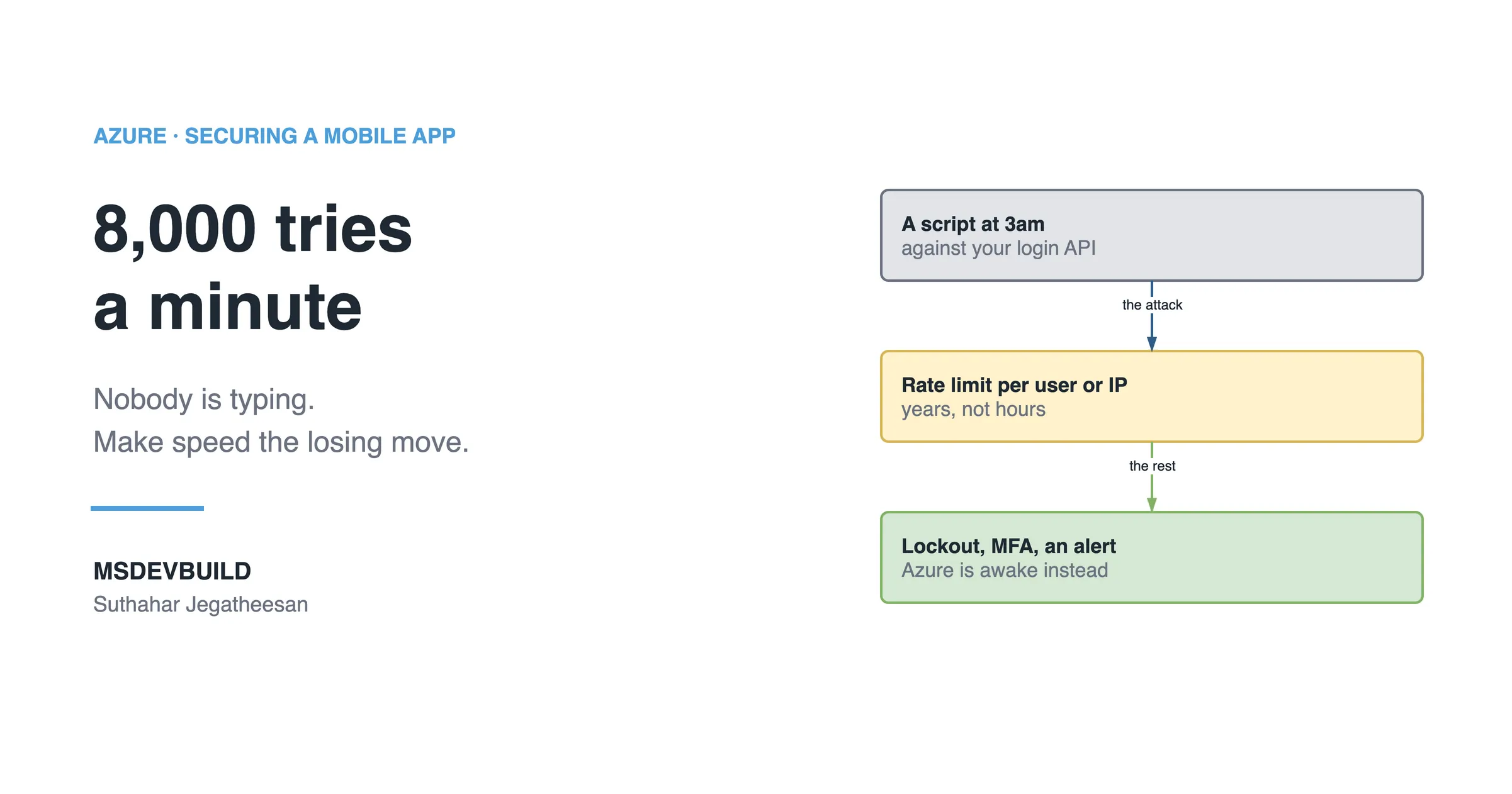
A script tries 8,000 passwords a minute against your login API at 3am. Rate limiting, smart lockout and Defender for Cloud make speed the losing move.
34 articles on .NET, Azure, and AI engineering, newest first.
A script tries 8,000 passwords a minute against your login API at 3am. Rate limiting, smart lockout and Defender for Cloud make speed the losing move.
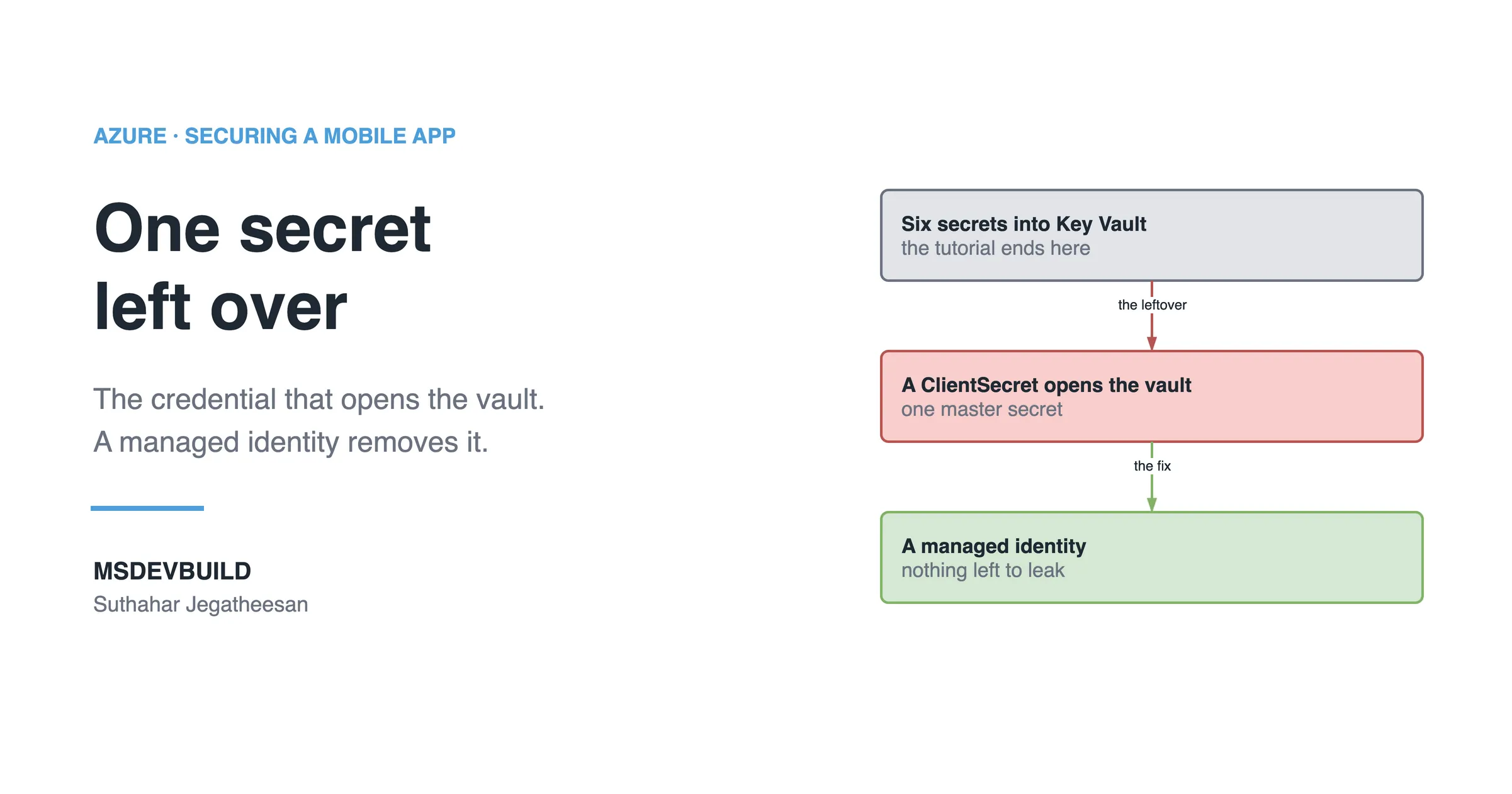
Moving every secret into Key Vault leaves exactly one behind: the credential that opens the vault. A managed identity is what removes it.
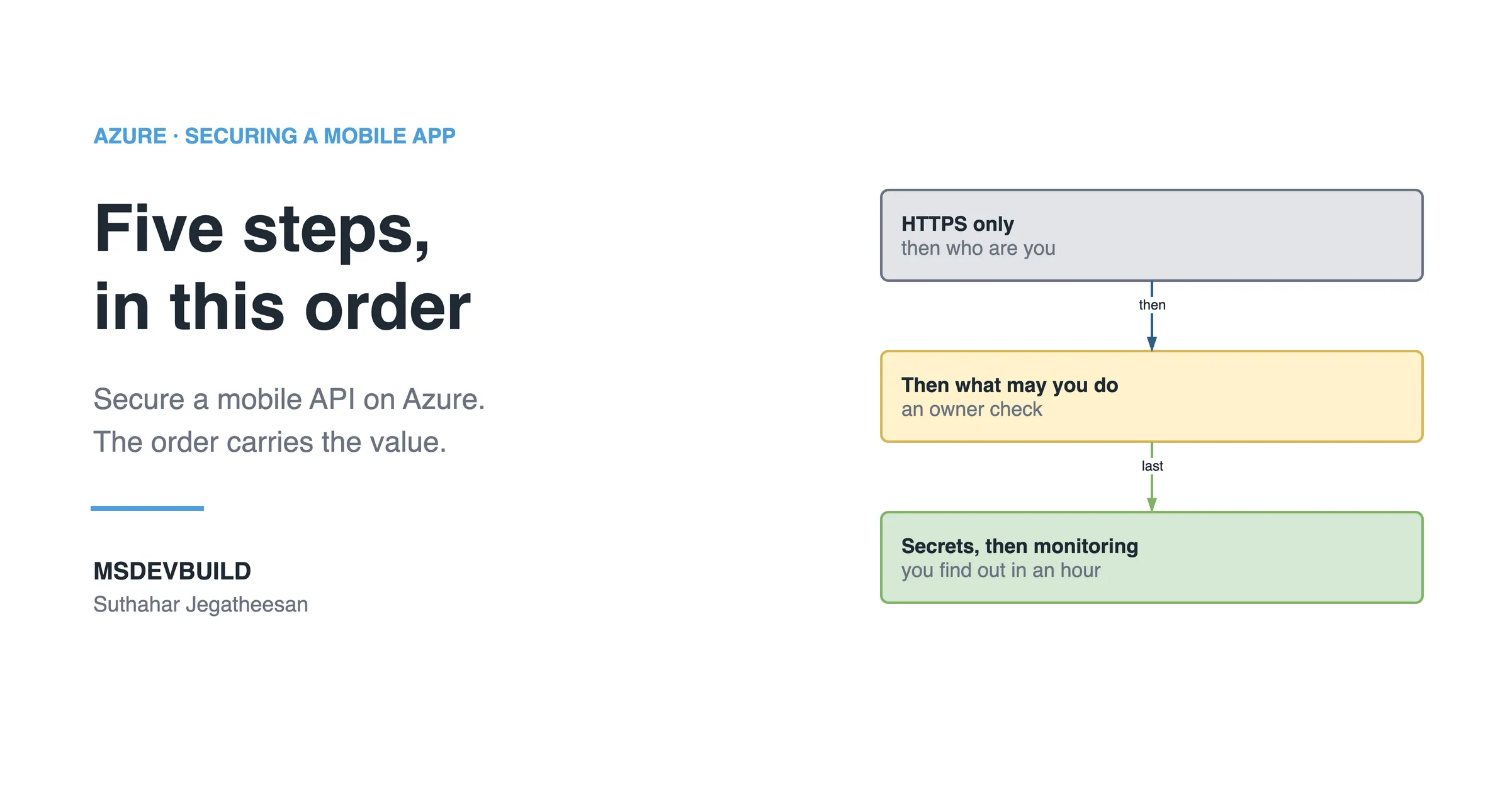
HTTPS only, authentication, authorization, secrets and monitoring: five steps to secure a mobile API on Azure, and why the order carries most of the value.
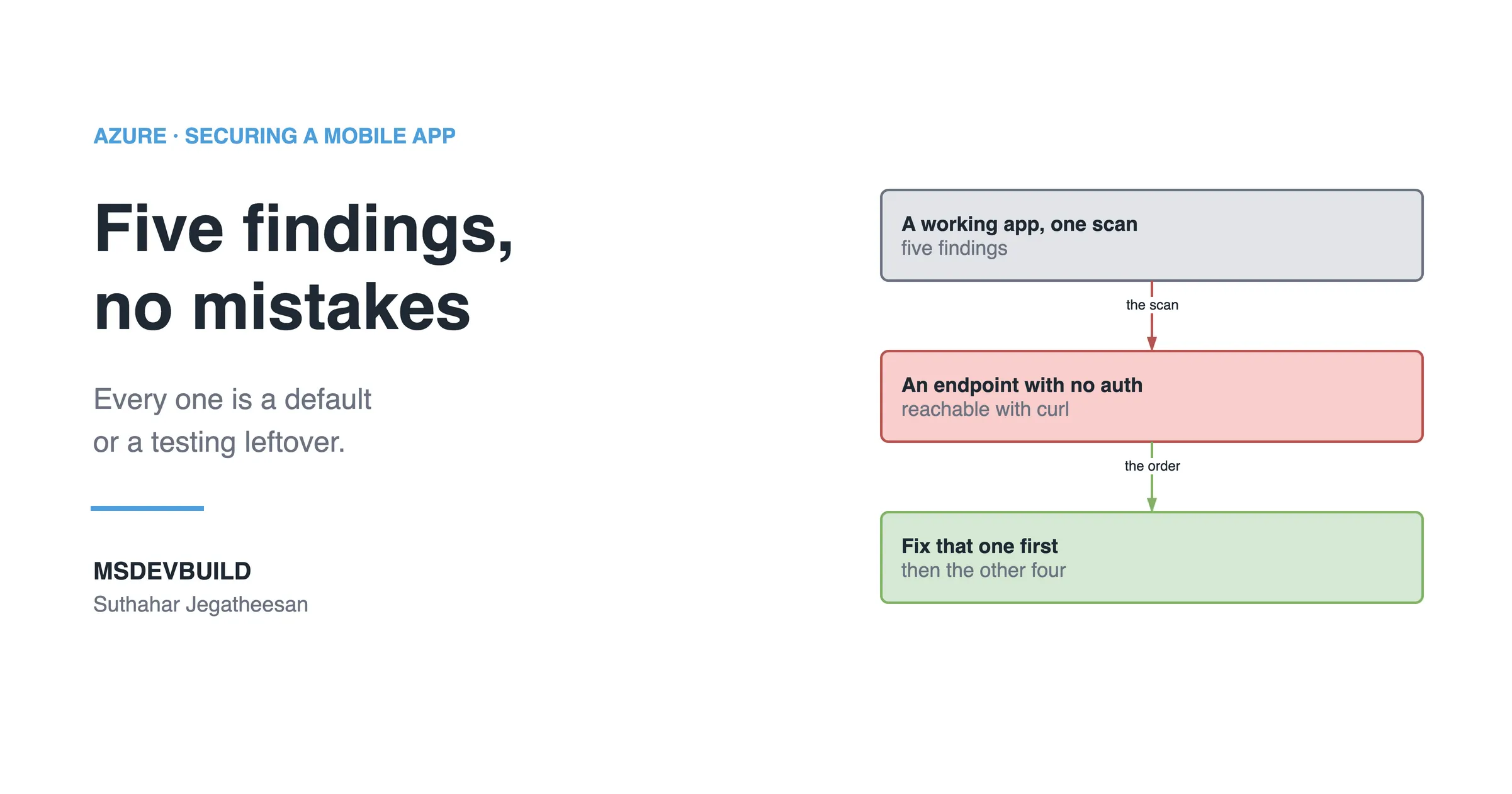
Five findings on a working mobile app, none deliberate: a secret in the package, a token in plain storage, an open endpoint, TLS off, extra permissions.
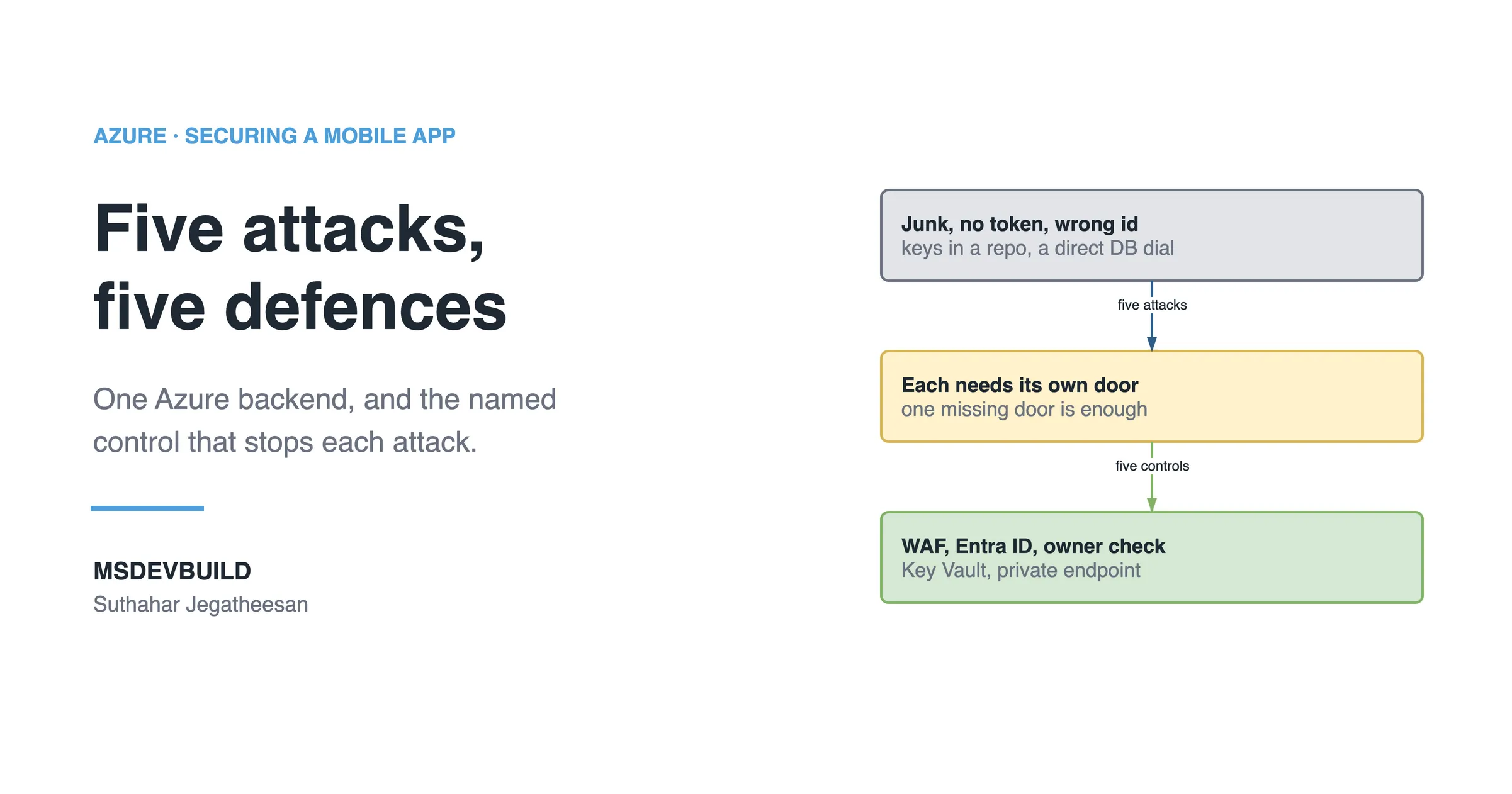
Five common attacks on one Azure mobile backend and the control that stops each: WAF, Entra ID, an owner check, Key Vault and a private endpoint.
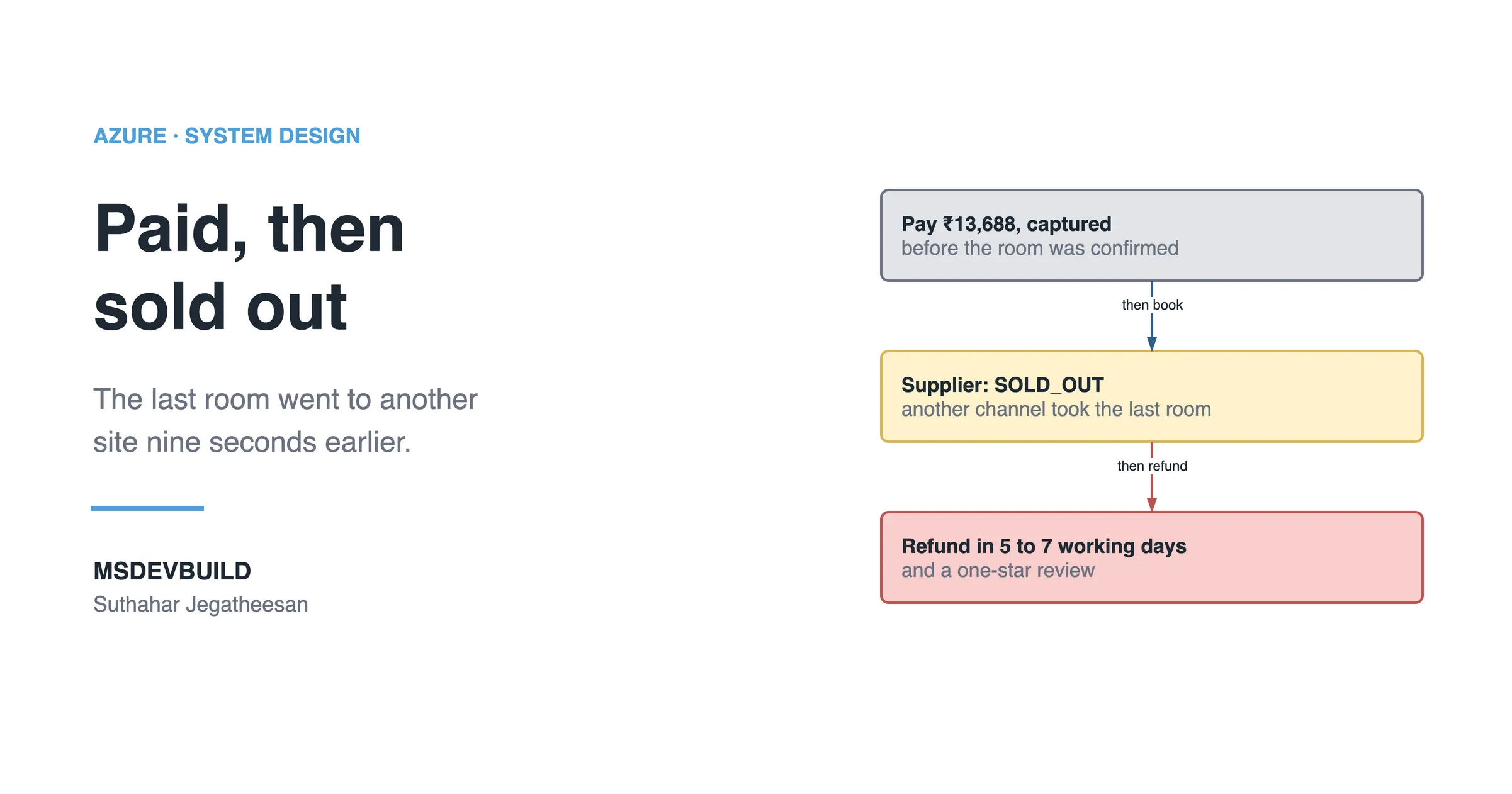
How hotel booking confirmation works after payment: authorize, book with the supplier, then capture, and what happens if another site sells the room first.
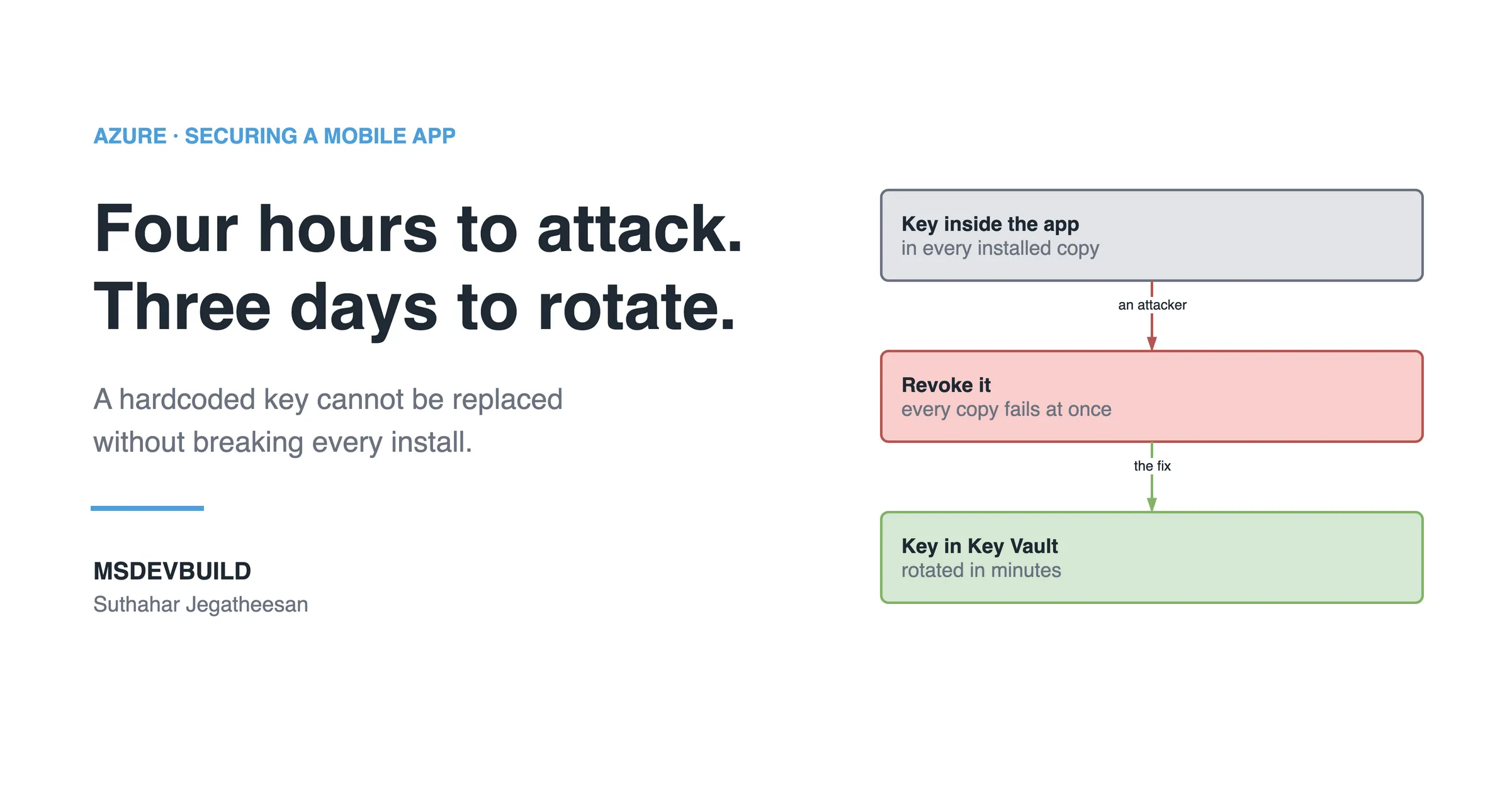
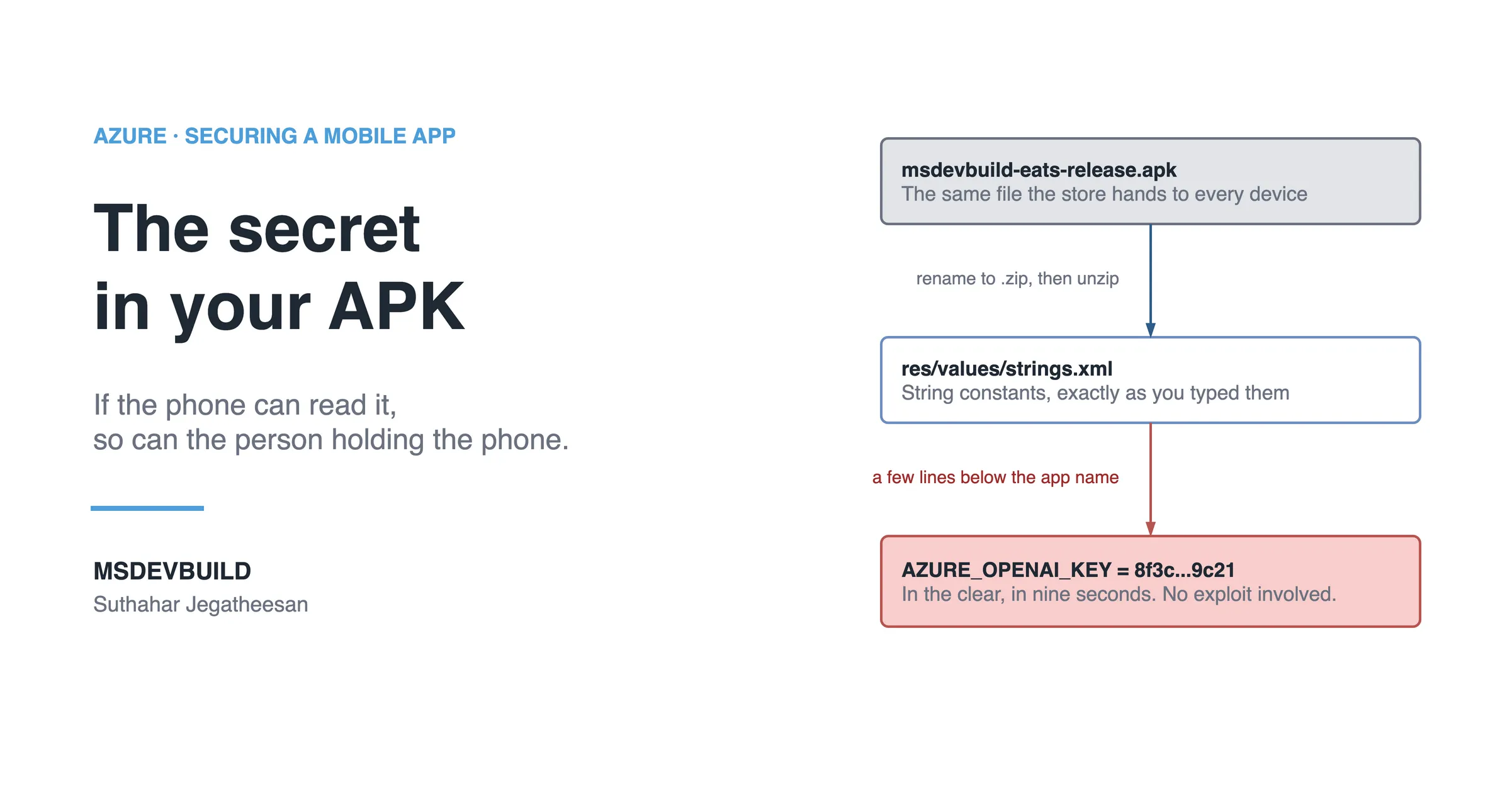
The attacker costs you hours. Rotating a key baked into 40,000 installed apps costs you days, and that gap is the real price of a hardcoded secret.
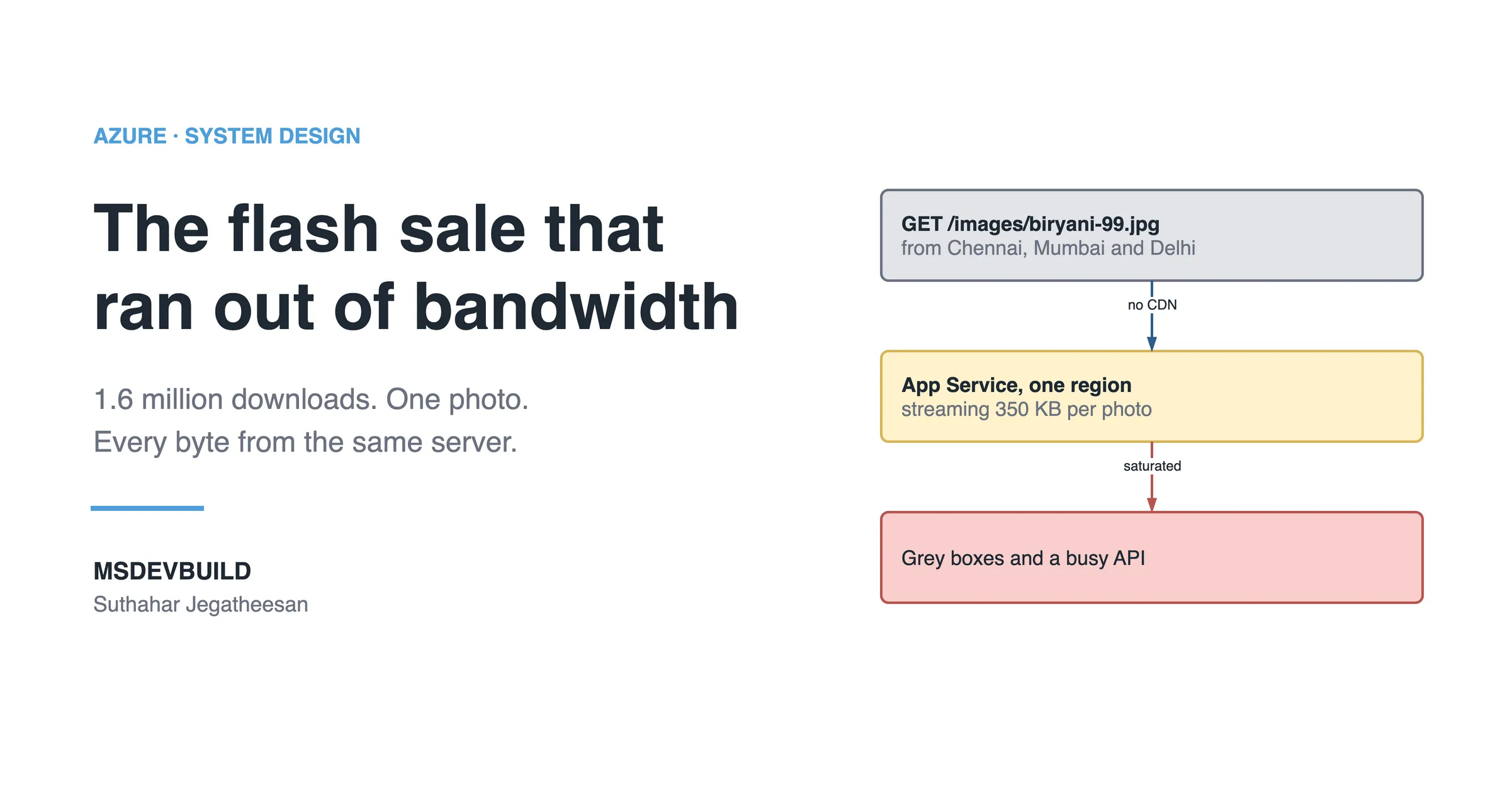
When to use a CDN on Azure, from a flash sale where one App Service served 1.6 million photo downloads. What to cache, and what never to.
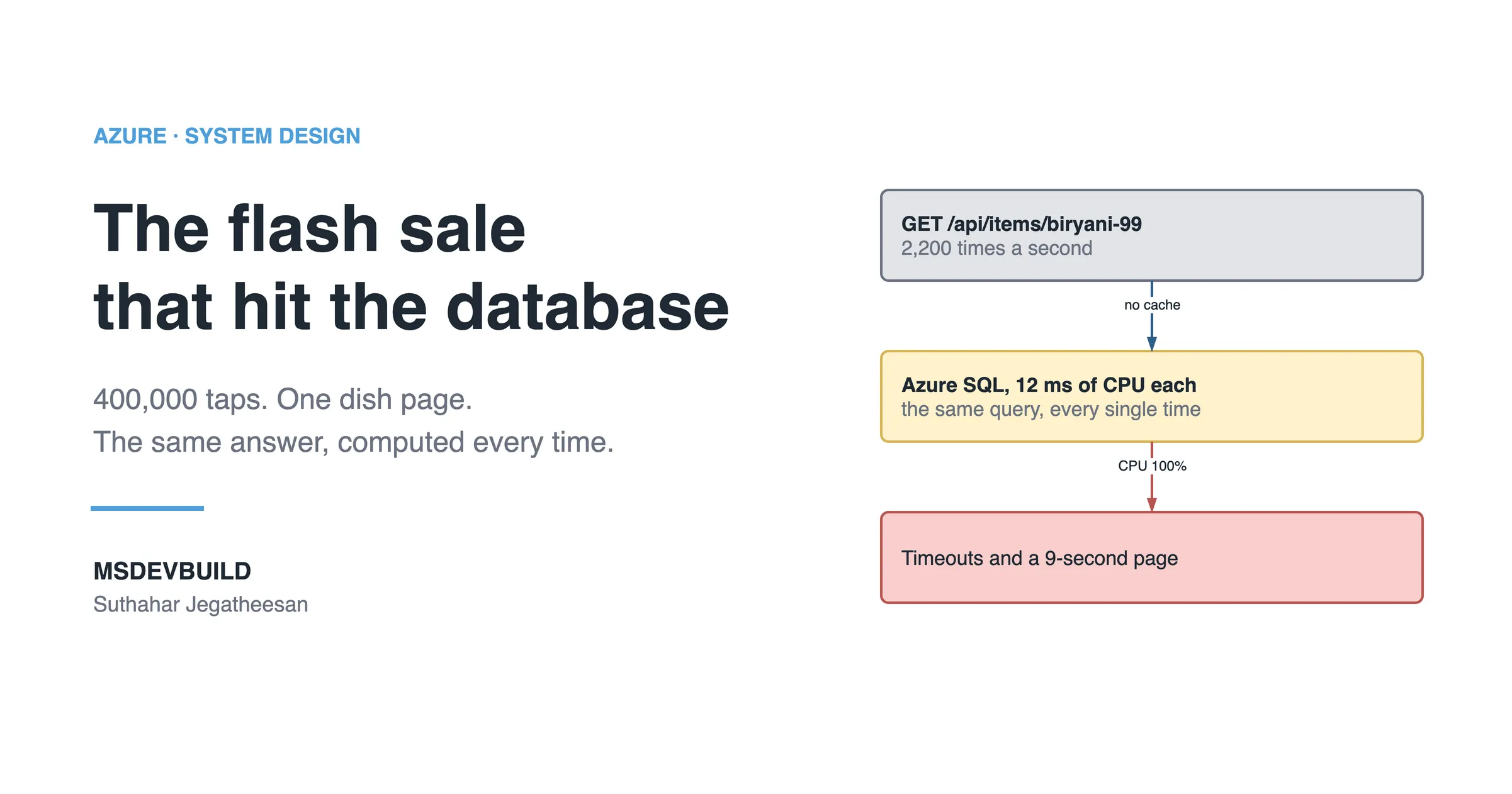
When to use Azure Managed Redis, which replaces Azure Cache for Redis, learned from a flash sale that hit Azure SQL 2,200 times a second.
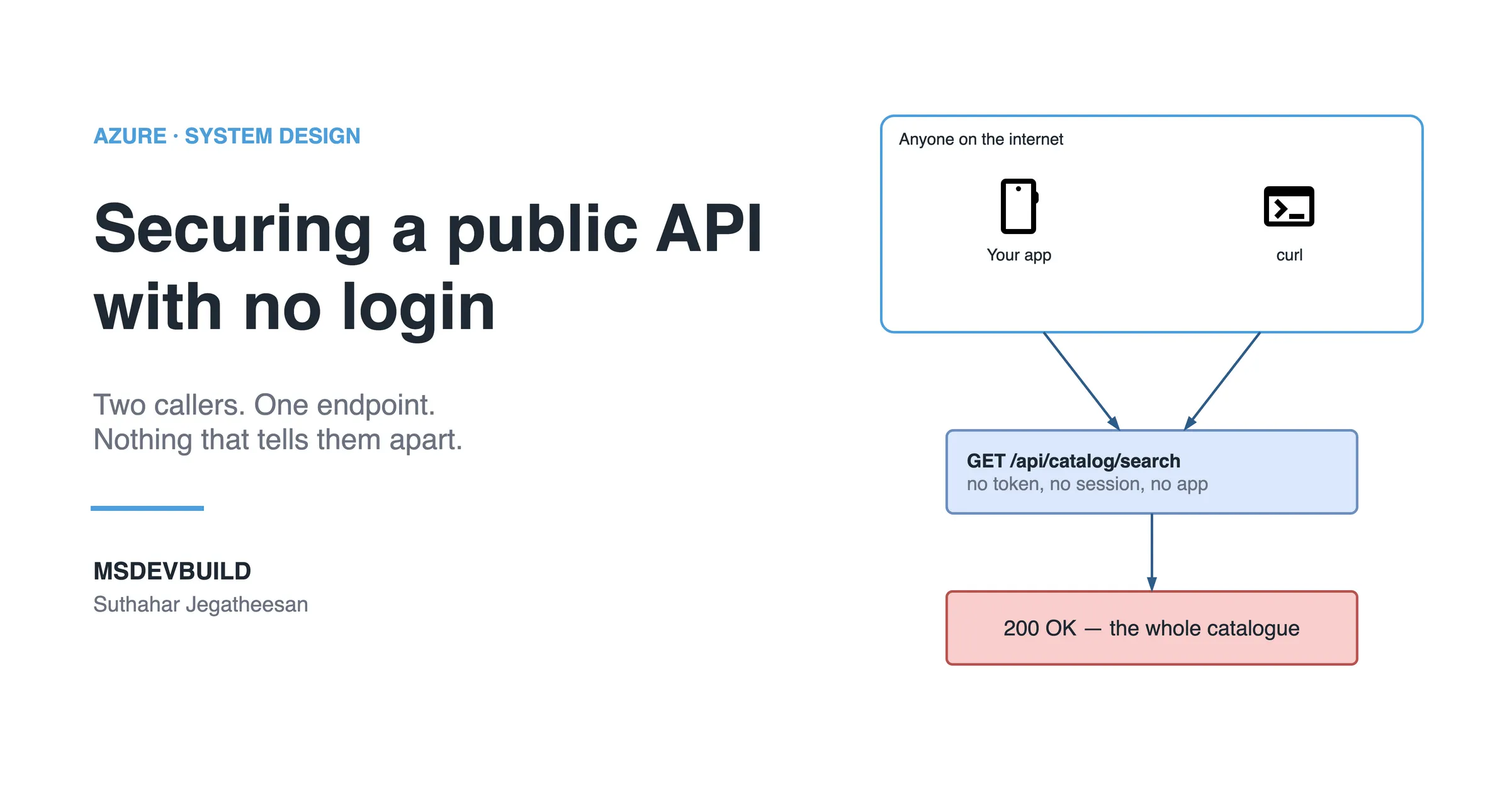
Browsing products without login was a real requirement. Trusting requests because they came from our own app was the bug, and curl does not care.
An APK or IPA is a zip file. Anything hardcoded inside it, including your API key, is already public — and here is how to get it off the phone for good.
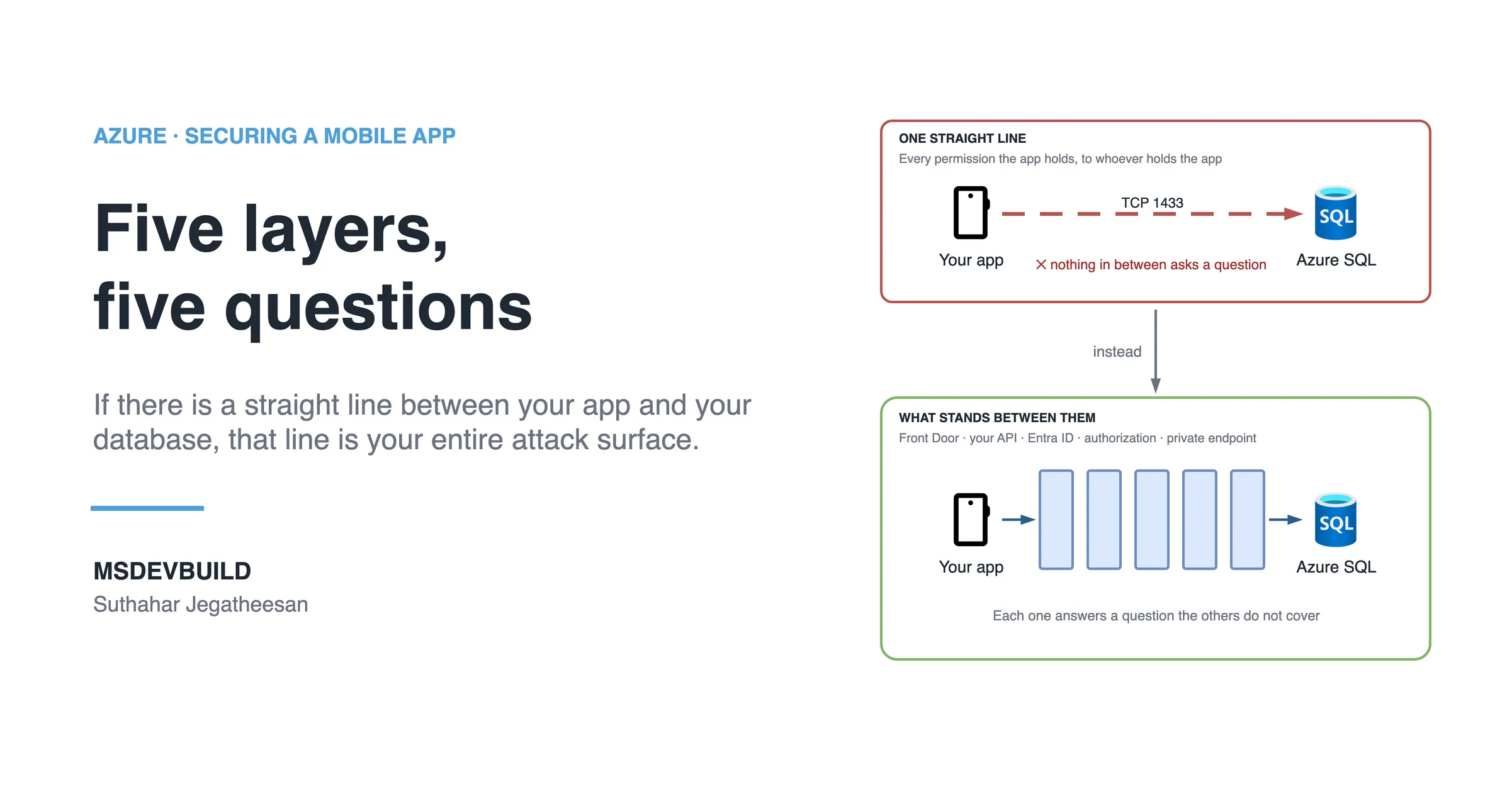
Front Door, your API, Microsoft Entra ID, authorization and a private database — the five layers that stand between a mobile app and its data on Azure.
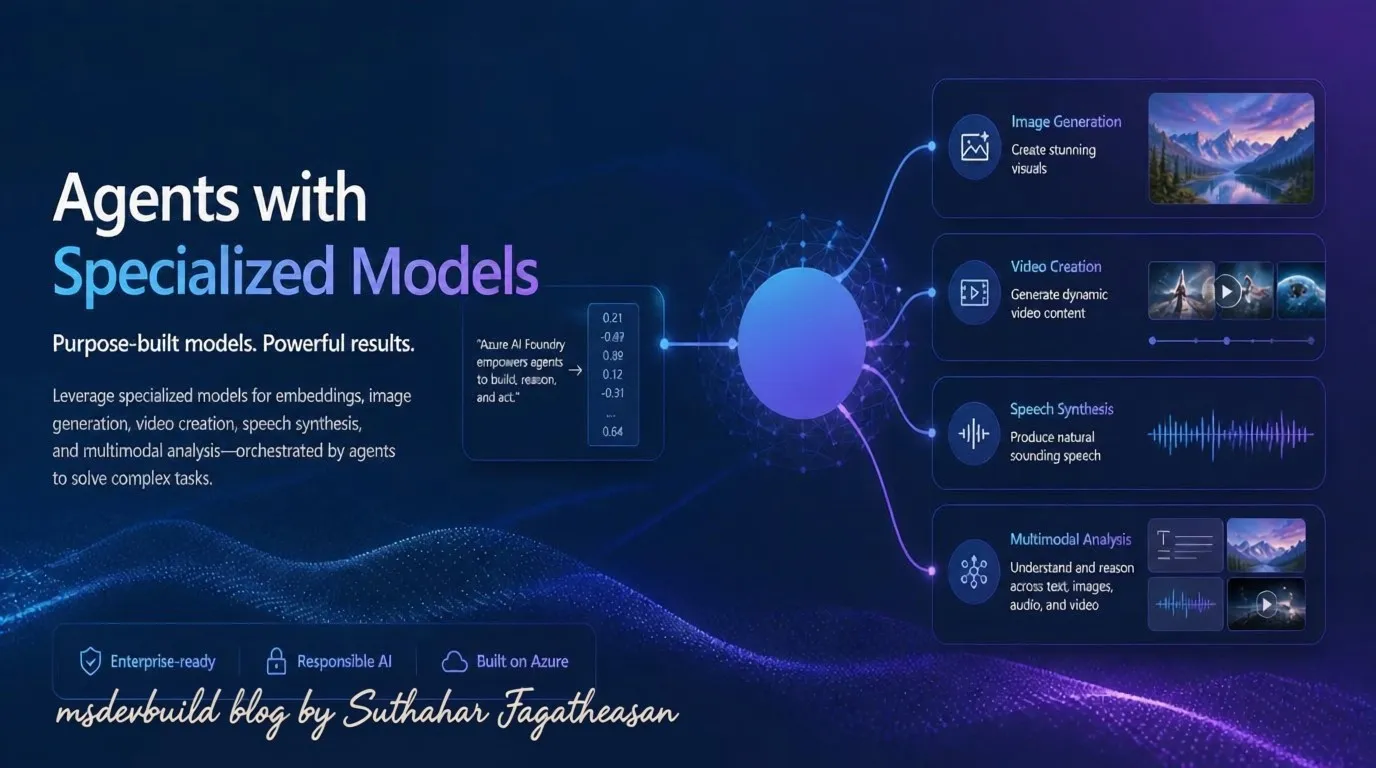
A decision framework for the Foundry model catalog: LLMs vs SLMs, chat vs reasoning models, and specialized models, with real business use cases.
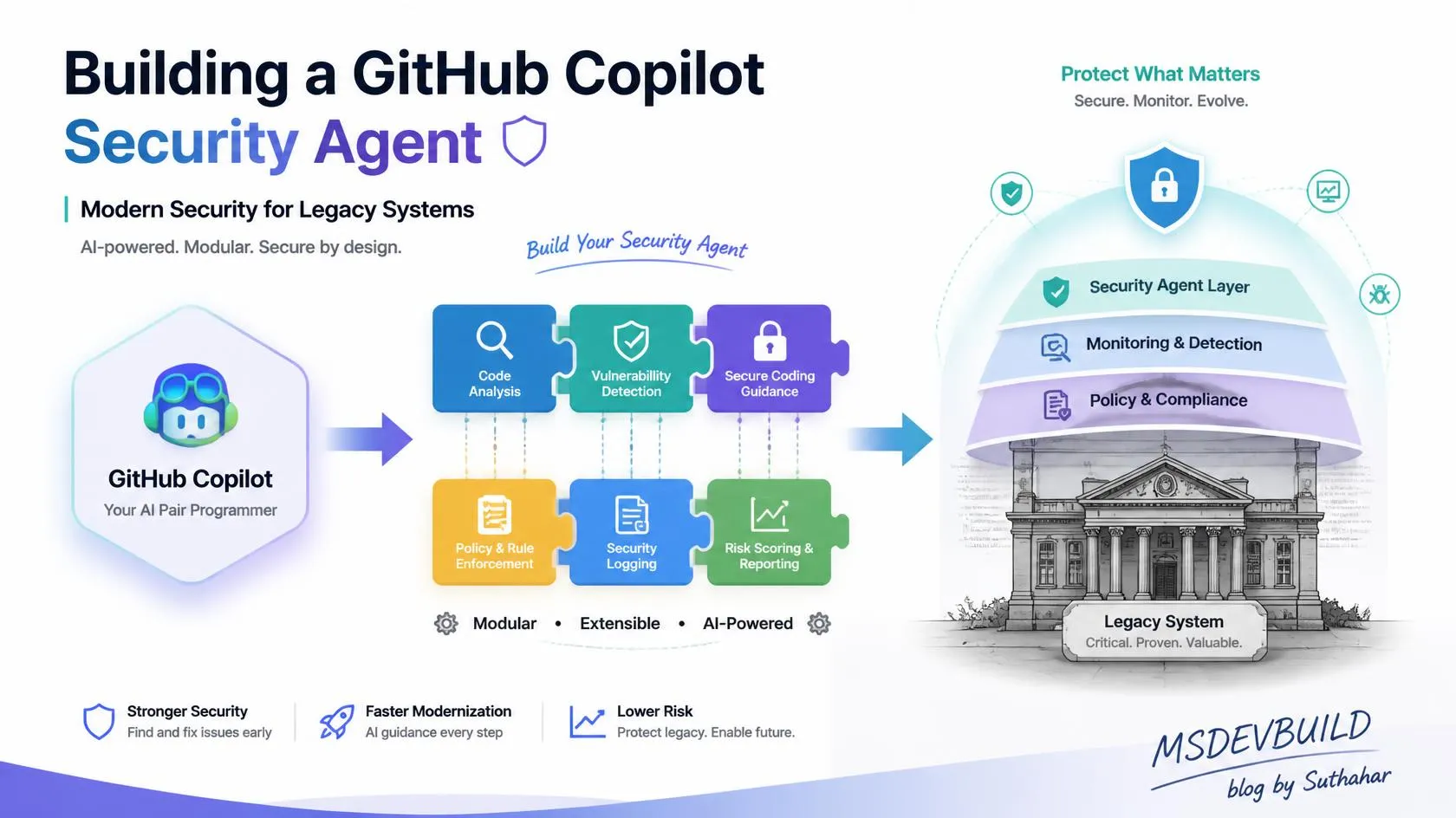
Learn what a GitHub Copilot security agent can find in a legacy system, what it can miss, and why scanners and people must still approve changes.
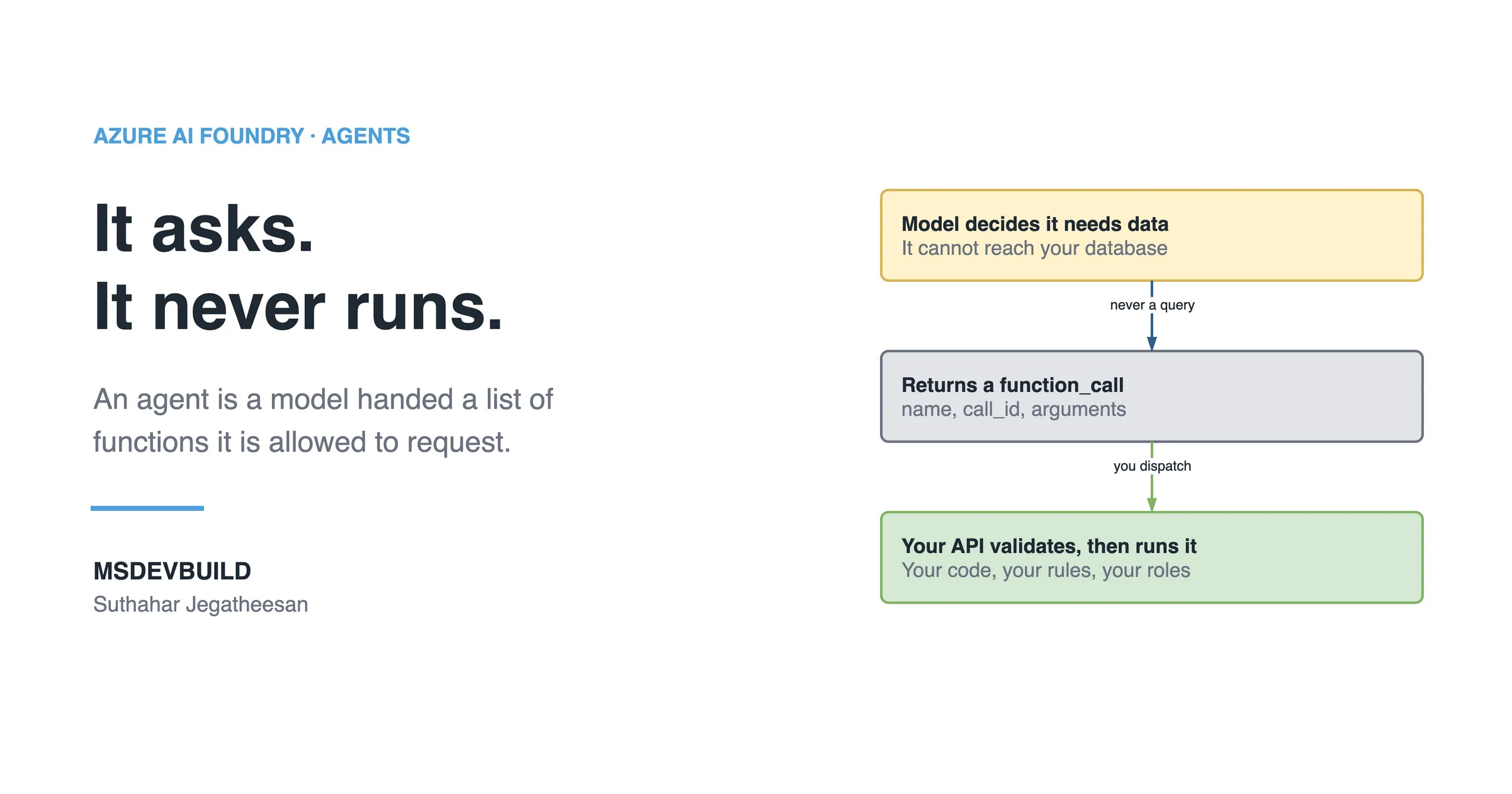
The business case for an AI agent on an app that already exists, what an agent really is, and the architecture that keeps it inside its lane.
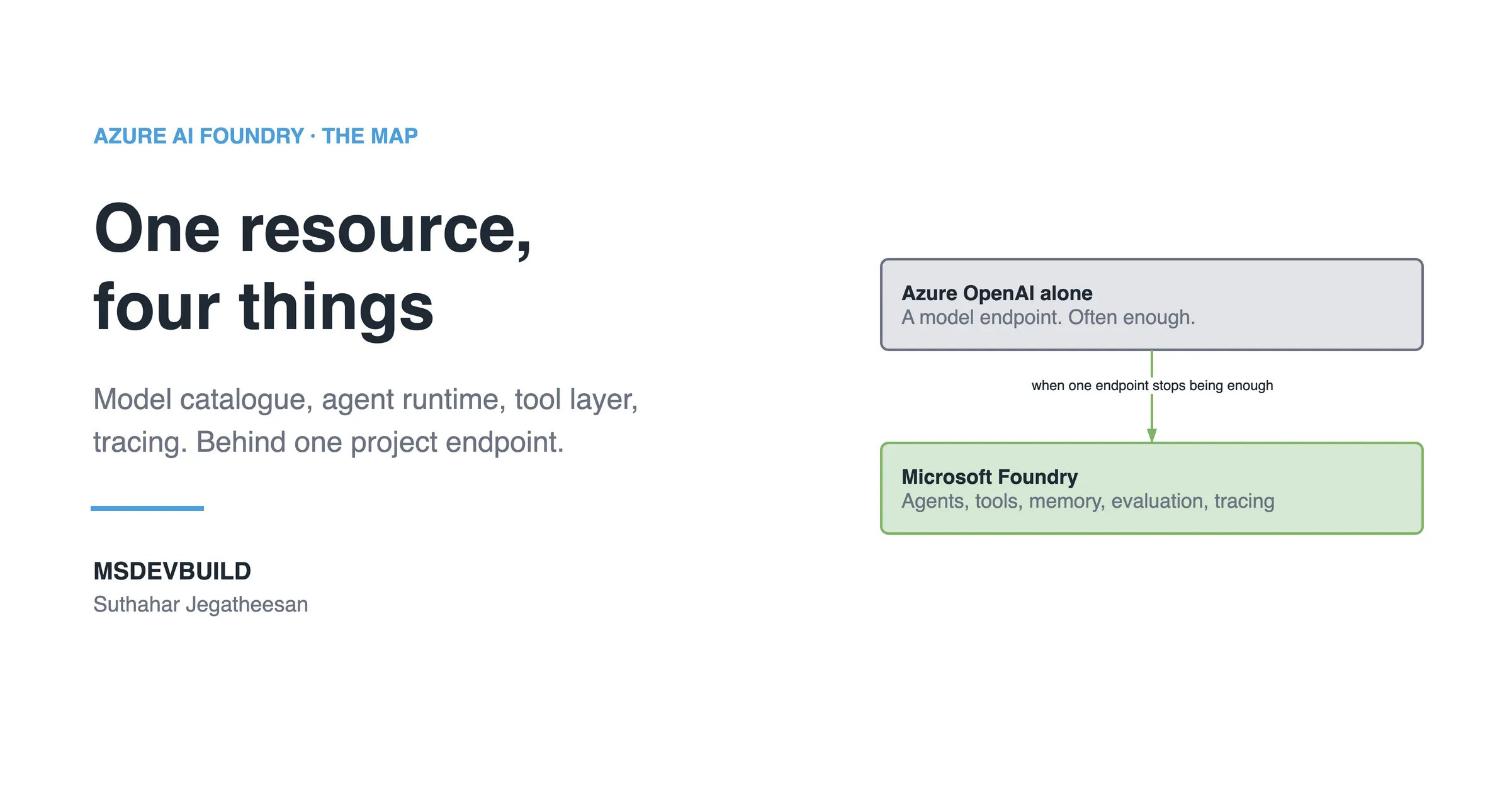
A plain tour of Microsoft Foundry for developers: the resource, projects, models, agents, tools, and when Azure OpenAI on its own is enough.
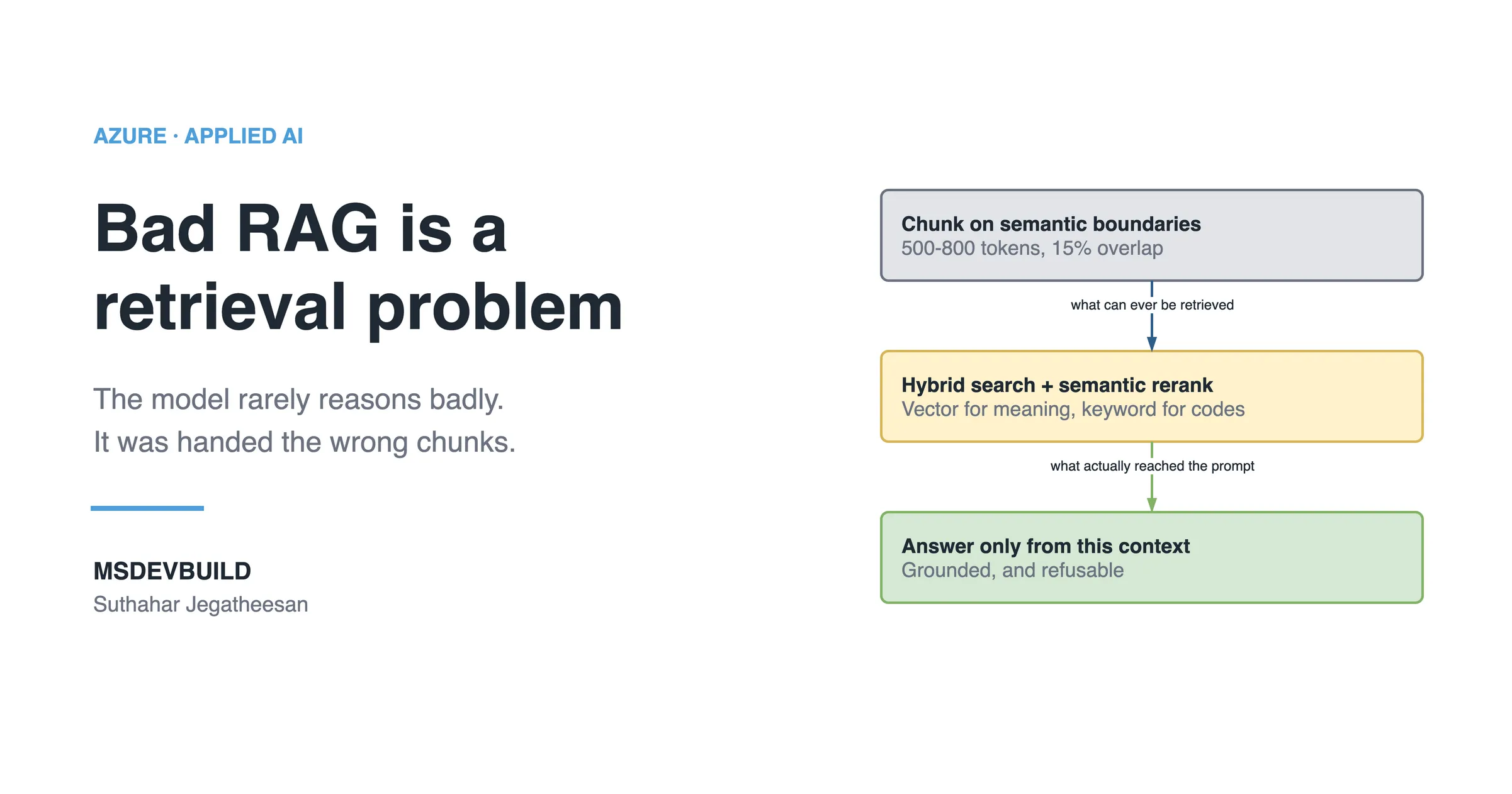
End-to-end retrieval-augmented generation in C#: chunking, embeddings, hybrid vector search, and grounding a chat completion so it cites its sources.
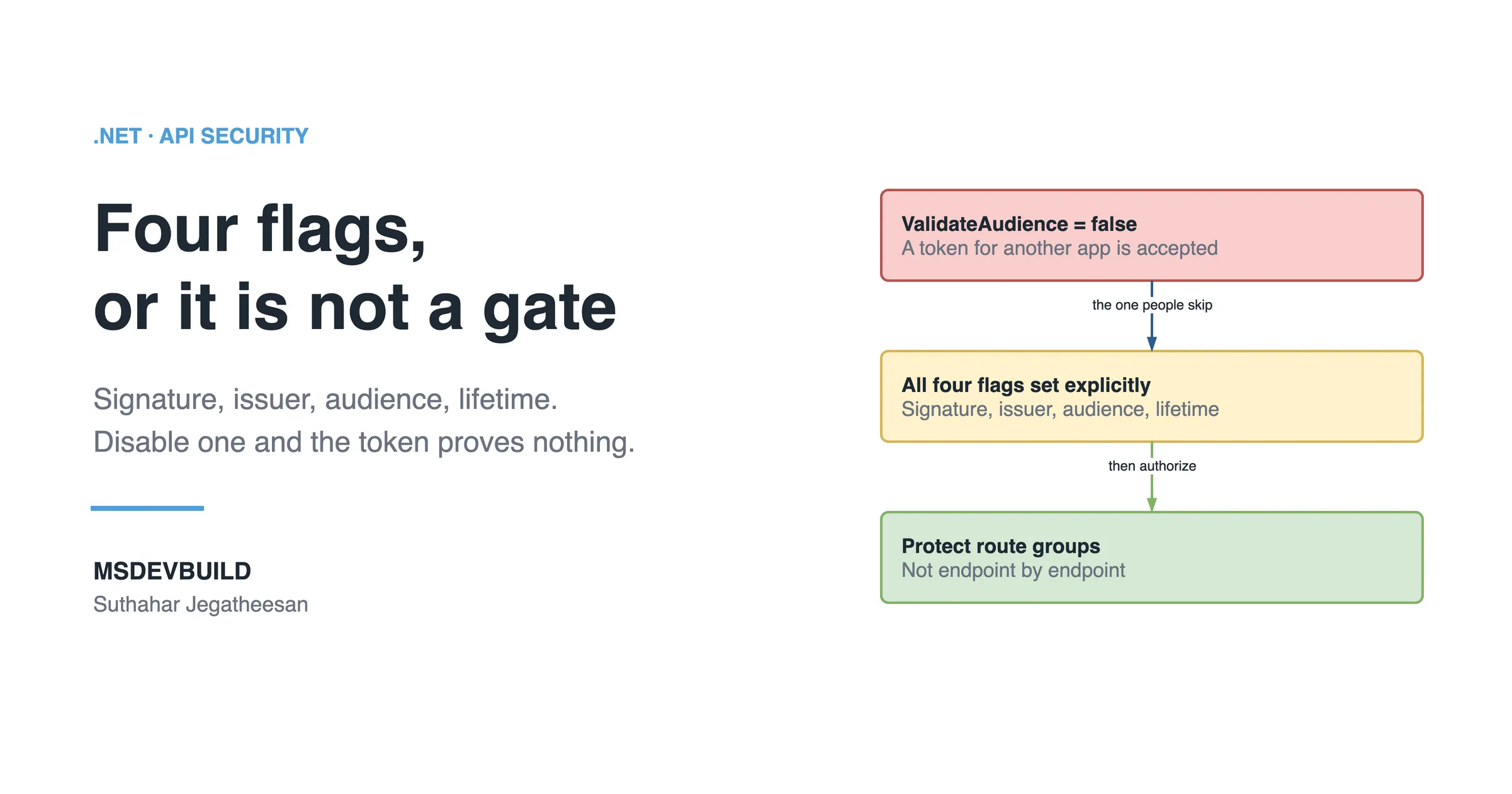
A working JWT bearer auth setup for ASP.NET Core Minimal APIs — token validation, role policies, and the config mistakes that silently disable security.
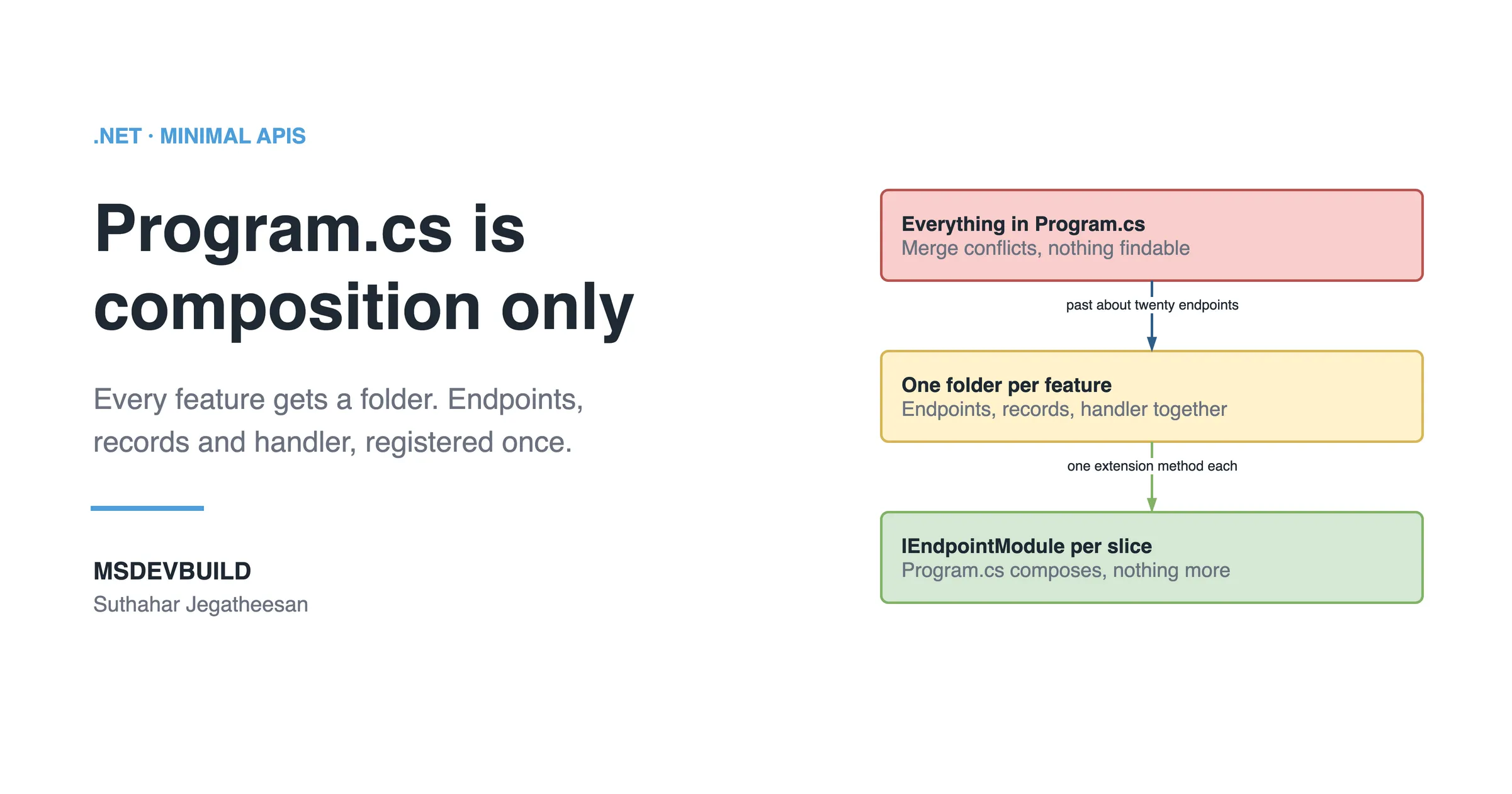
Program.cs stops scaling around twenty endpoints. Here is a vertical-slice layout for Minimal APIs that keeps routing, validation and handlers organised.
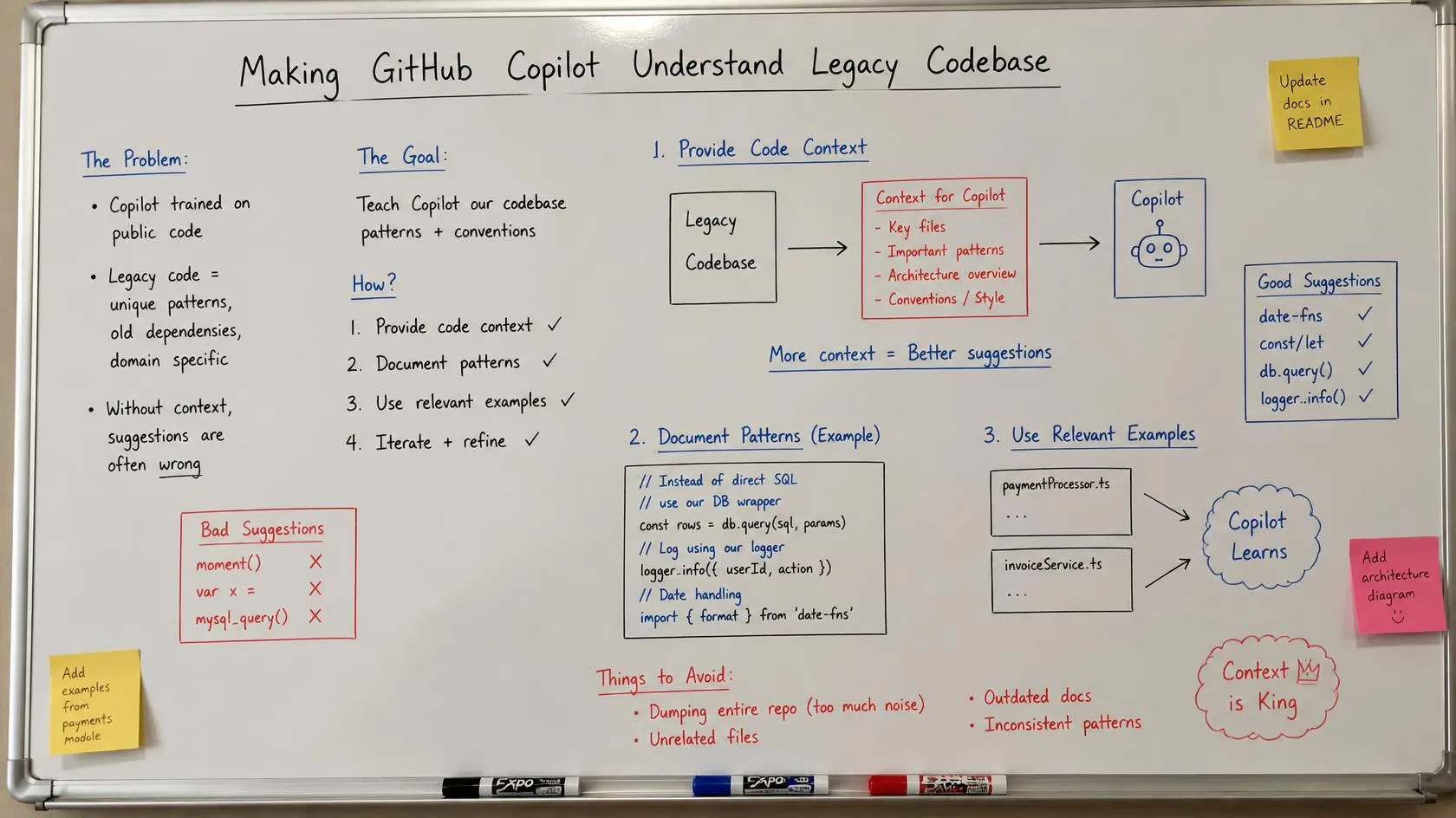
A repeatable method for legacy discovery: turning the business rules, workflows and history a codebase never documented into knowledge Copilot uses.
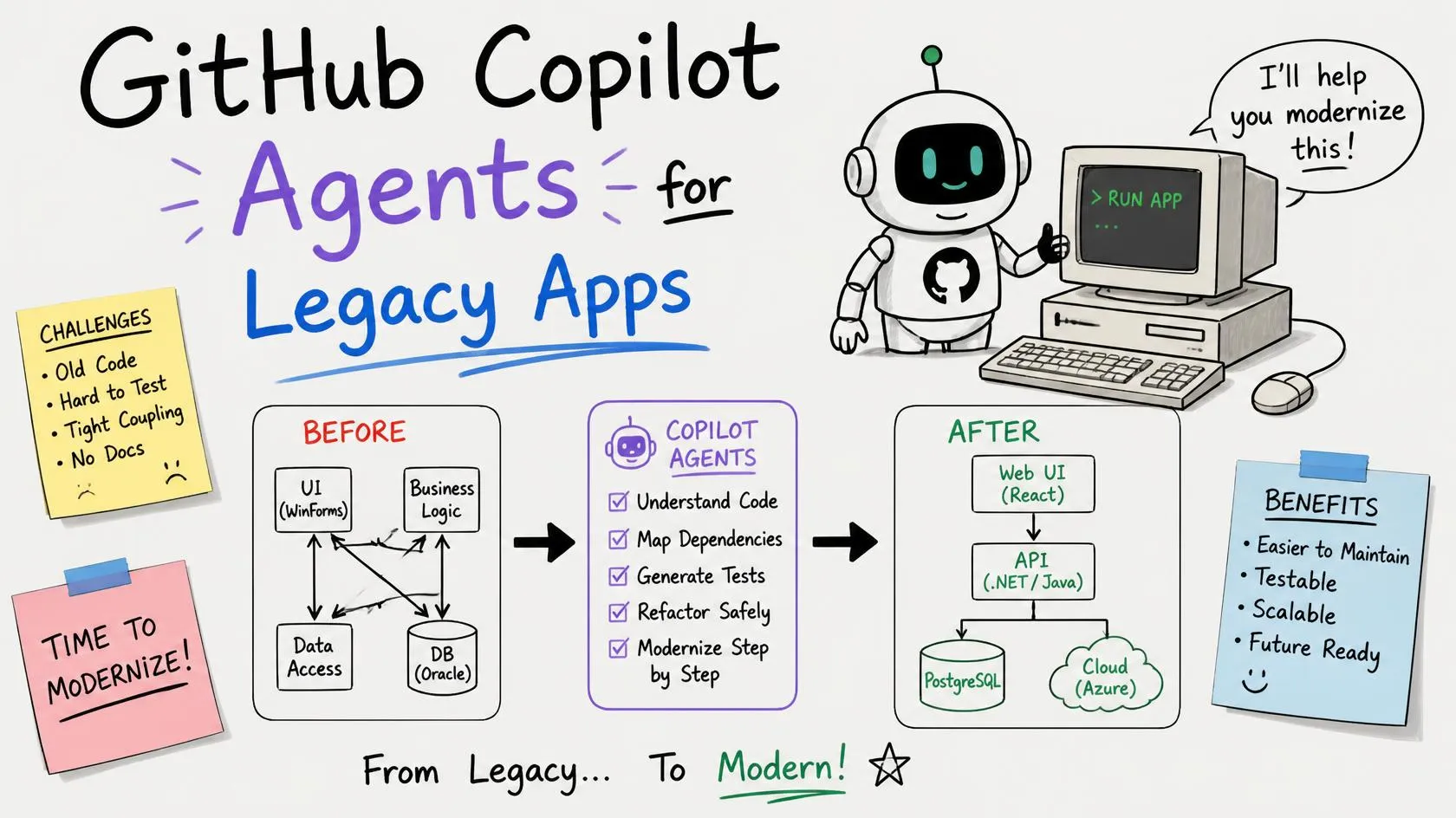
A handbook for GitHub Copilot Agents on legacy code: what is a real feature, what is a pattern, and how to build an AI development team around it.
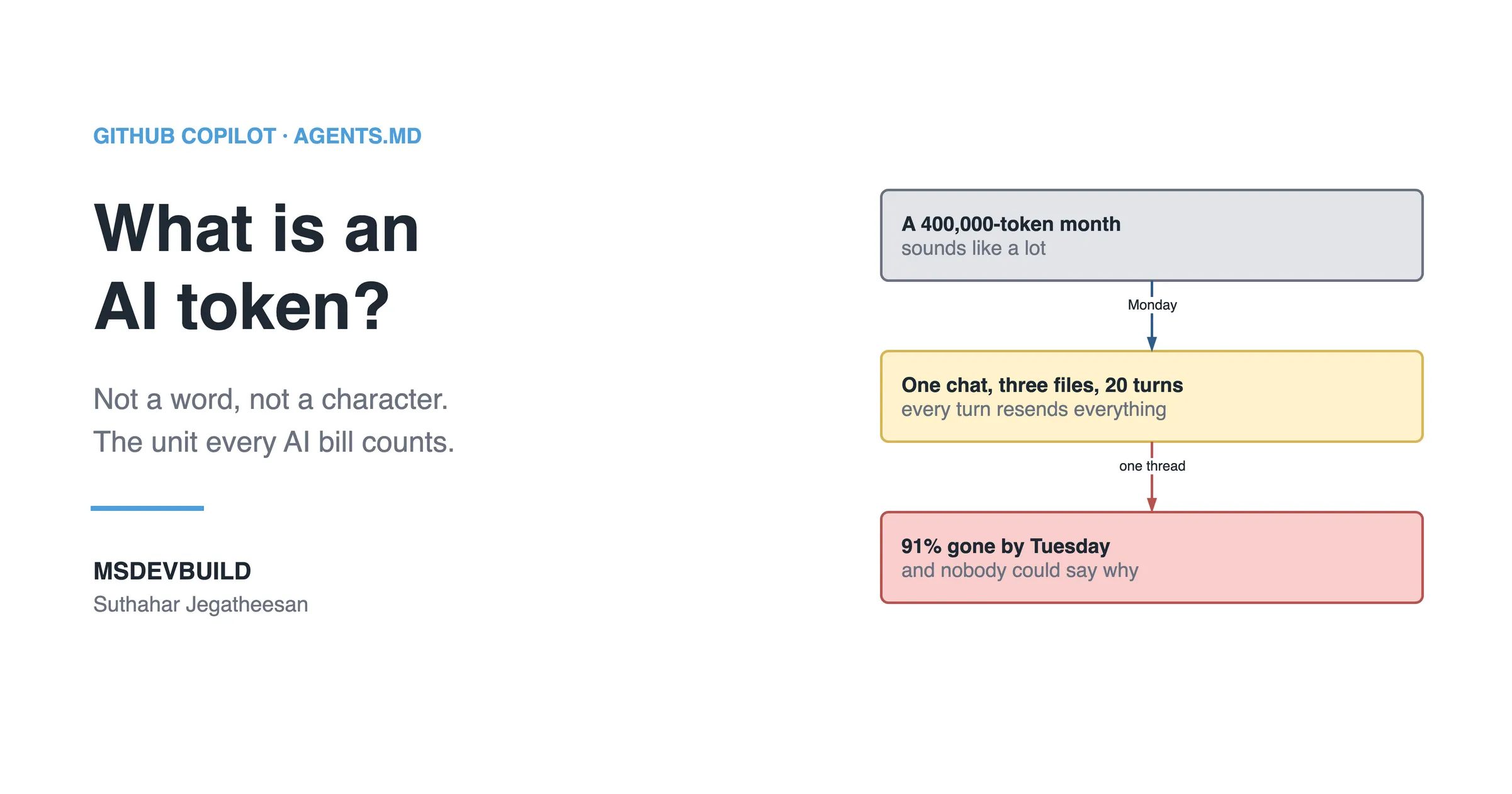
Tokens are not words, and they are not characters. Here is what a token really is, why AI billing counts them, and how to work out the cost of a request.
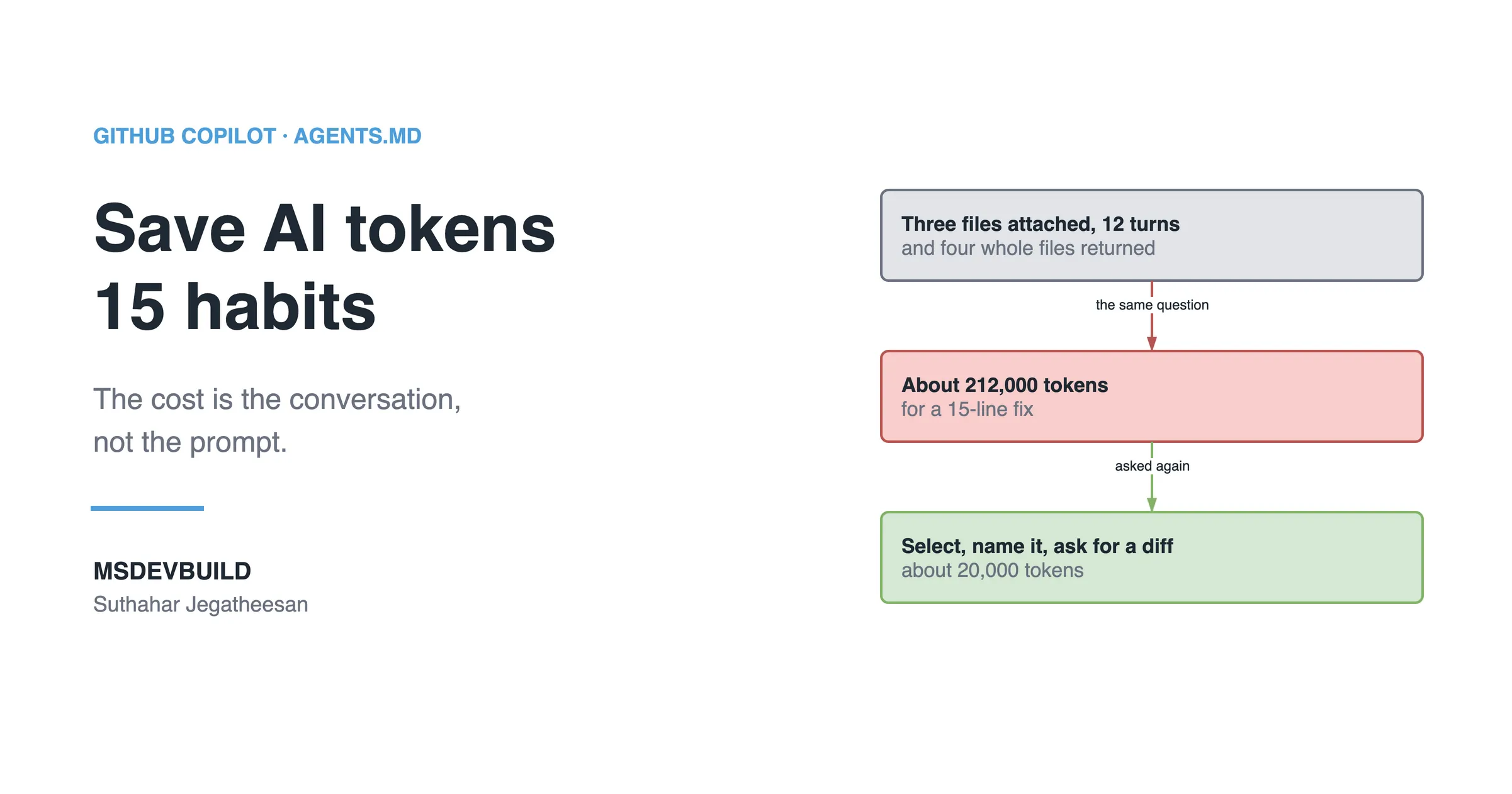
Fifteen tested habits that cut monthly AI token usage without cutting how much you use AI, from context discipline to knowing when to restart a chat.
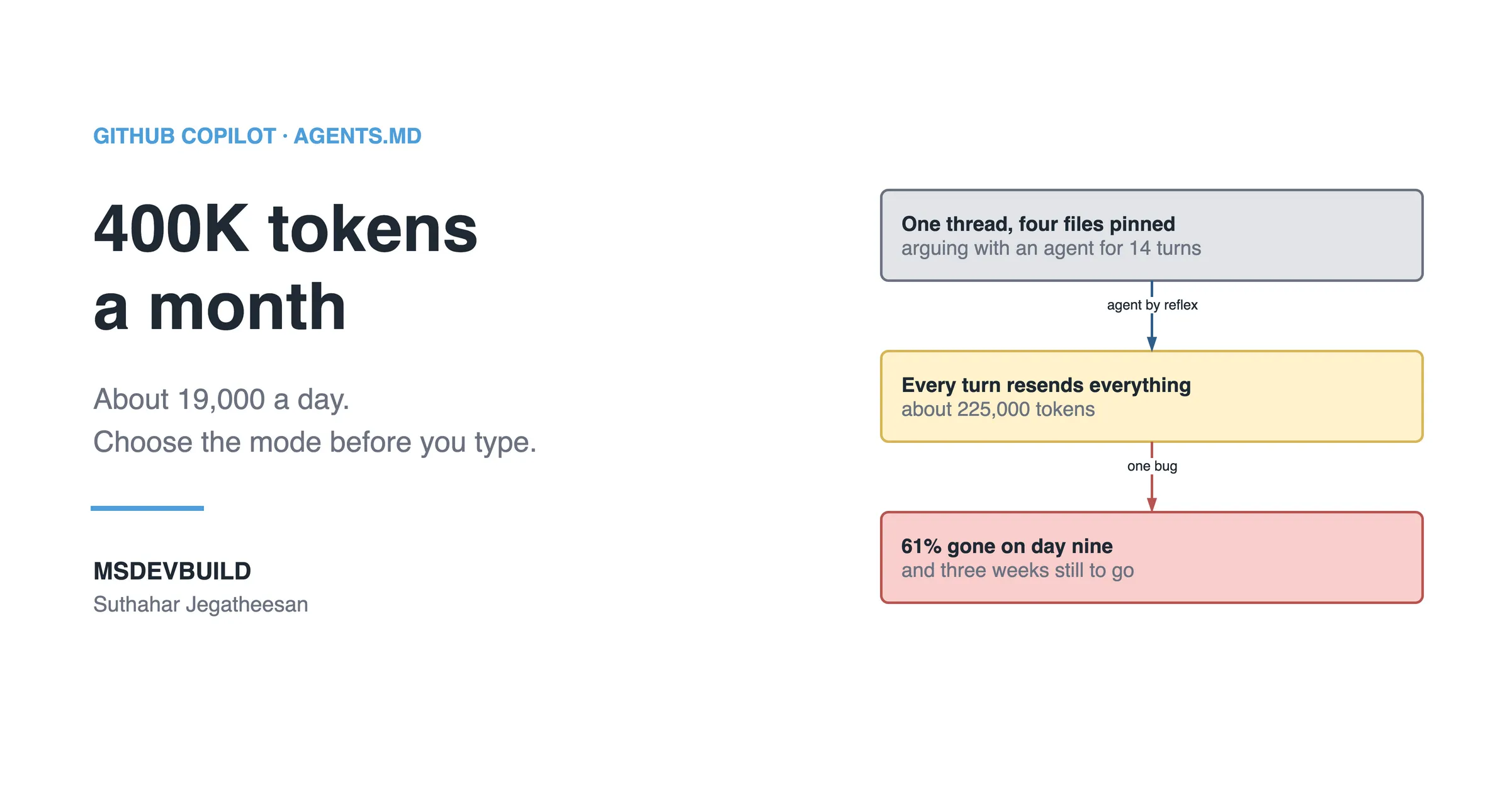
A 400K monthly AI token budget sounds generous until agent mode eats it in a week. Here is the daily Copilot workflow I use to make it last the month.
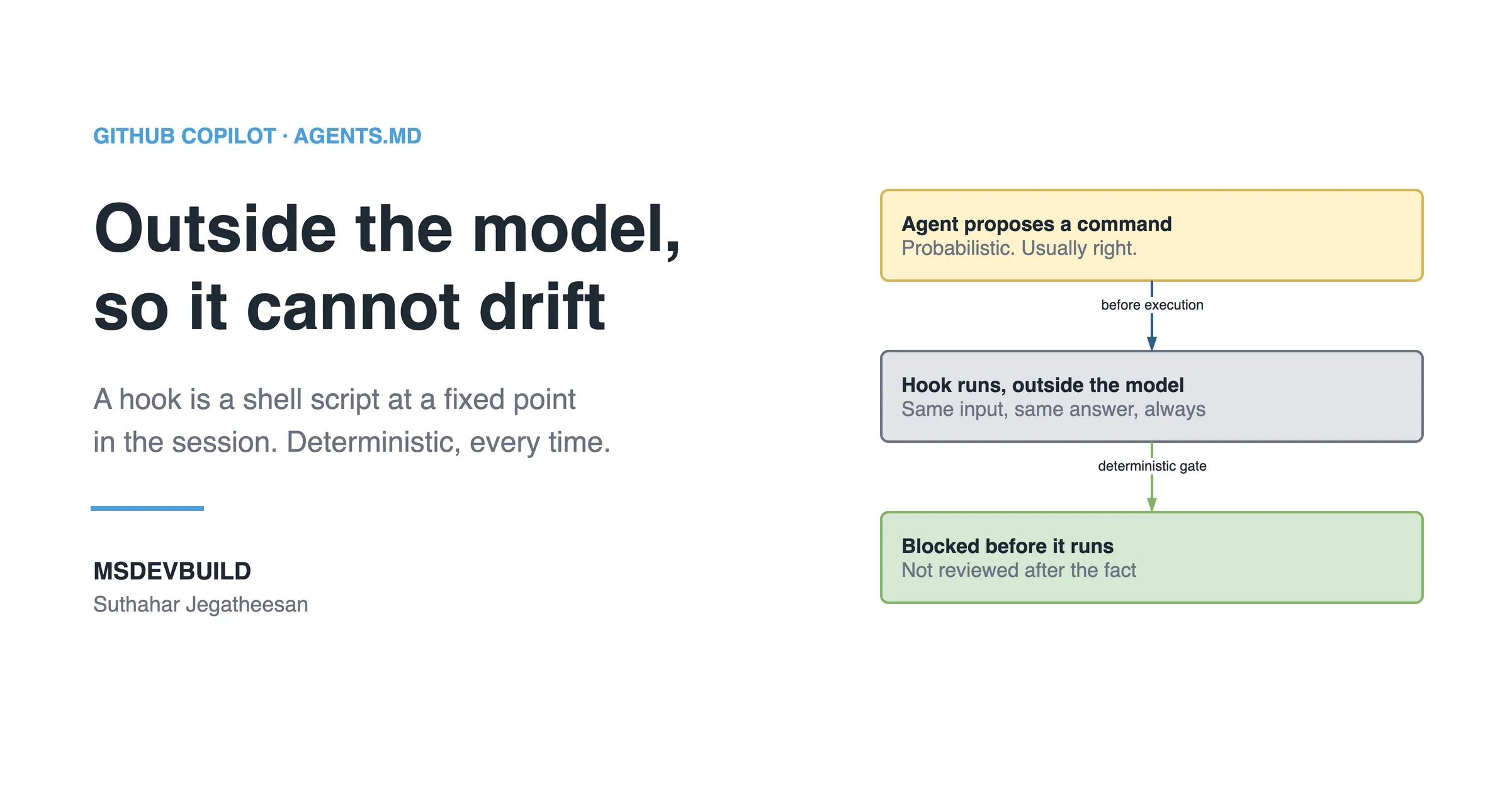
A beginner GitHub Copilot Hooks tutorial: what a hook is, why an AI agent needs deterministic guardrails, and how to write your first one in ten minutes.
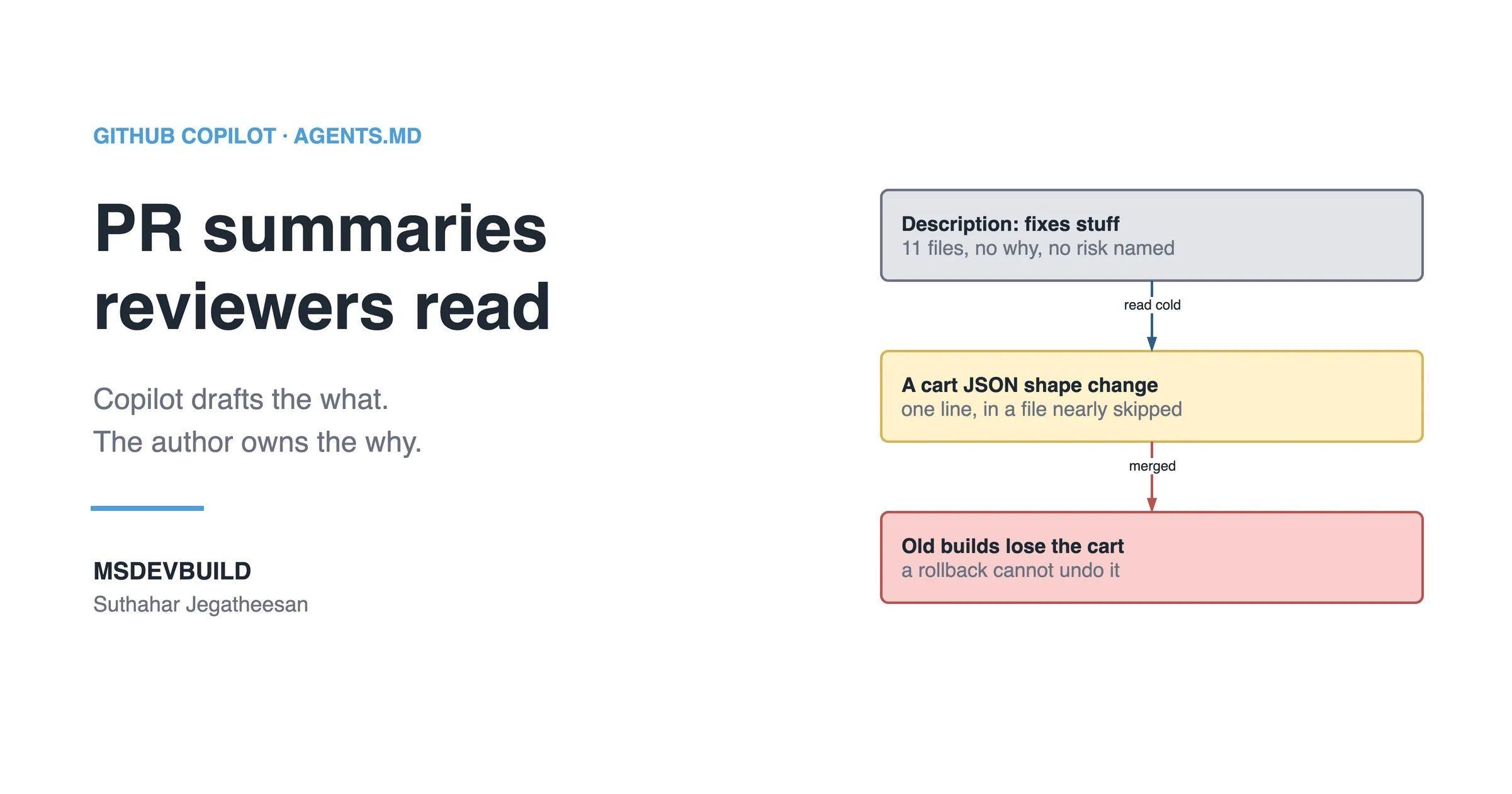
The GitHub Copilot PR summary: why an auto-generated description that restates the diff is noise, and how to get one reviewers actually read.
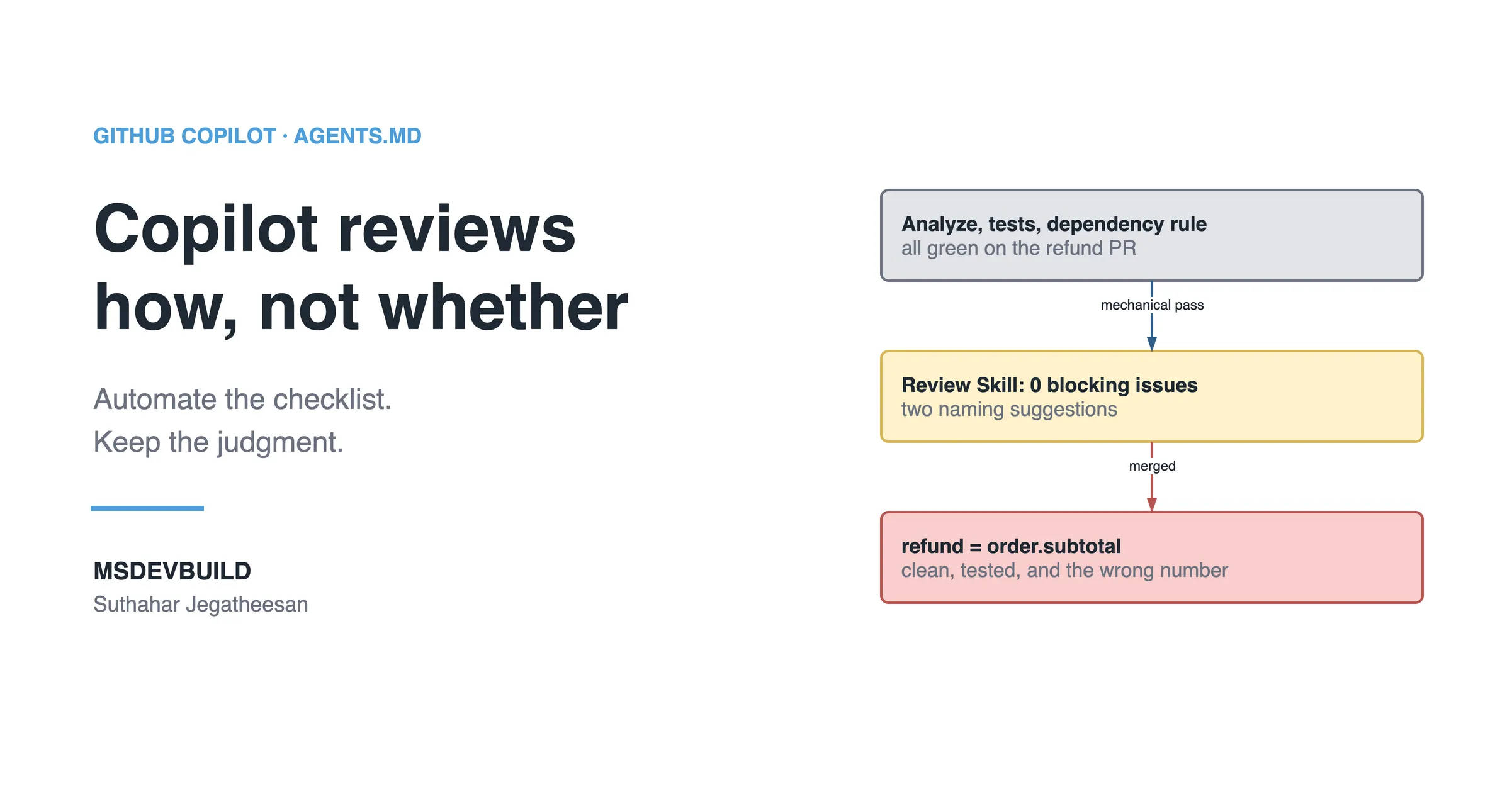
A software architect on GitHub Copilot code review: build a Skill that automates the mechanical layer, and the limits that keep a human in the loop.
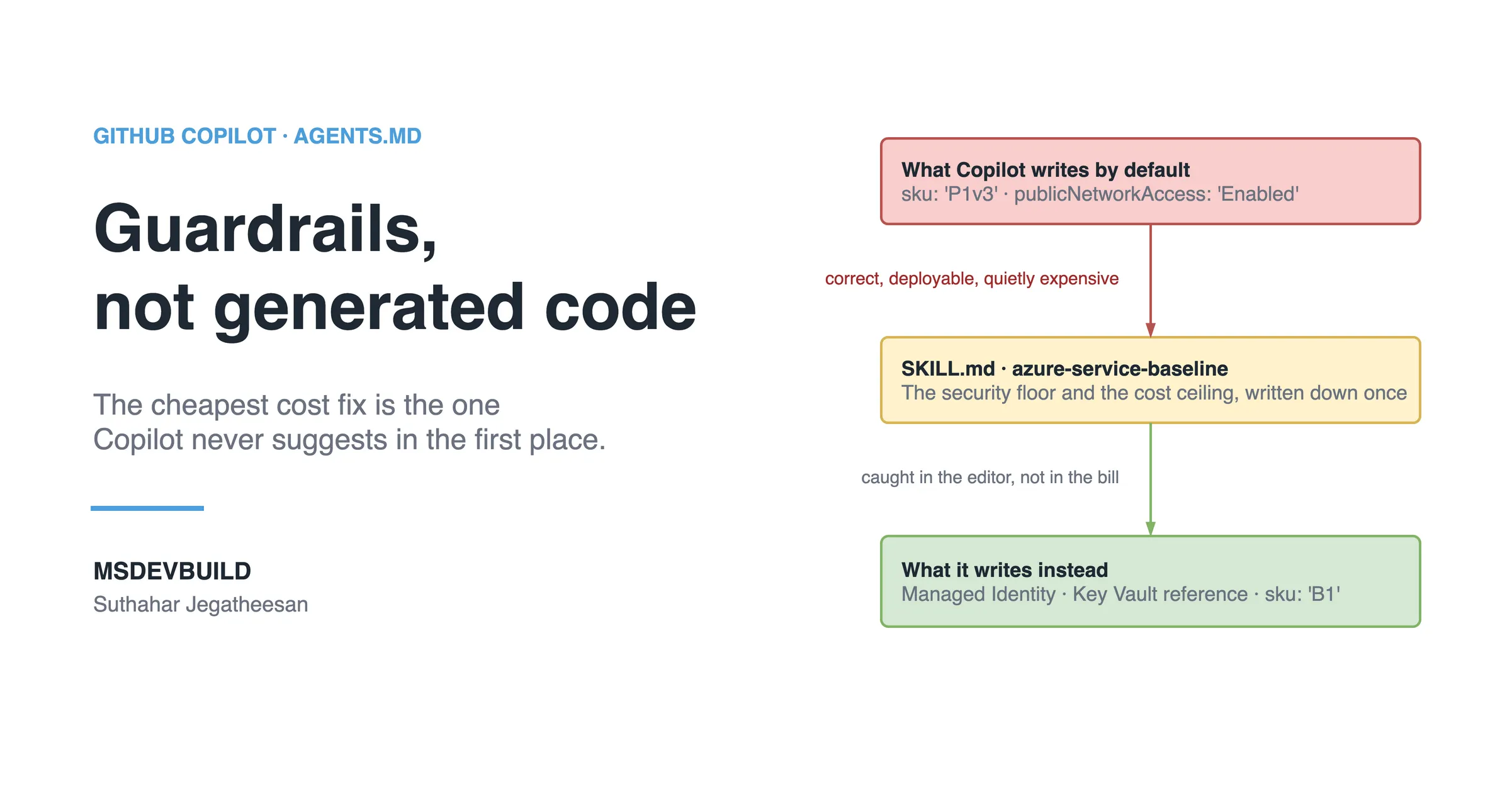
Build one GitHub Copilot Skill (SKILL.md) that guards your Azure Bicep: Managed Identity, private networking and cost tiers Copilot will not violate.
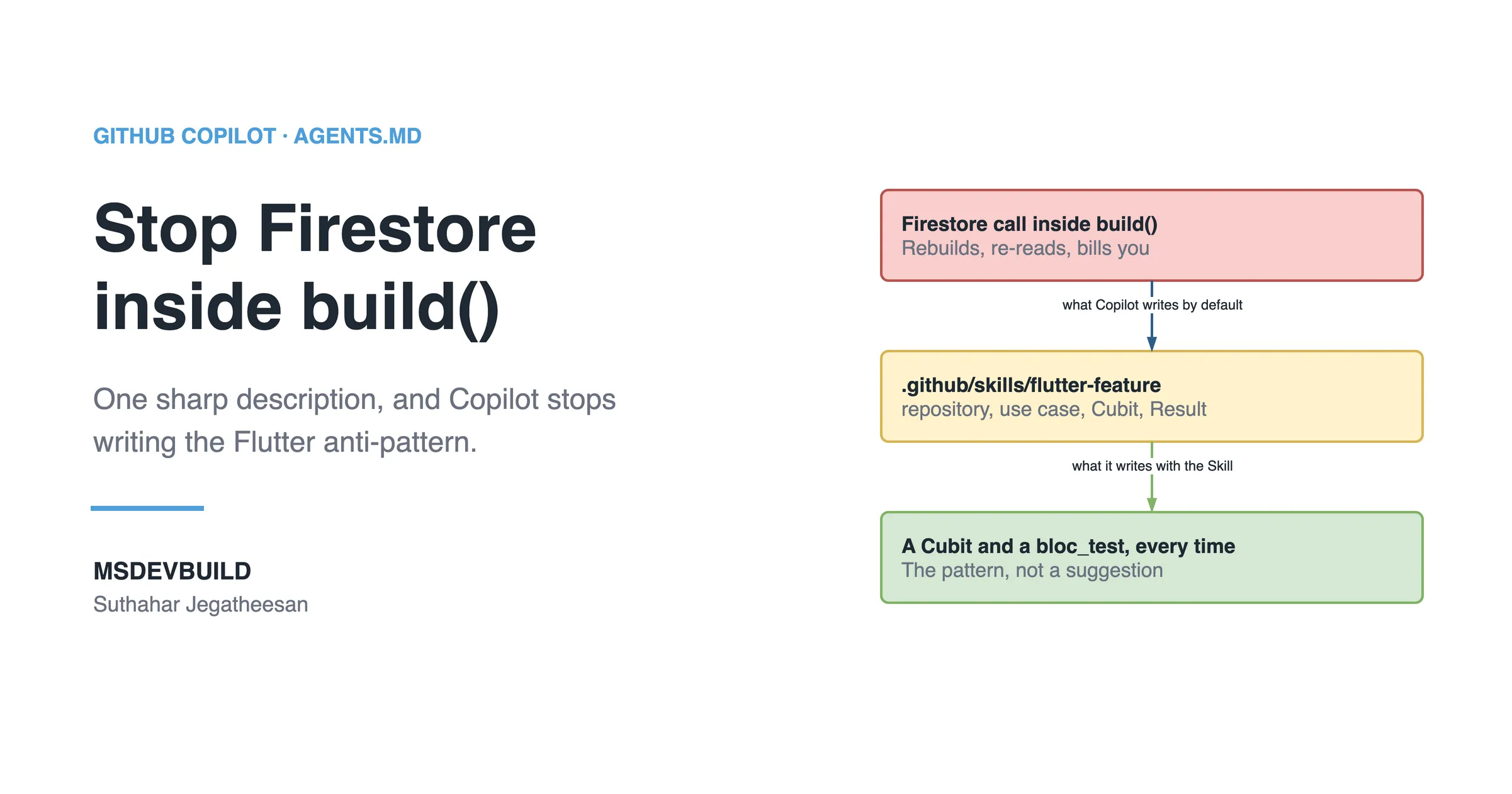
Build one GitHub Copilot Skill (SKILL.md) so Copilot writes Flutter the way your app does: layered folders, BLoC state, Firebase behind a repository.
A build-along for .NET developers: create one GitHub Copilot Skill (SKILL.md) that enforces Clean Architecture, CQRS and your API contract.
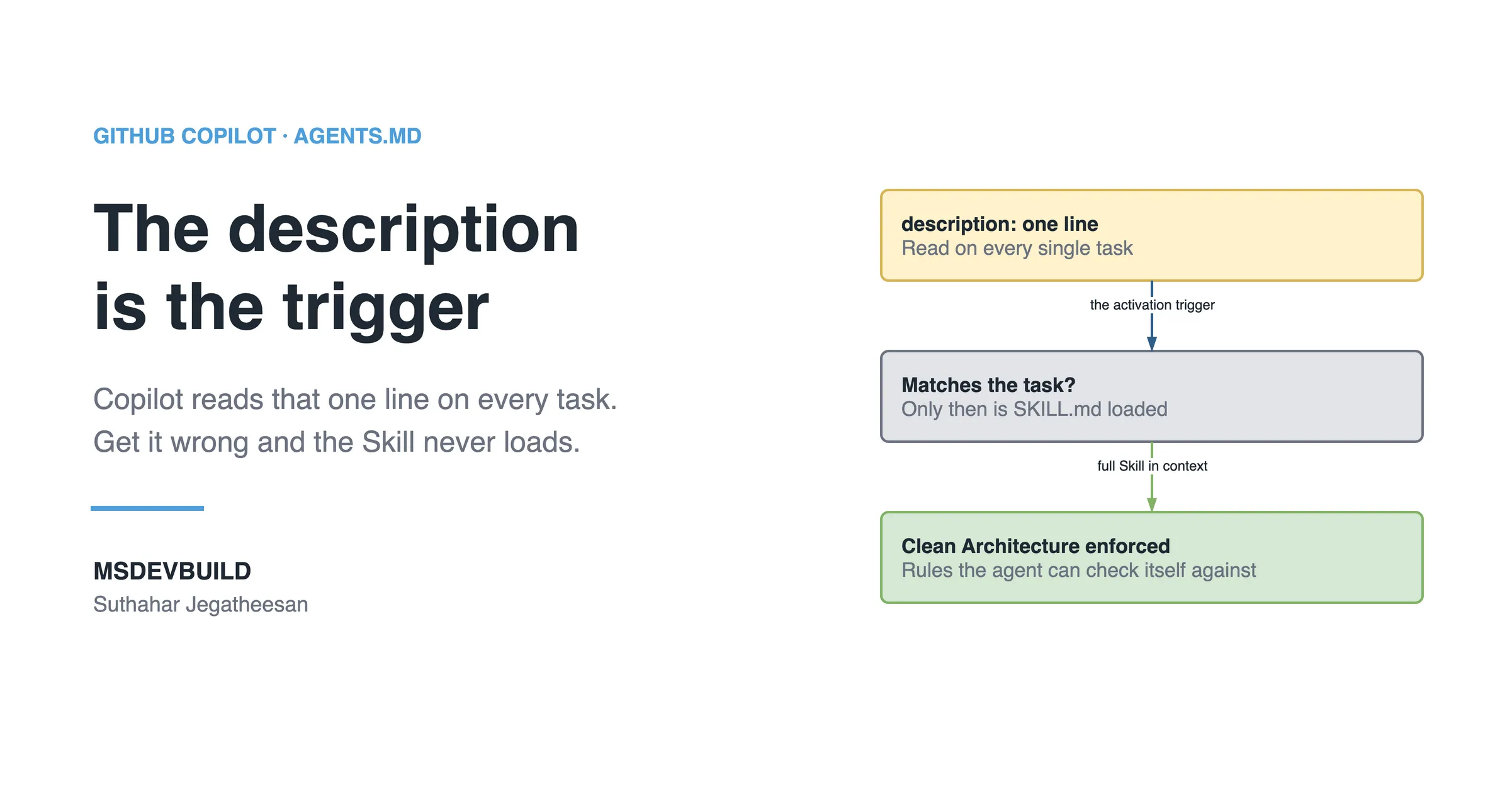
GitHub Copilot Skills explained by an architect: what they are, how they differ from prompts and instructions, and how to build reusable Skills for teams.
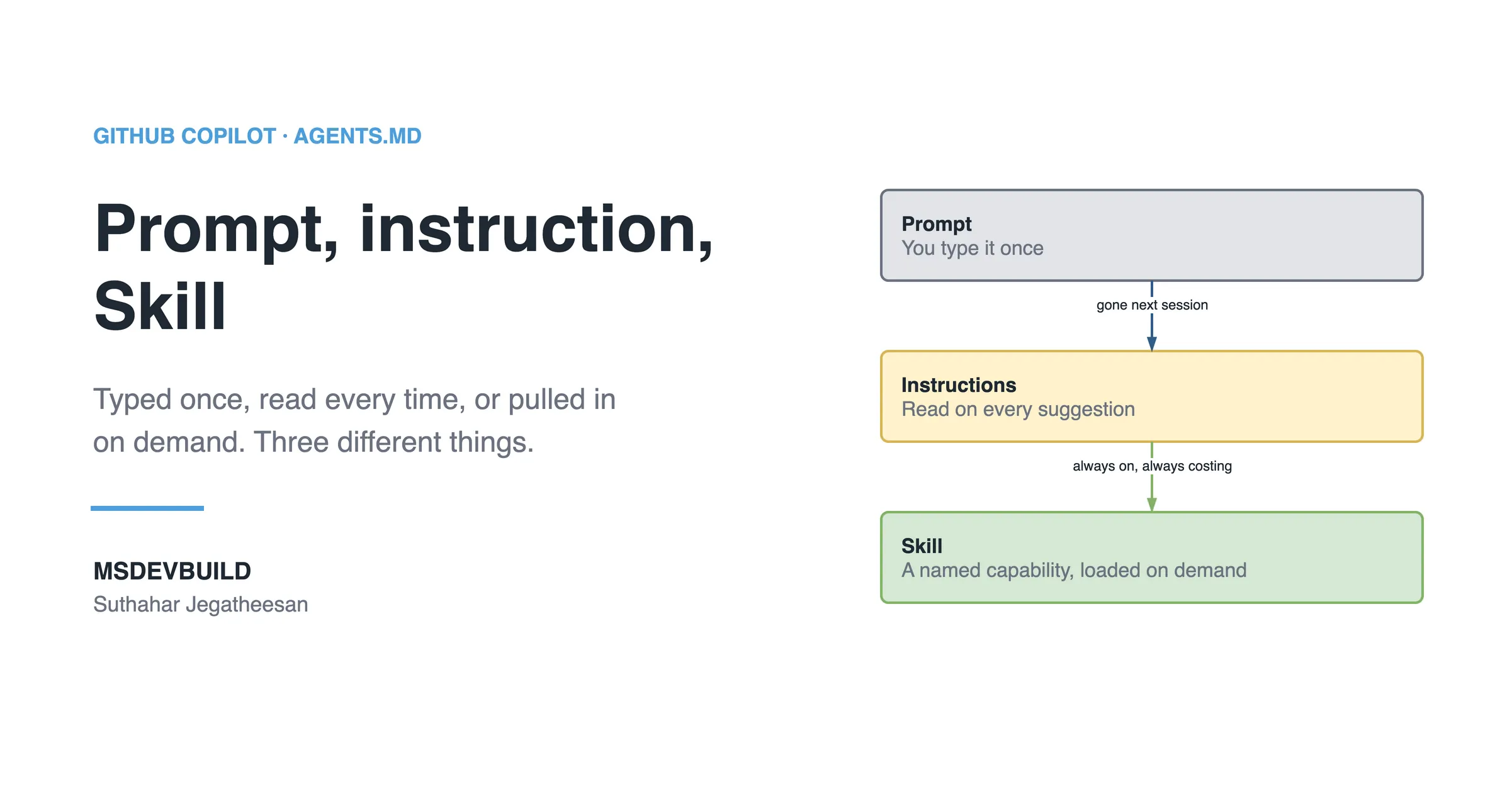
What belongs in an AGENTS.md file (architecture, security, testing, AI rules), plus what to leave out, common mistakes and a reusable template.
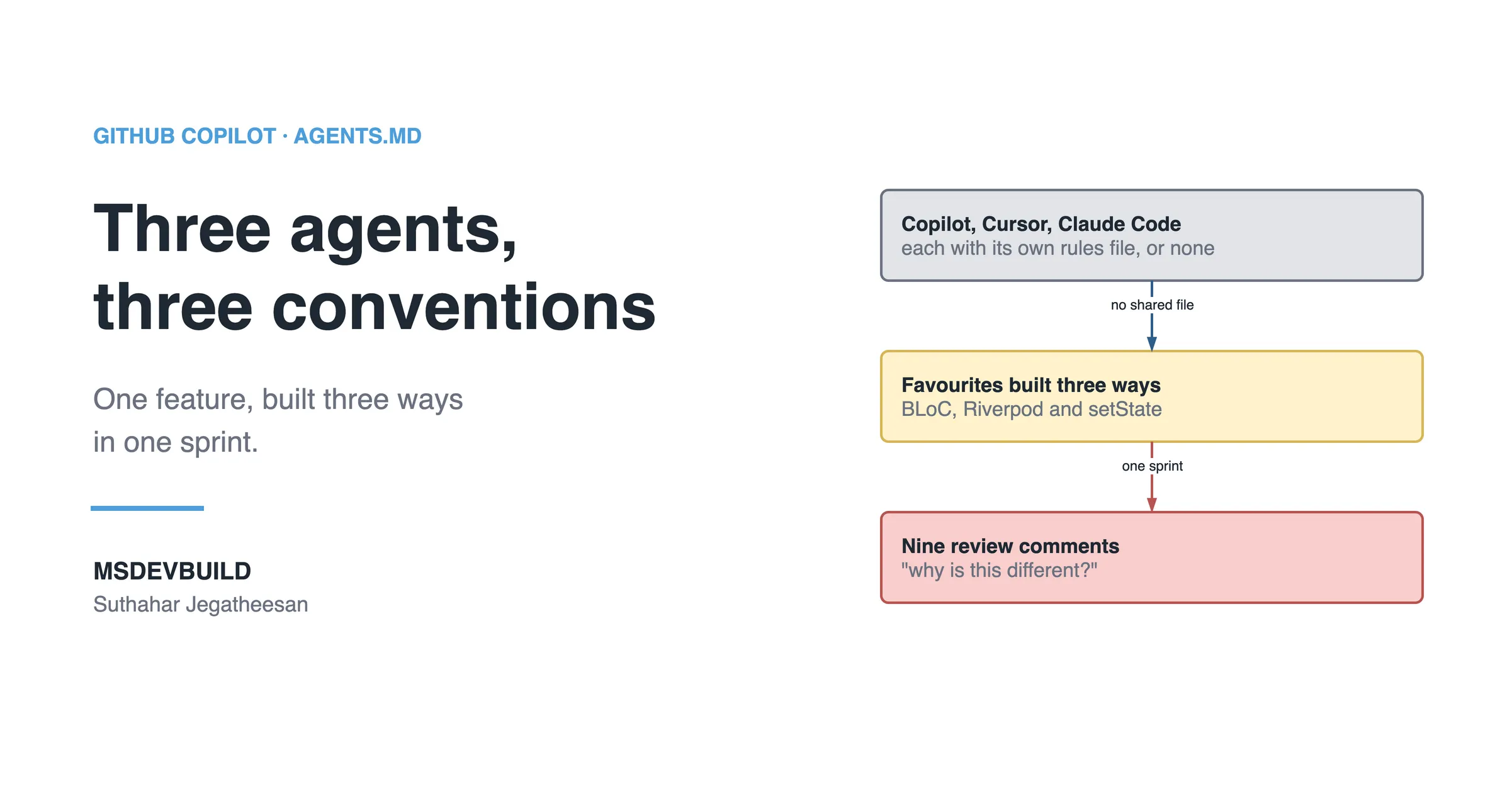
AI agents write more code each month than teams can review by hand. AGENTS.md is the one file that keeps it consistent: solo, team or enterprise.
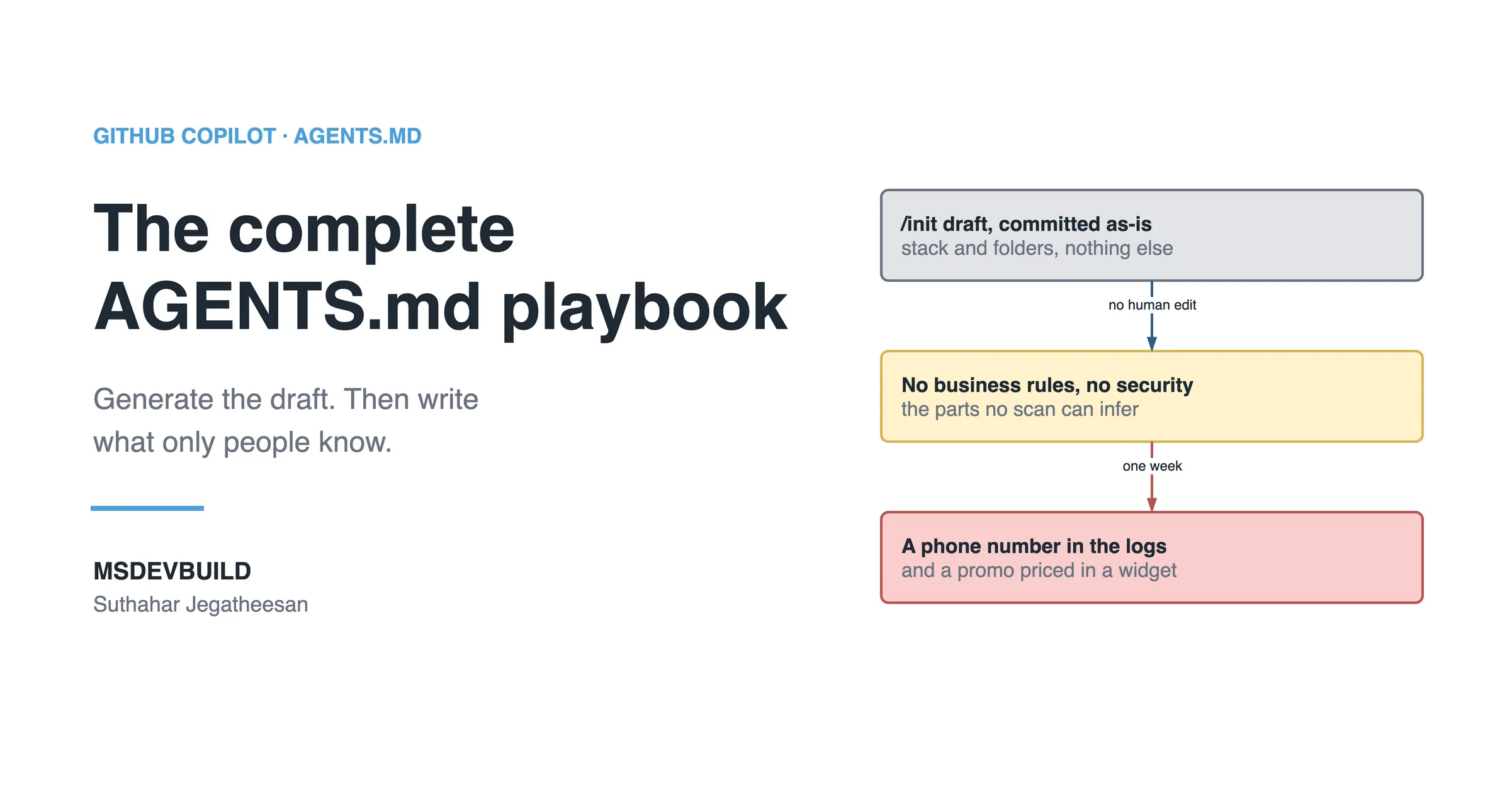
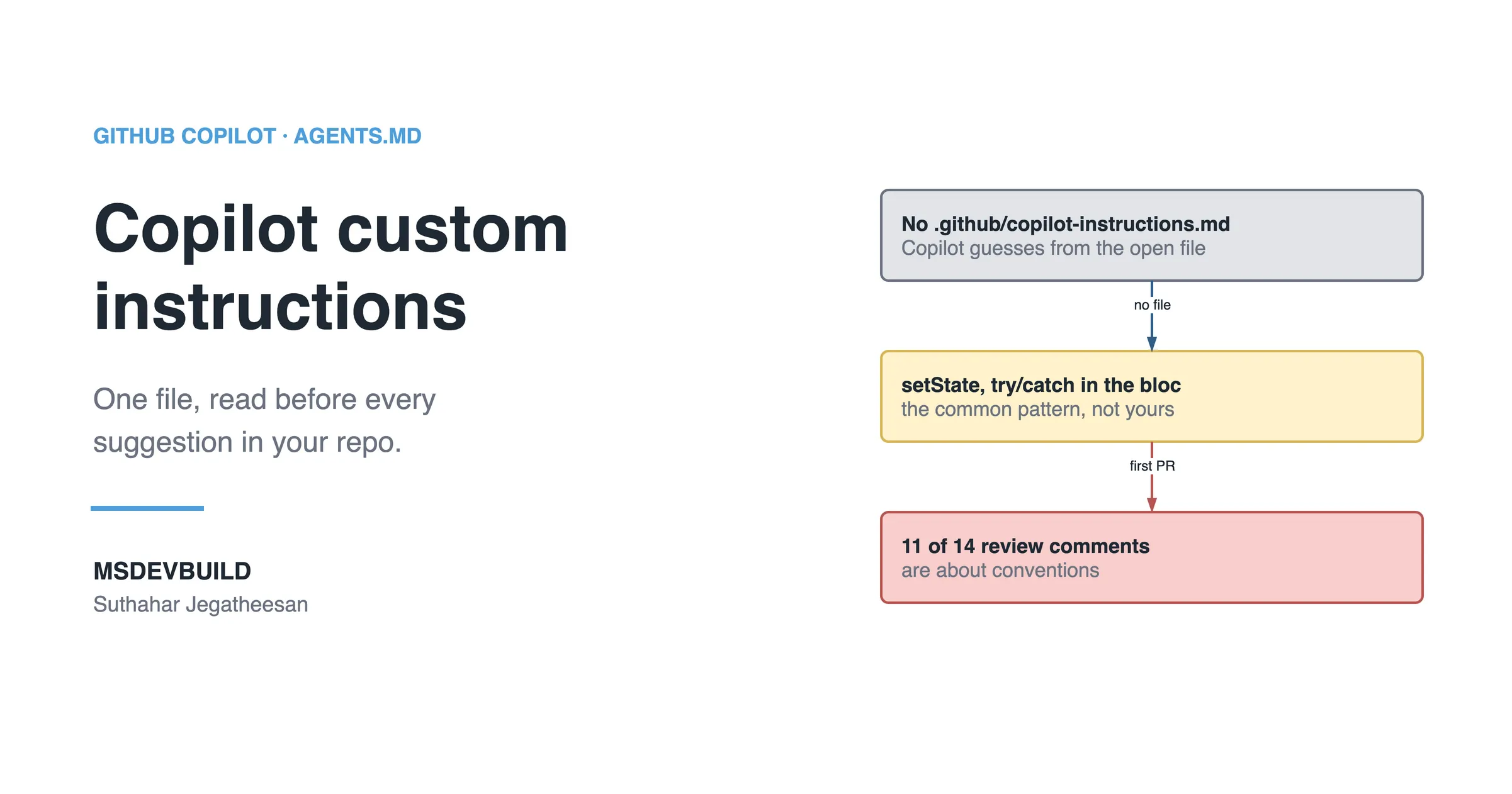
GitHub Copilot custom instructions explained with a real Flutter app you can clone: what the file is, why every project needs one, and beginner mistakes.
New technical articles, Azure AI and GitHub Copilot updates, and upcoming events. No spam, unsubscribe anytime.
Testimonials
Suthahar Azure articles helped me understand complex cloud concepts with real-world examples. His explanations around Azure architecture, security, and best practices helped me complete my project tasks with more confidence."
Suthahar's article helped me complete my work faster. The explanation was clear, practical, and easy to apply in a real project.
The JWT bearer walkthrough caught a middleware ordering mistake we had shipped weeks earlier. Every protected endpoint was returning 401 and we could not work out why.
On: How to Secure a .NET Minimal API with JWT Bearer Authentication
Your turn
If something here saved you time or unblocked a real project, I'd love to hear about it. Submissions are reviewed before they appear on the site.
Apple only allows adding an app from Safari. Three quick taps:
You're not in Safari right now. Open blog.msdevbuild.com in Safari, then follow these steps.