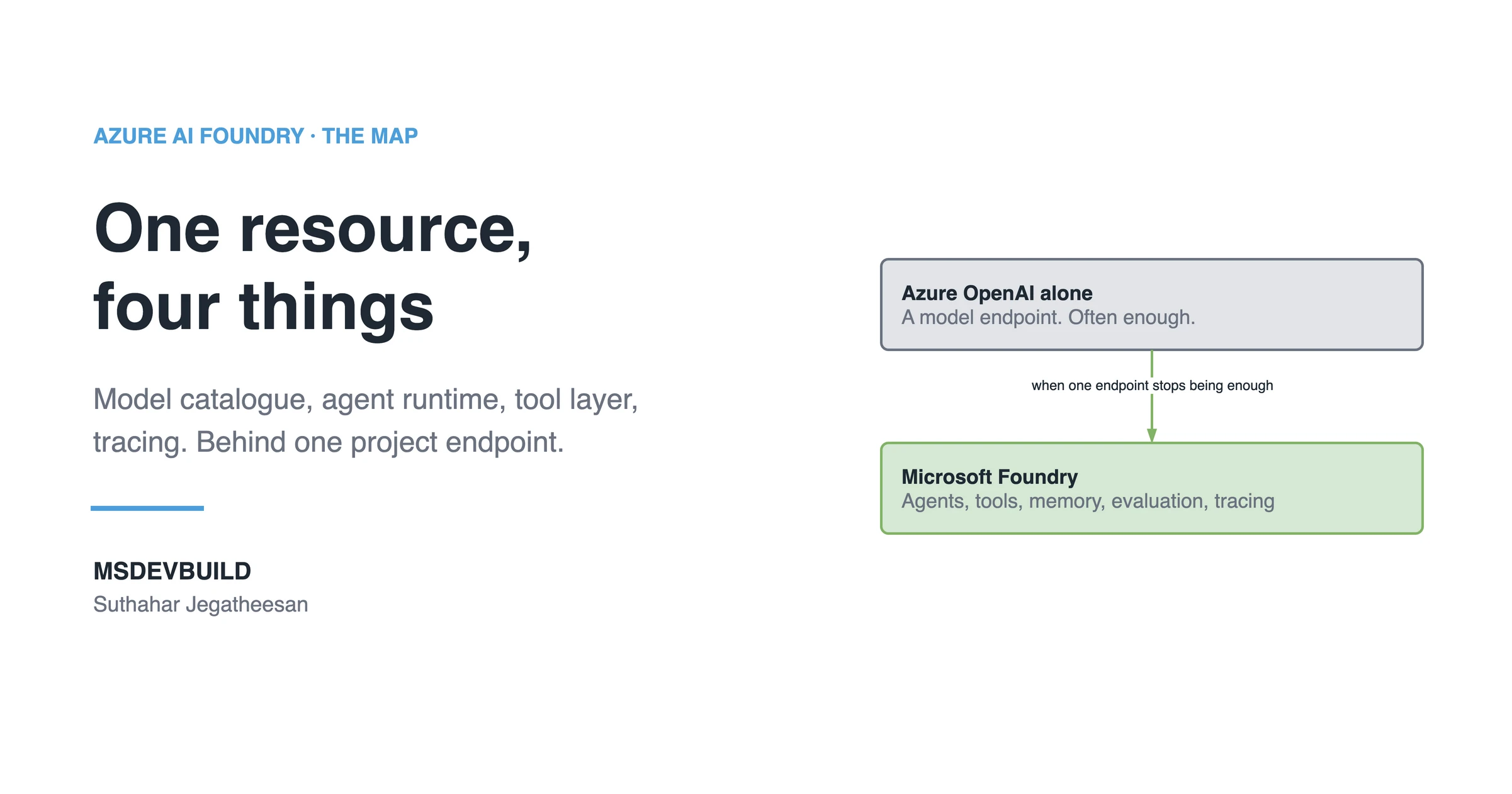
The first serious conversation I had about this platform went badly, because three of us in the room meant three different things by “Foundry”. One meant the portal. One meant the model endpoint. One meant the agent runtime. All three were partly right, which is the worst kind of confusion.
This part is the map. What Foundry is, which services live inside it, what each one is for, and when you should not use it at all. No code. The rest of the series builds a real feature on top, and this is the vocabulary it assumes.
What is Azure AI Foundry, in one paragraph?
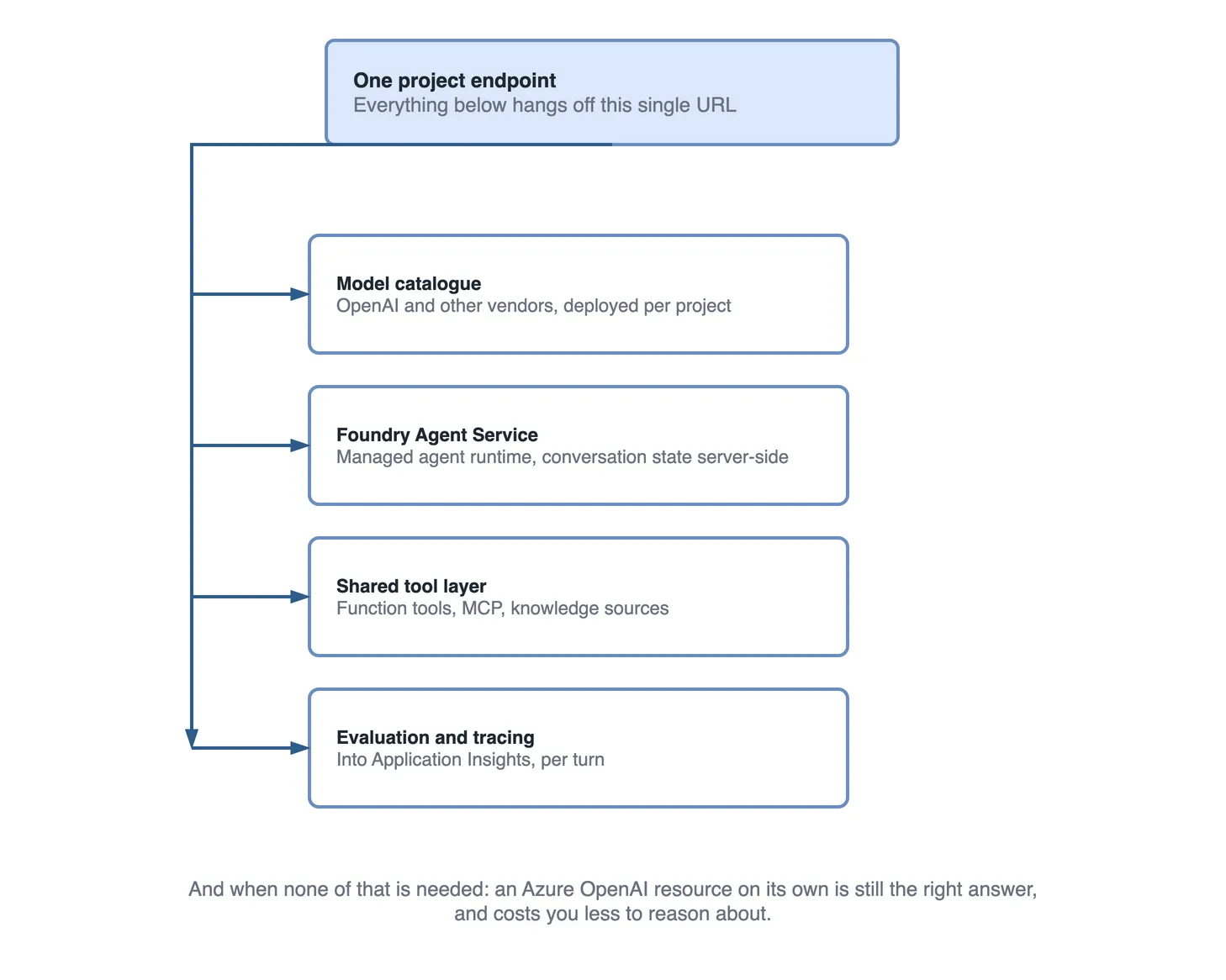
Foundry is one Azure resource that gives you a catalogue of models, a managed runtime for agents, a shared set of tools those agents can call, and the identity, tracing and evaluation around all of it. You create a resource, then one or more projects inside it, and a project has a single endpoint that every SDK call hangs off:
https://<resource-name>.services.ai.azure.com/api/projects/<project-name>That endpoint is the practical answer to “where is Foundry”. Models, agents, conversations, tools and traces are all reachable through it, with Microsoft Entra ID deciding who may do what.
In the Azure portal, all of this starts from one blade:
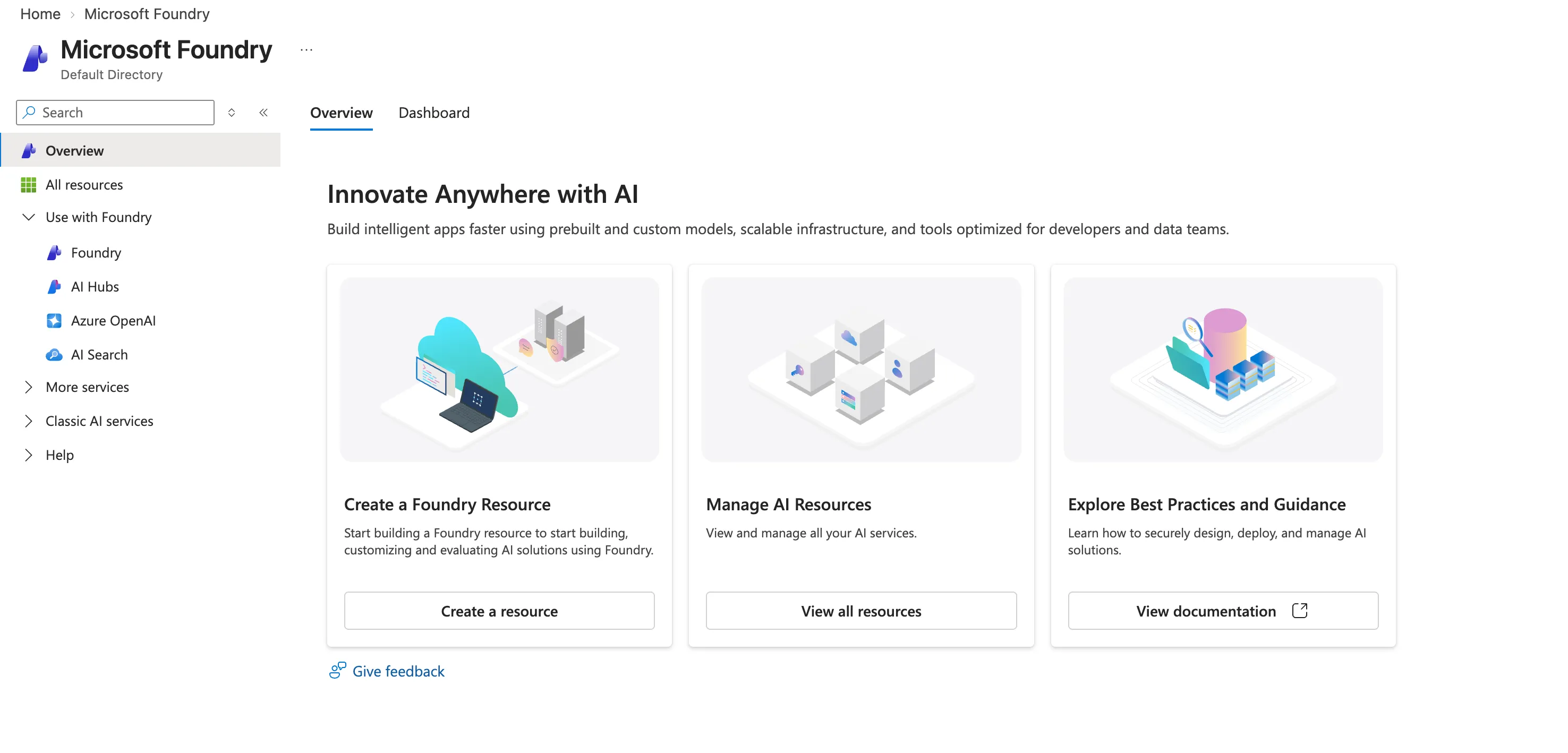
Two things on that screen are worth noticing before you click anything. Create a Foundry Resource is the one that gives you the platform; the other entries in the left navigation are the individual services you can still use on their own. And Classic AI services is where the previous generation now lives, which matters later when a sample you find online does not match the SDK you installed.
Once a resource exists, its Keys and Endpoint page shows you the other half of the address:
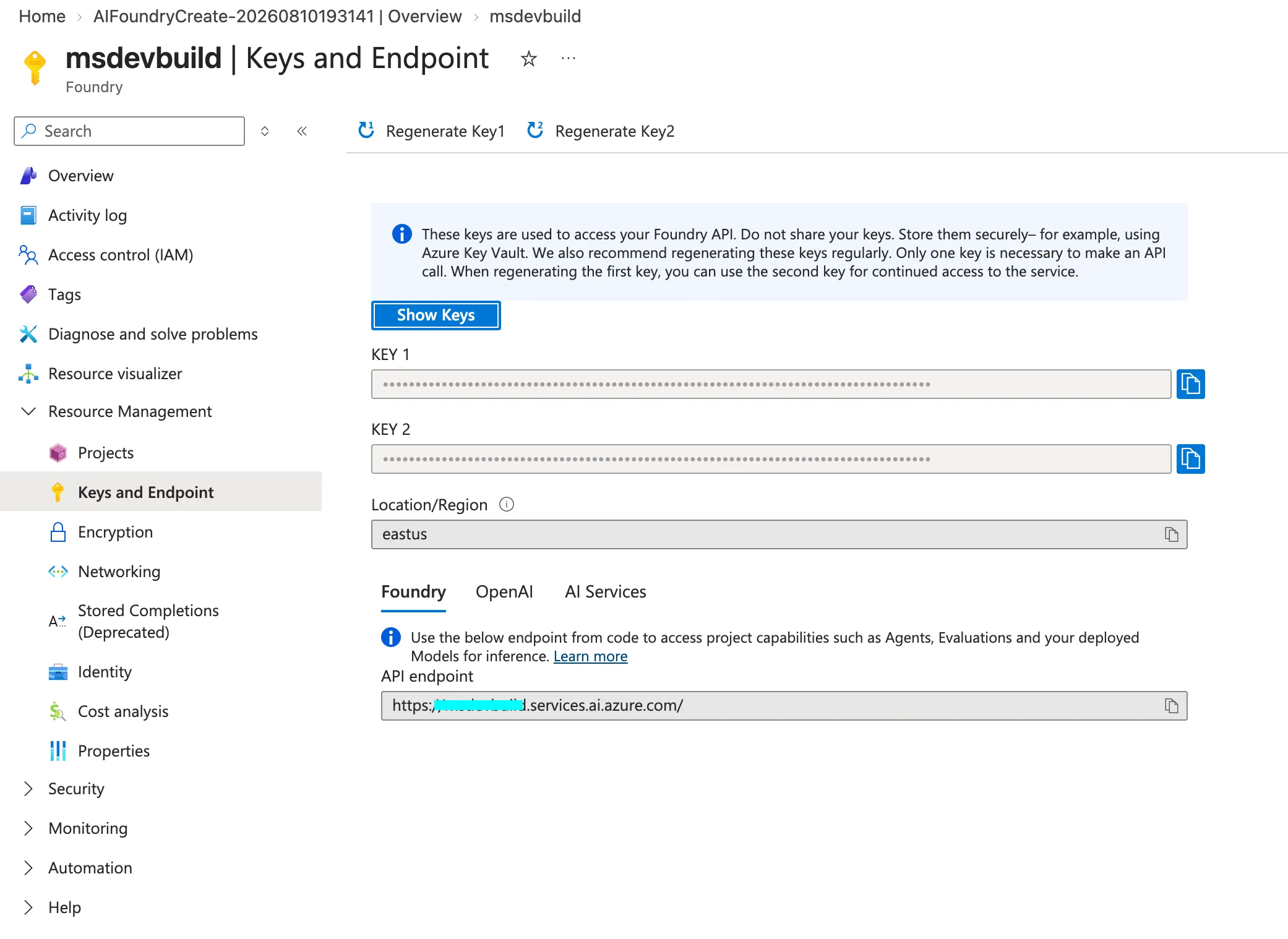
Note what that page gives you and what it does not. The API endpoint there belongs to the resource: https://your-resource.services.ai.azure.com/. The project endpoint is that same host with /api/projects/your-project on the end, and it is the one your code uses. The three tabs are worth a look too, because the same resource answers on a Foundry, an OpenAI and an AI Services address depending on which SDK is calling it.
The two keys on that page are real and they work. This series does not use them. Every call goes through Microsoft Entra ID instead, because a key cannot tell you which customer is asking, and in an app where one user must never see another user’s orders, that is the only question that matters.
The mental model that helped me most: Azure OpenAI is an endpoint, Foundry is a platform. If you want a model to answer a prompt, you want an endpoint. If you want something that reasons, calls your systems, remembers a conversation, gets versioned, gets traced and gets evaluated, you want the platform.
What sits inside the resource
| Service | What it gives you | When you reach for it |
|---|---|---|
| Model catalogue | Models from OpenAI, Anthropic, DeepSeek, xAI, Mistral, Microsoft and others, deployed into your project | Always. Everything else needs a model |
| Responses API | One endpoint for model calls plus platform tools, on the project endpoint | Whenever you call a model or an agent |
| Agent Runtime | Runs agents, manages conversations and tool calls, scales them | You want an agent without hosting one |
| Tools | File search, code interpreter, web search, memory, MCP servers, and your own functions | The moment the model needs data or actions |
| Toolbox | A curated tool set defined once, versioned, exposed on one MCP endpoint | More than one agent needs the same tools |
| Knowledge | Vector stores and file search over your documents, plus connectors to enterprise sources | Answers must come from your content |
| Observability | Tracing, metrics, evaluation, Application Insights integration | Before production, not after |
| Identity and security | Entra identity per agent, RBAC, content filters, virtual network isolation | Anything touching real customer data |
| Publishing | Versioned agents, stable endpoints, distribution to Teams and Microsoft 365 Copilot | The agent has users outside your app |
Microsoft’s own summary of the runtime is the Agent Service overview, and the endpoint and package matrix lives in the SDK overview. Both are worth a skim before you commit to an approach, because this platform moves.
The catalogue is where that table stops being abstract:
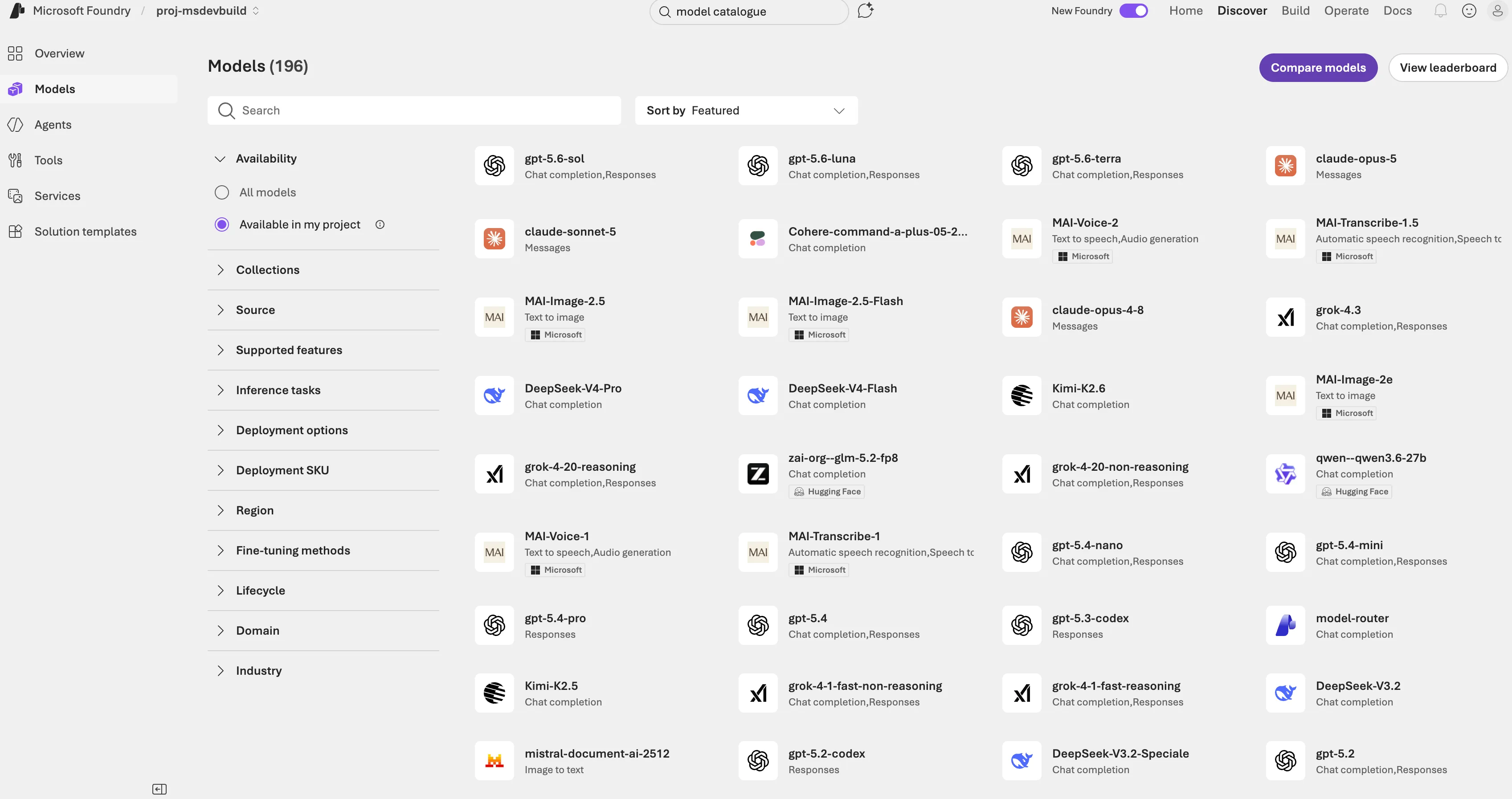
Nearly two hundred models in one project, from vendors who compete with each other, behind one endpoint and one bill. That is the part people underestimate about Foundry, and it is why the “which model” argument is worth having later rather than earlier; swapping one for another is a configuration change, not a migration. Note the left navigation too: Models, Agents, Tools, Services. Those four are the platform, and the rest of this series lives in the first three.
Three of these deserve more than a table row.
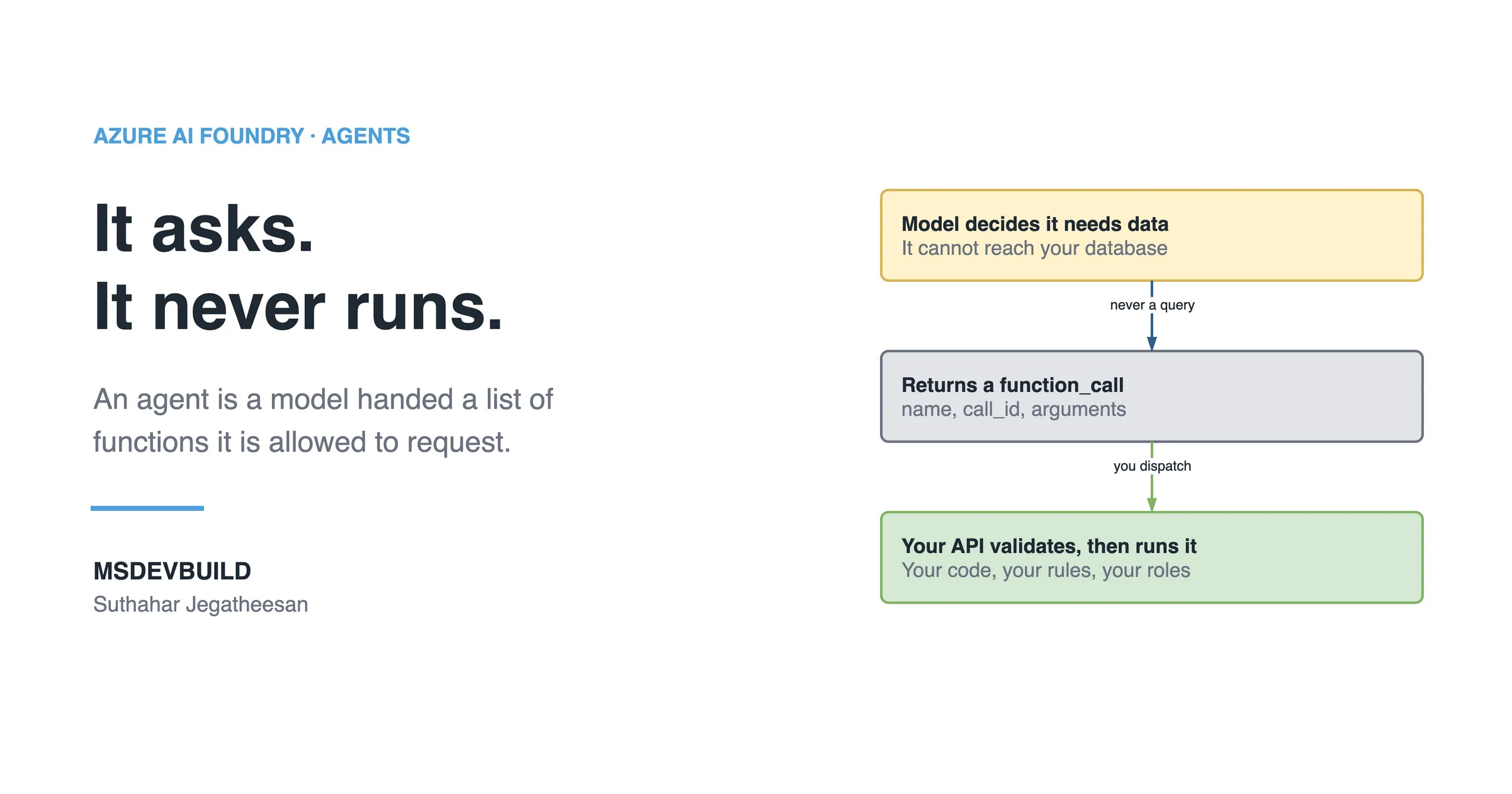
Tools are the reason agents are interesting. Some run on Microsoft’s side (file search, code interpreter, web search). Some are yours: a function tool is a schema describing a method in your API, and when the model wants it called, your code runs it. The agent in this series ends up with nine of them.
Memory comes in more than one flavour. Session memory is the conversation you are in. User memory carries preferences across sessions. Procedural memory, newer, lets an agent improve at a repeated workflow. Most applications start and end with session memory, and that is fine.
Observability is the one people skip and regret. An agent makes decisions you did not write, so “what did it do” is a question you will ask weekly. Tracing answers it, and wiring it to Application Insights is a day-one job rather than a launch-week one.
The kinds of agent you can build
Three paths, and picking the wrong one costs weeks.
Prompt agents are defined entirely by configuration: a model, instructions, and a list of tools. Foundry runs them. There is no container, no compute of yours, nothing to patch or scale. You author one in the portal or, better, define it in code so it lives in version control.
Hosted agents are your own agent code, written with Microsoft Agent Framework, LangGraph, the OpenAI Agents SDK or anything else, packaged as a container or a zip. Foundry runs it with a managed endpoint, autoscaling, its own Entra identity and tracing. Under the hood your code still calls the Responses API for inference.
Your own process, calling the Responses API. Keep your agent code where it already lives and use Foundry only for models and platform tools. Nothing is hosted for you.
| Prompt agent | Hosted agent | Your own process | |
|---|---|---|---|
| Runtime code to maintain | None | Yours | Yours |
| Compute to manage | None | Foundry-managed container | Yours |
| Custom orchestration | Limited | Full | Full |
| Cost model | Inference + tools | Inference + tools + container | Inference + tools + your hosting |
| Good first choice | Yes | When you need custom logic | When you already have an app |
Where MCP and multi-agent fit
Two terms that get thrown around, worth placing on the map now.
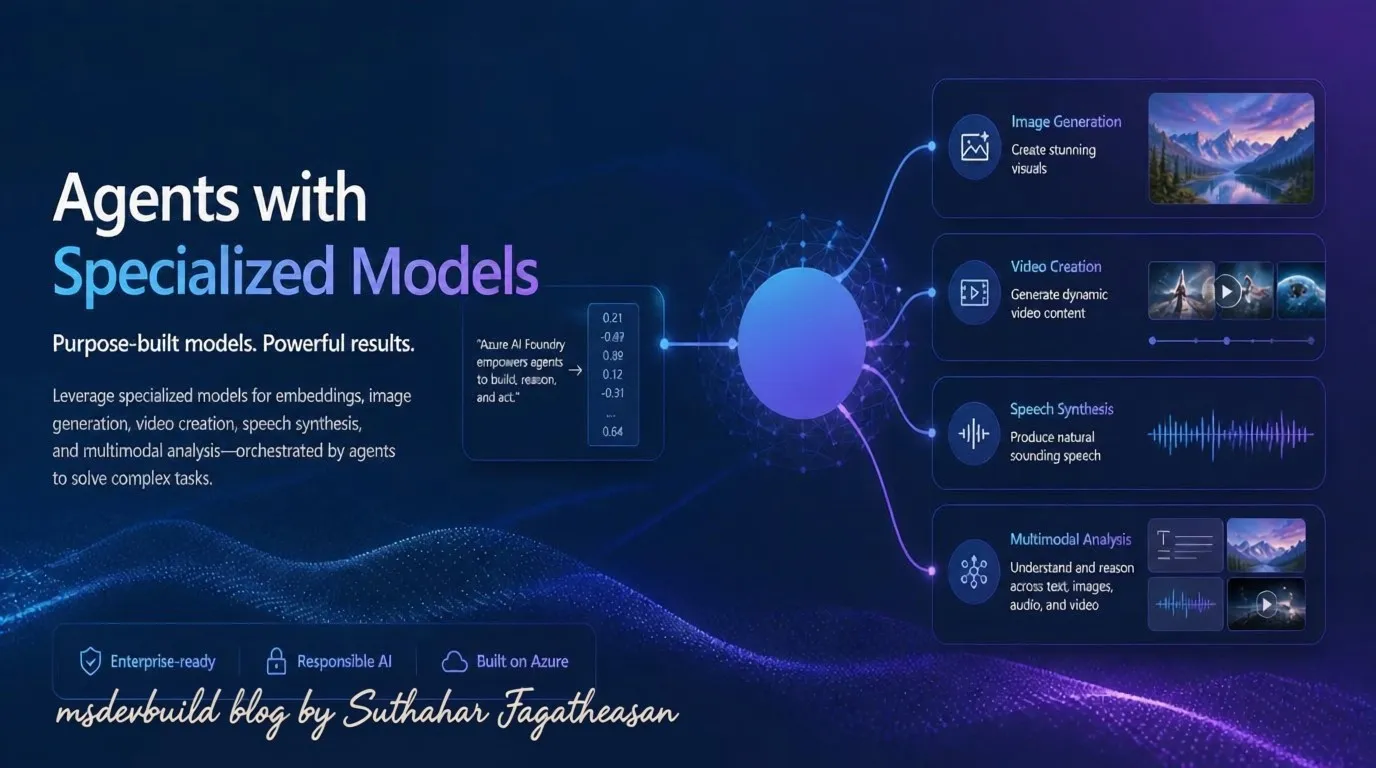
MCP, the Model Context Protocol, is a standard way to describe a set of tools so that any agent or client can use them. A function tool belongs to one agent definition. An MCP server is a tool layer that many agents, and other clients entirely, can plug into. Foundry can consume remote MCP servers, and a Toolbox can publish your tools as one.
Multi-agent means several specialised agents instead of one that does everything. Once an agent has more than roughly nine tools, routing accuracy drops, and splitting by domain works better than adding a tenth tool. Foundry (new) has no “connected agents” feature; the orchestration patterns live in Microsoft Agent Framework instead, and handoff is the one that matches a support-style conversation.
Neither is a starting point. Both are answers to a problem you can only have once a single agent is working.
Which SDK a .NET developer reaches for
| SDK | Use it for | Package |
|---|---|---|
| Foundry SDK | Agents, tools, project features | Azure.AI.Projects, Azure.AI.Projects.Agents, Azure.AI.Extensions.OpenAI |
| Agent Framework | Multi-agent orchestration, your own agent code | Microsoft.Agents.AI, Microsoft.Agents.AI.Workflows |
| OpenAI SDK | Plain model calls, embeddings, lowest latency | OpenAI |
| Anthropic SDK | Claude models deployed in Foundry | Anthropic’s own SDK |
When should you not use Foundry?
This is the section I wish more platform overviews had.
If you only need chat completions or embeddings, use an Azure OpenAI resource directly: a RAG pipeline in .NET is built exactly that way, with no Foundry in sight. Fewer concepts, one endpoint, lower latency. A summariser or a classifier does not need an agent runtime.
If your “agent” has one tool and no conversation, write the tool-calling loop yourself. It is about forty lines. You are not gaining much from the platform.
If you cannot put an API between your client and the model, stop and fix that first. Everything in this series depends on a server you control sitting in the middle, because that is where identity and authorization live.
If your data cannot leave a specific boundary, check regional availability and the networking options before you design around Foundry. Private networking and bring-your-own resources exist, but they change the setup meaningfully and are worth confirming early.
For a purely retrieval-shaped problem, answering questions from documents with no actions taken, a plain RAG pipeline is often the better tool and I have written that one up separately: building a RAG pipeline in .NET with Azure OpenAI.
What it costs, roughly
Not a price list, a shape, because the shape is what surprises people.
You pay for inference per token, and an agent turn is usually two or three model calls rather than one, because a tool call means going back to the model with the result. You pay for tools that run on Microsoft’s side, such as file search over a vector store. A hosted agent adds container compute. Prompt agents add nothing for the runtime itself.
The practical consequence: token cost in an agent is dominated by what your tools return, not by what the user typed. In this app, trimming a single tool response halved the cost of the most common turn, and no answer got worse.
That is the map. The rest of the series builds a real feature on top of it, starting with the business problem in a running food delivery app and the architecture that put an agent in front of it.
Key takeaways
- Foundry is one Azure resource with projects inside it, and everything hangs off a single project endpoint.
- Azure OpenAI is an endpoint; Foundry is the platform around models. Use the endpoint when that is all you need.
- Prompt agents are configuration Foundry runs. Hosted agents are your container Foundry runs. Start with a prompt agent.
- Tools are what make an agent more than a chatbot, and function tools run in your own API.
- MCP is a shared tool layer; multi-agent is what you do when one agent has too many tools. Neither is a starting point.
- Anything using
PersistentAgentsClient, threads and runs is Foundry classic. Check class names before copying a sample. - Turn on tracing before production. An agent makes decisions you did not write.