Structuring a .NET Minimal API Project That Survives Growth

Program.cs stops scaling around twenty endpoints. Here is a vertical-slice layout for Minimal APIs that keeps routing, validation and handlers organised.

By Suthahar Jegatheesan 4 min read —views
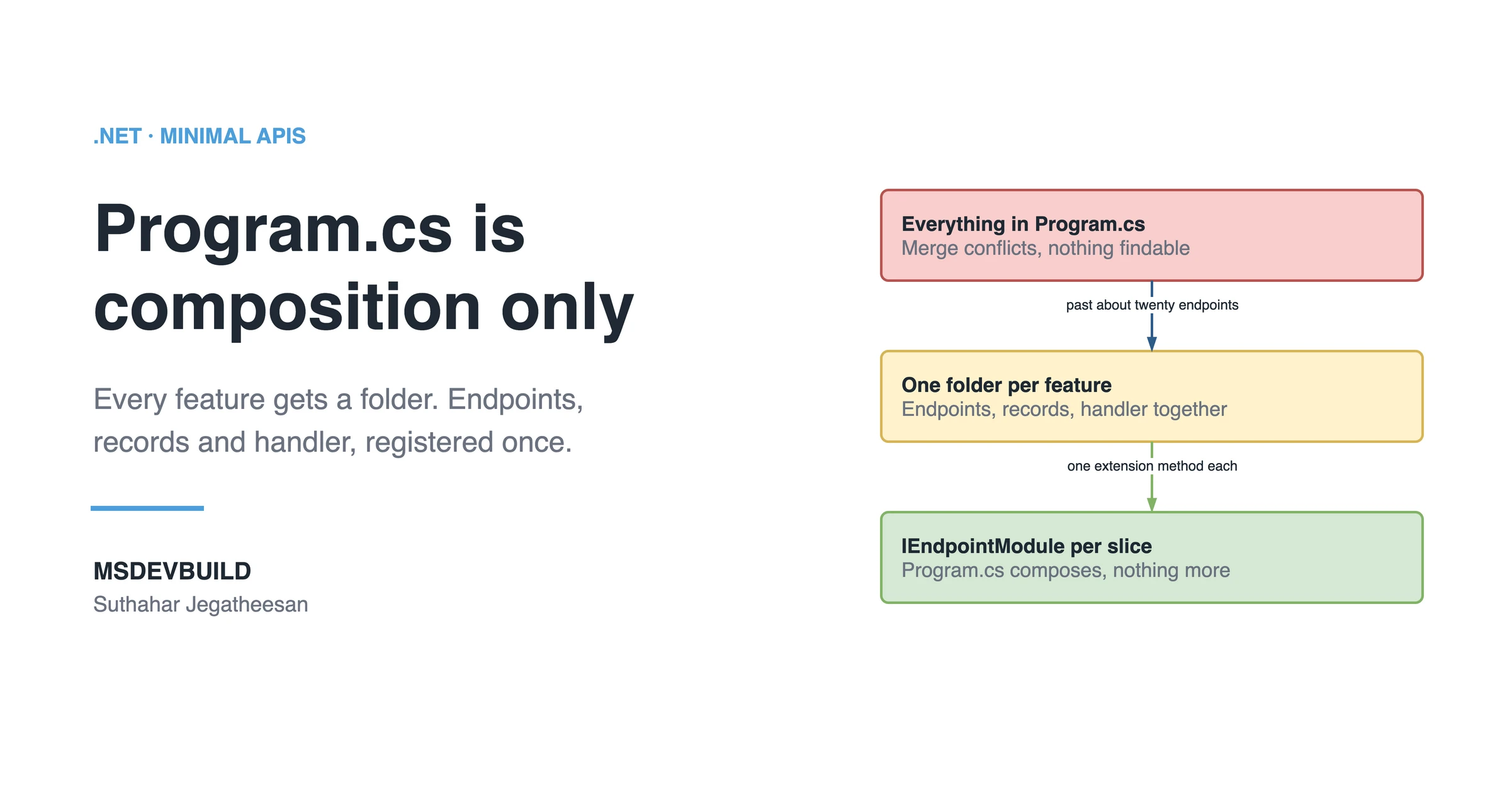
Share banner headed .NET · MINIMAL APIS with the title "Program.cs is composition only" and the line "Every feature gets a folder. Endpoints, records and handler, registered once." above the MSDEVBUILD wordmark and the author name. On the right, a three-step chain: a bad box reading "Everything in Program.cs", merge conflicts, nothing findable; then a warn box reading "One folder per feature", endpoints, records, handler together; then a good box reading "IEndpointModule per slice", program.cs composes, nothing more.

The Minimal API tutorials all put endpoints in Program.cs. That is fine for a demo and untenable by the twentieth endpoint.

Why does Program.cs stop scaling?

Three reasons compound. Merge conflicts concentrate in one file that every feature branch touches. Related code drifts apart: the endpoint sits in Program.cs while its validation lives three folders away. And discoverability collapses: finding “where orders are handled” becomes a scroll rather than a folder. None of this is a failing of Minimal APIs themselves — the single-file layout is a starting point the docs never claimed was an architecture.

What a vertical slice layout looks like

Organise by feature, not by technical role:

src/
├─ Program.cs                 // composition only
├─ Features/
│  ├─ Orders/
│  │  ├─ OrderEndpoints.cs    // routes for this feature
│  │  ├─ CreateOrder.cs       // request, response, handler
│  │  ├─ GetOrder.cs
│  │  └─ OrderValidators.cs
│  └─ Customers/
│     ├─ CustomerEndpoints.cs
│     └─ ...
└─ Shared/
   ├─ Endpoints/IEndpointModule.cs
   └─ Persistence/AppDbContext.cs

Everything a change to “create order” touches lives in one folder.
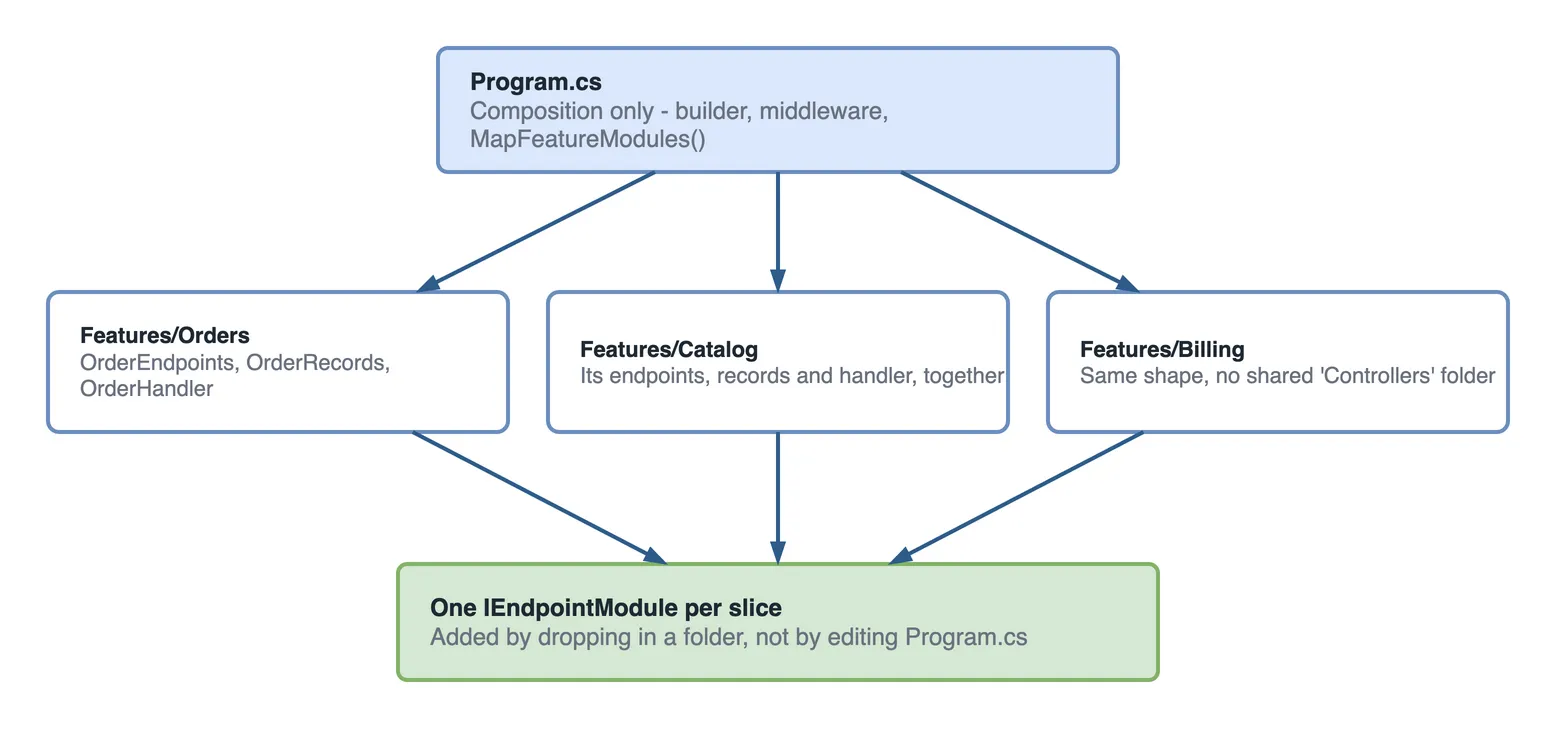
Fan-out diagram. Program.cs holds composition only: the builder, middleware and a MapFeatureModules call. It fans out to three feature folders, Features/Orders holding OrderEndpoints, OrderRecords and OrderHandler, Features/Catalog holding its own endpoints, records and handler together, and Features/Billing with the same shape and no shared Controllers folder. All three converge on one IEndpointModule per slice.

Figure 1 — Program.cs composes, features live apart. Adding a feature means dropping in a folder, not editing the composition root.

Registering feature modules in a Minimal API project

Once the layout holds, the next thing to get right is who may call each slice, which I cover in securing a .NET Minimal API with JWT bearer authentication.

Define a tiny contract:

public interface IEndpointModule
{
    void MapEndpoints(IEndpointRouteBuilder app);
}

Then implement it per feature:

public sealed class OrderEndpoints : IEndpointModule
{
    public void MapEndpoints(IEndpointRouteBuilder app)
    {
        var group = app.MapGroup("/orders")
            .WithTags("Orders")
            .RequireAuthorization();

        group.MapGet("/{id:guid}", GetOrder.Handle).WithName("GetOrder");
        group.MapPost("/", CreateOrder.Handle).WithName("CreateOrder");
    }
}

And discover them all at startup by assembly scan:

public static class EndpointExtensions
{
    public static void MapAllEndpoints(this WebApplication app)
    {
        var modules = typeof(Program).Assembly
            .GetTypes()
            .Where(t => typeof(IEndpointModule).IsAssignableFrom(t)
                        && t is { IsInterface: false, IsAbstract: false })
            .Select(Activator.CreateInstance)
            .Cast<IEndpointModule>();

        foreach (var module in modules)
        {
            module.MapEndpoints(app);
        }
    }
}

Program.cs then stays short no matter how many features exist:

var app = builder.Build();

app.UseAuthentication();
app.UseAuthorization();
app.MapAllEndpoints();

app.Run();

Once the structure holds, it is worth pointing it at something real, and a RAG pipeline in .NET with Azure OpenAI is built on exactly this layout.

Handlers as static classes

Each operation gets one file holding its request, response, and handler:

public static class CreateOrder
{
    public record Request(Guid CustomerId, List<LineItem> Items);
    public record Response(Guid OrderId, decimal Total);

    public static async Task<Results<Created<Response>, ValidationProblem>> Handle(
        Request request,
        AppDbContext db,
        IValidator<Request> validator,
        CancellationToken ct)
    {
        var validation = await validator.ValidateAsync(request, ct);
        if (!validation.IsValid)
        {
            return TypedResults.ValidationProblem(validation.ToDictionary());
        }

        var order = Order.Create(request.CustomerId, request.Items);
        db.Orders.Add(order);
        await db.SaveChangesAsync(ct);

        return TypedResults.Created(
            $"/orders/{order.Id}",
            new Response(order.Id, order.Total));
    }
}

Static handlers avoid a per-request allocation, and TypedResults gives you accurate OpenAPI output without extra attributes.

Key takeaways

  • Organise by feature; a change should touch one folder.
  • IEndpointModule + assembly scanning keeps Program.cs at composition only.
  • Route groups carry cross-cutting concerns like auth and tags.
  • Static handlers with TypedResults are cheap and self-documenting.

Was this useful?

Share

Found a mistake or an outdated step? Edit this page on GitHub

Frequently asked questions

Are Minimal APIs suitable for large applications?
Yes, provided you move endpoint definitions out of Program.cs into feature modules registered via extension methods. The performance and simplicity benefits hold at scale; only the default single-file layout does not.
At what point does Program.cs stop scaling?
Around twenty endpoints. Below that the single-file layout is genuinely simpler than controllers. Past it, routing, validation and handler code all compete for one file, and every new feature means editing the same place — which is where merge conflicts and inconsistent patterns start.
How should you organise Minimal API endpoints by feature?
Give each operation one file holding its request, response and handler together, then register each feature as a module through an extension method that Program.cs calls. Everything that changes for one reason lives in one place, which is what makes a vertical slice easier to move or delete than a layered folder tree.
Should Minimal API handlers be static classes?
Static classes work well here. The handler takes its dependencies as parameters and lets the framework inject them, so there is no constructor and no per-request instance. It also keeps the request record, response record and handler visible together in one short file.
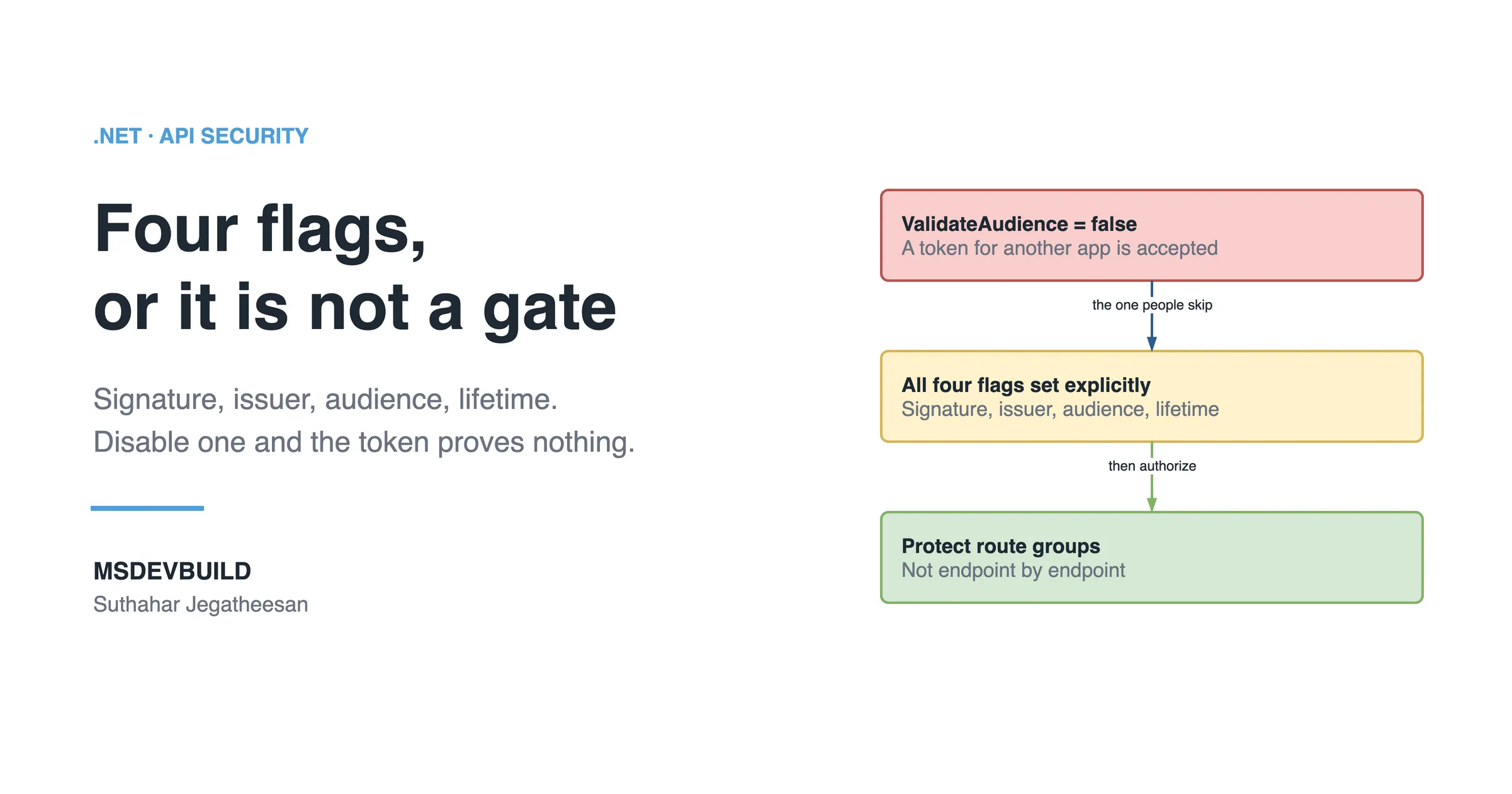
Share banner headed .NET · API SECURITY with the title "Four flags, or it is not a gate" and the line "Signature, issuer, audience, lifetime. Disable one and the token proves nothing." above the MSDEVBUILD wordmark and the author name. On the right, a three-step chain: a bad box reading "ValidateAudience = false", a token for another app is accepted; then a warn box reading "All four flags set explicitly", signature, issuer, audience, lifetime; then a good box reading "Protect route groups", not endpoint by endpoint.

Next in this series · Part 2 of 2

5 min

How to Secure a .NET Minimal API with JWT Bearer Authentication

A working JWT bearer auth setup for ASP.NET Core Minimal APIs — token validation, role policies, and the config mistakes that silently disable security.

Continue the series
PreviouslyMaking GitHub Copilot Understand a Legacy Codebase Nobody Documented

Get new posts by email

New technical articles, Azure AI and GitHub Copilot updates, and upcoming events. No spam, unsubscribe anytime.

Comments

Your turn

How did Suthahar's articles help you?

If something here saved you time or unblocked a real project, I'd love to hear about it. Submissions are reviewed before they appear on the site.

0/1500 · minimum 10 characters

Never published — used only to verify your feedback.

Your name, company, and role appear publicly if published. Nothing else is collected.

↑↓ navigate ↵ open