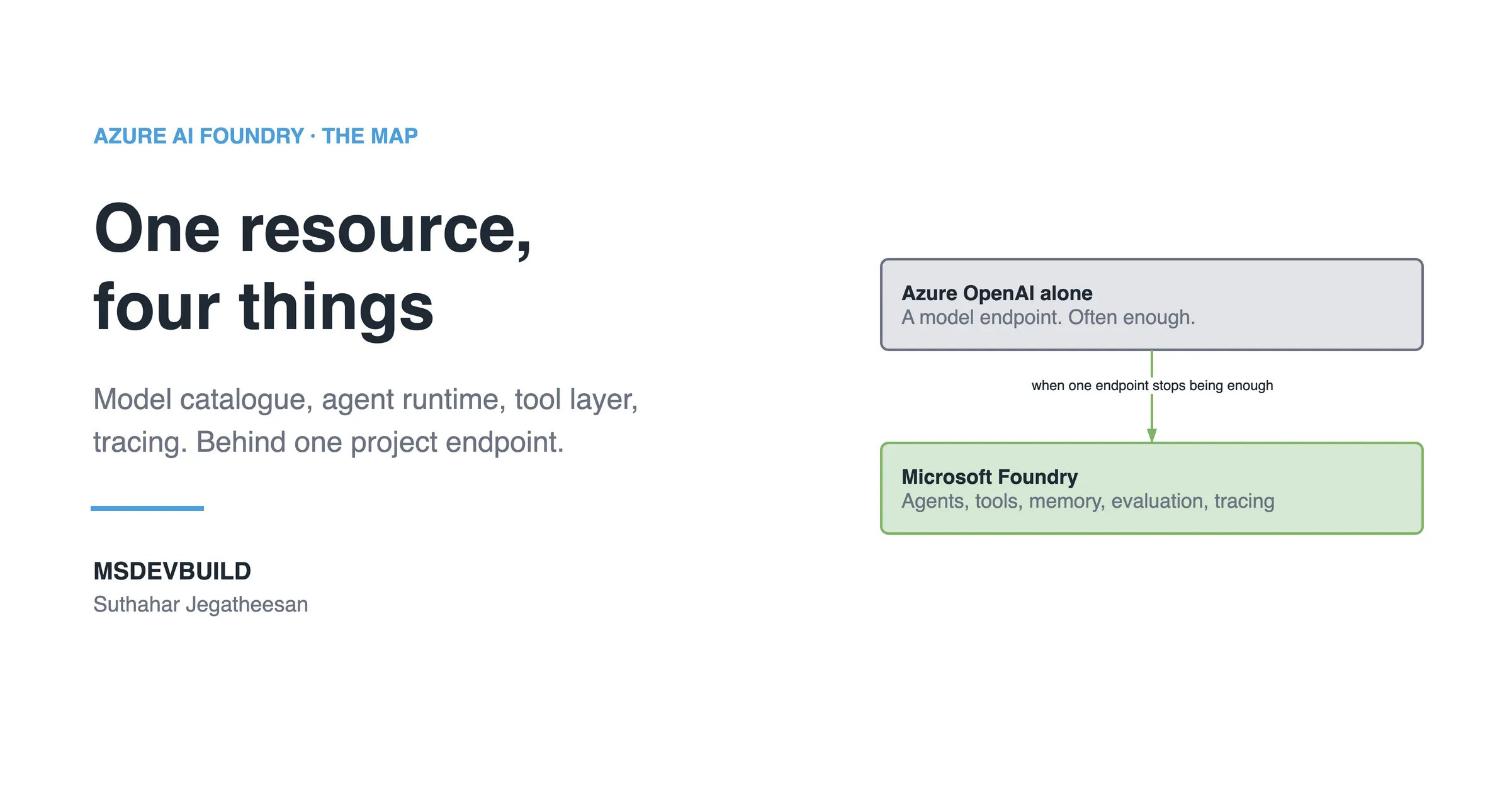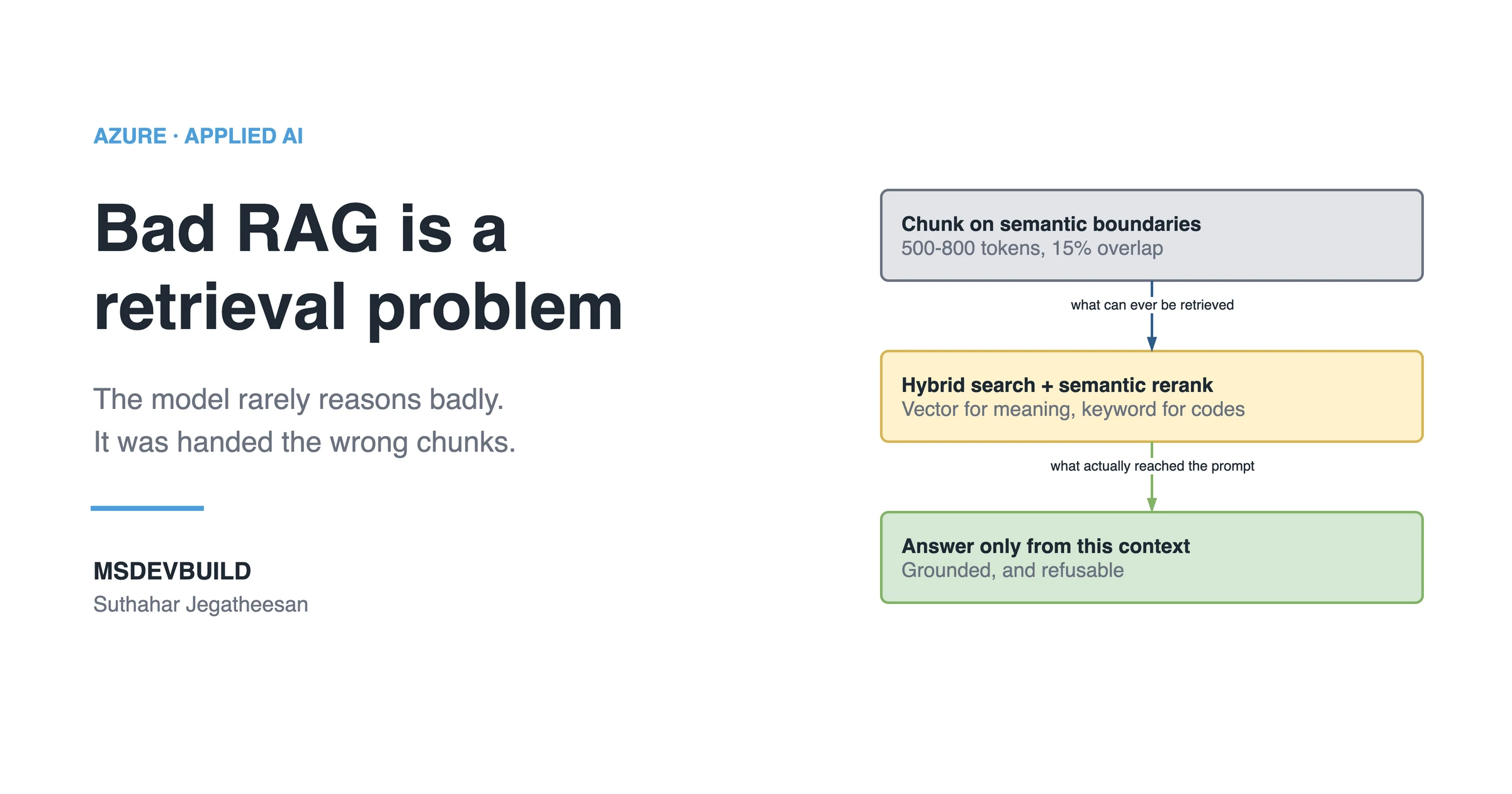
Retrieval-augmented generation is how you get an LLM to answer questions about data it was never trained on. It is also the pattern most teams reach for before they reach for agents, and if you are weighing that choice, what Microsoft Foundry actually is is the map. The pattern is simple; the quality lives almost entirely in the retrieval half.
How does RAG actually work?
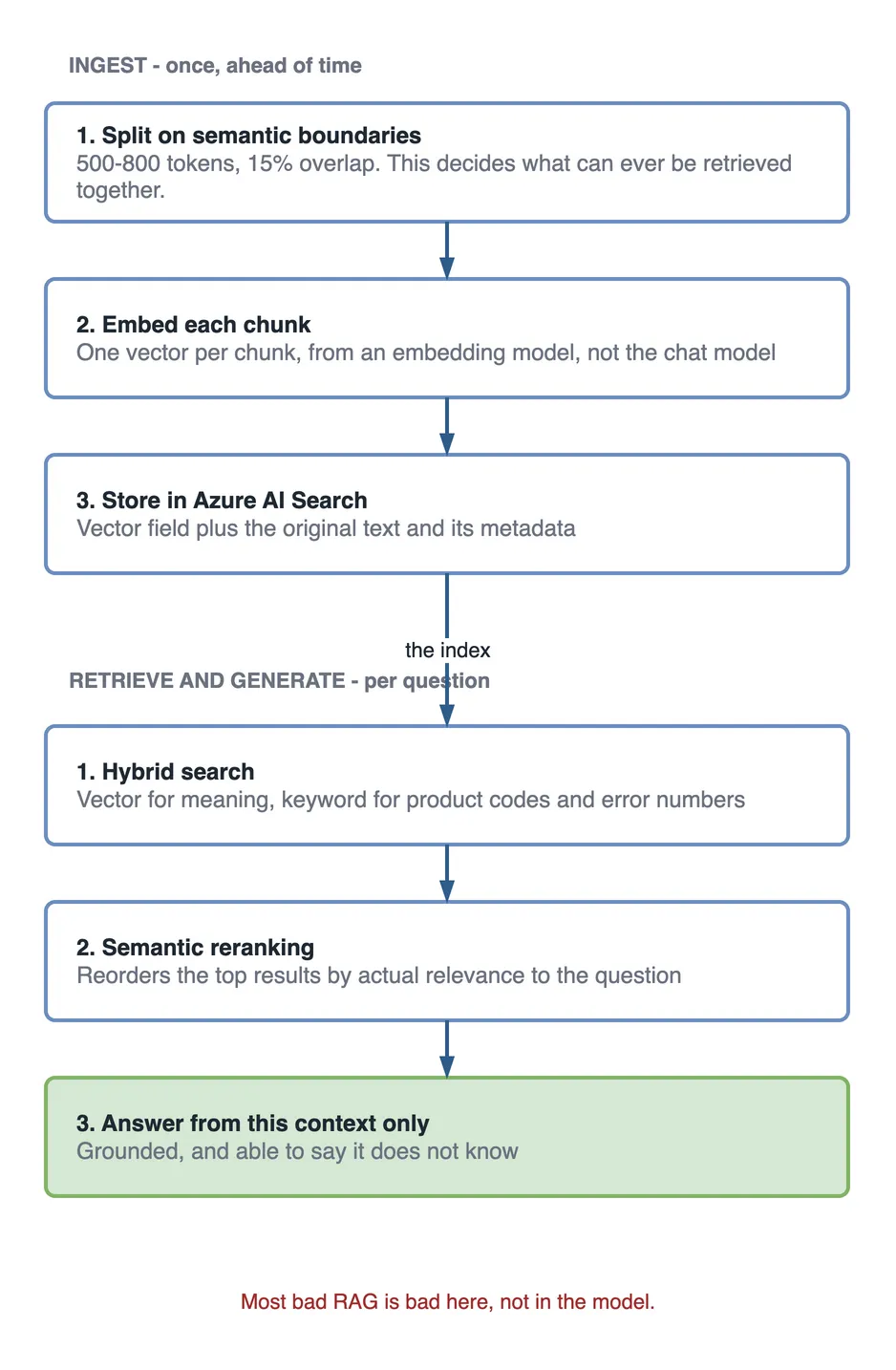
Three stages. Ingest: split documents into chunks, convert each to an embedding vector, store them in a searchable index. Retrieve: embed the user’s question and find the nearest chunks. Generate: put those chunks in the prompt and ask the model to answer using only that context.
The generation step is the easy part. Most bad RAG systems are bad because retrieval returned the wrong chunks, not because the model reasoned poorly. Which model you point at that context matters far less than people expect — choosing the right model in Foundry goes through that trade-off.
Chunking
Chunk boundaries determine what can ever be retrieved together. Split on semantic boundaries, headings and paragraphs, rather than fixed character counts:
public static IEnumerable<Chunk> ChunkMarkdown(
    string content,
    int maxTokens = 700,
    double overlapRatio = 0.15)
{
    var sections = content.Split("\n## ", StringSplitOptions.RemoveEmptyEntries);
    var overlap = (int)(maxTokens * overlapRatio);

    foreach (var section in sections)
    {
        var tokens = Tokenizer.Encode(section);

        for (var start = 0; start < tokens.Count; start += maxTokens - overlap)
        {
            var window = tokens.Skip(start).Take(maxTokens).ToList();
            if (window.Count < 50) break;   // trailing scraps hurt retrieval

            yield return new Chunk(Tokenizer.Decode(window), start);
        }
    }
}
The overlap matters: without it, a sentence spanning a boundary is retrievable from neither chunk.
Generating embeddings
var client = new AzureOpenAIClient(
    new Uri(config["AzureOpenAI:Endpoint"]!),
    new DefaultAzureCredential());

var embeddingClient = client.GetEmbeddingClient("text-embedding-3-small");

var response = await embeddingClient.GenerateEmbeddingsAsync(
    chunks.Select(c => c.Text).ToList());

var vectors = response.Value
    .Select(e => e.ToFloats().ToArray())
    .ToArray();
Batch these. Embedding one chunk per call is slow and wastes your rate limit.
Use
DefaultAzureCredentialrather than API keys. It works with managed identity in Azure and your developer login locally, so no secret ever reaches the repo.
Hybrid retrieval
Pure vector search misses exact terms: product codes, error numbers, API names. Pure keyword search misses paraphrases. Hybrid search runs both and fuses the rankings with Reciprocal Rank Fusion:
var searchOptions = new SearchOptions
{
    Size = 8,
    QueryType = SearchQueryType.Semantic,
    SemanticSearch = new()
    {
        SemanticConfigurationName = "default"
    },
    VectorSearch = new()
    {
        Queries =
        {
            new VectorizedQuery(questionEmbedding)
            {
                KNearestNeighborsCount = 20,
                Fields = { "contentVector" }
            }
        }
    }
};

var results = await searchClient.SearchAsync<DocChunk>(question, searchOptions);
Retrieve ~20 candidates by vector, let semantic reranking order them, then keep the top 8. Reranking is where most of the quality gain comes from.
Grounding the answer
The system prompt has one job: prevent the model from answering from its own memory.
var context = string.Join("\n\n---\n\n",
    topChunks.Select((c, i) => $"[{i + 1}] Source: {c.Title}\n{c.Content}"));

var messages = new ChatMessage[]
{
    new SystemChatMessage("""
        Answer the user's question using ONLY the numbered context below.
        Cite the sources you used as [1], [2], and so on.
        If the context does not contain the answer, say exactly:
        "I don't have that information in the provided documents."
        Do not use knowledge outside the context.
        """),
    new UserChatMessage($"Context:\n{context}\n\nQuestion: {question}")
};

var completion = await chatClient.CompleteChatAsync(messages);
The explicit refusal string matters. Without it, the model fills gaps with plausible invention, which is worse than no answer.
What to measure
| Metric | What it catches |
|---|---|
| Retrieval recall@k | The right chunk never reached the prompt |
| Groundedness | The answer contains claims absent from context |
| Citation accuracy | Cited sources do not support the claim |
| End-to-end latency | Embedding + search + generation budget |
Track retrieval separately from generation. When answers are wrong, this tells you which half to fix.
Key takeaways
- Retrieval quality dominates; tune it before touching prompts.
- Chunk on semantic boundaries at 500–800 tokens with ~15% overlap.
- Hybrid search plus semantic reranking beats vector-only in nearly every case.
- Instruct the model to refuse when context is insufficient, with an exact phrase.
- Use managed identity, not API keys.