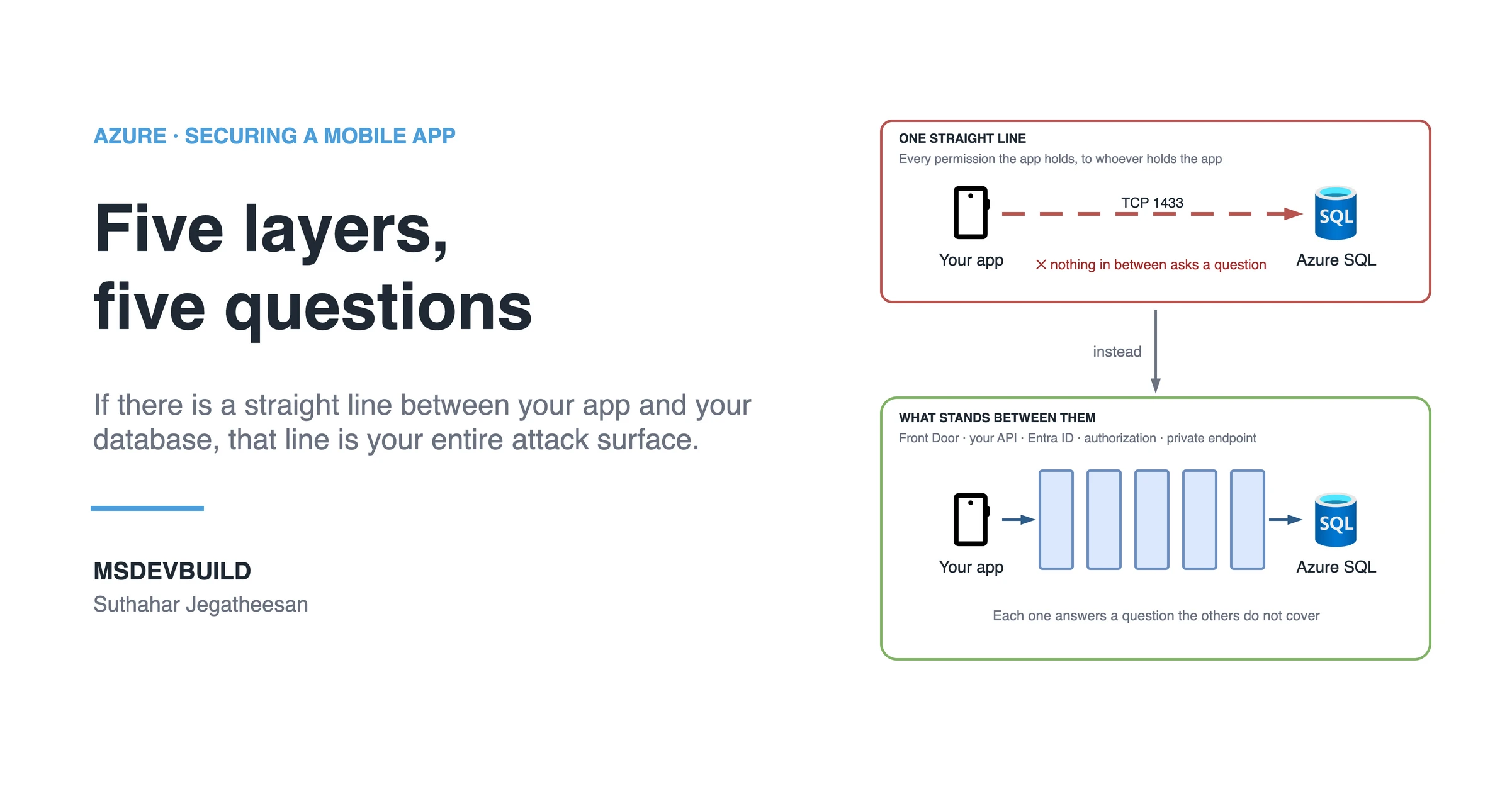
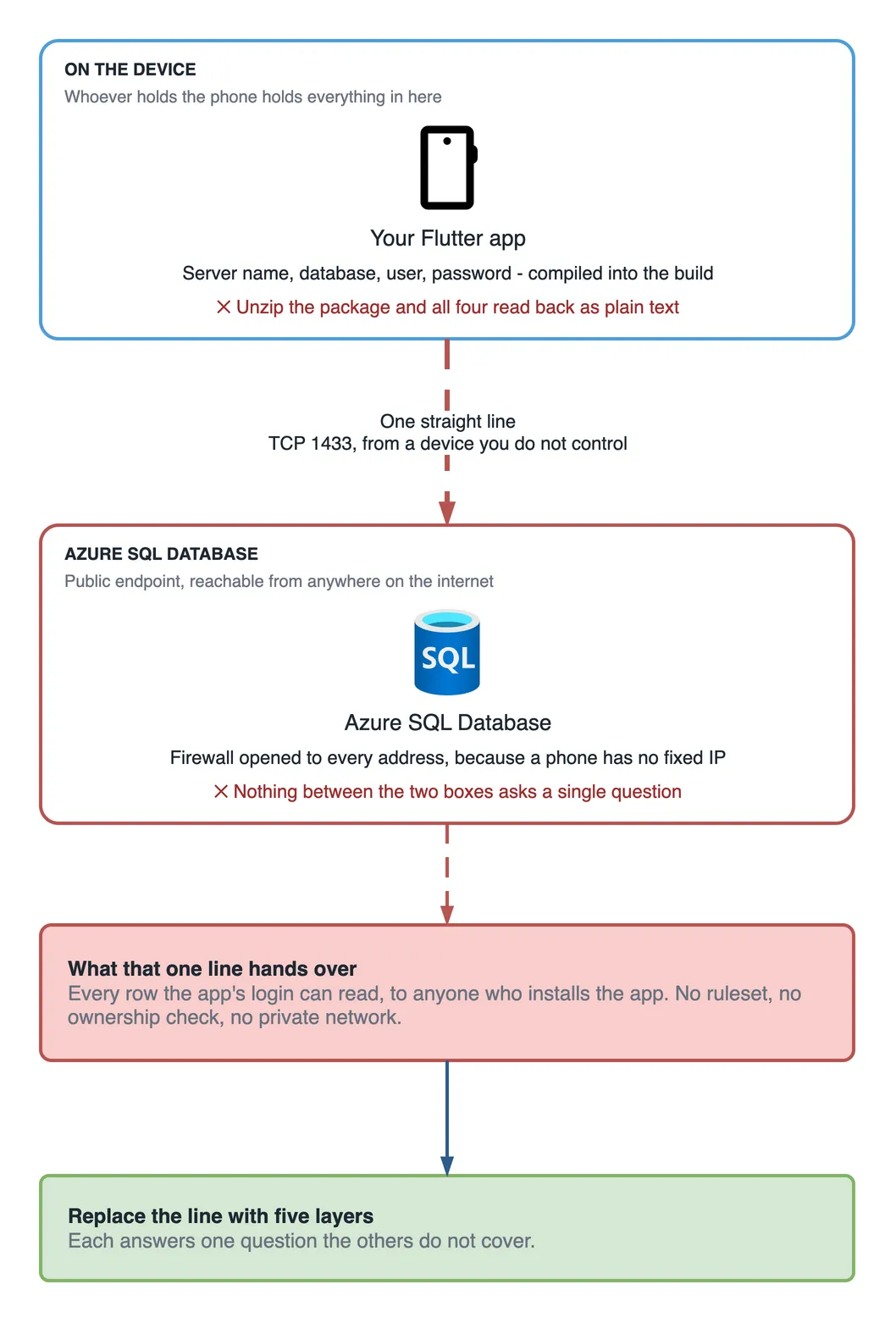
Draw your mobile app and your database. If there is a straight line between them, that line is your entire attack surface.
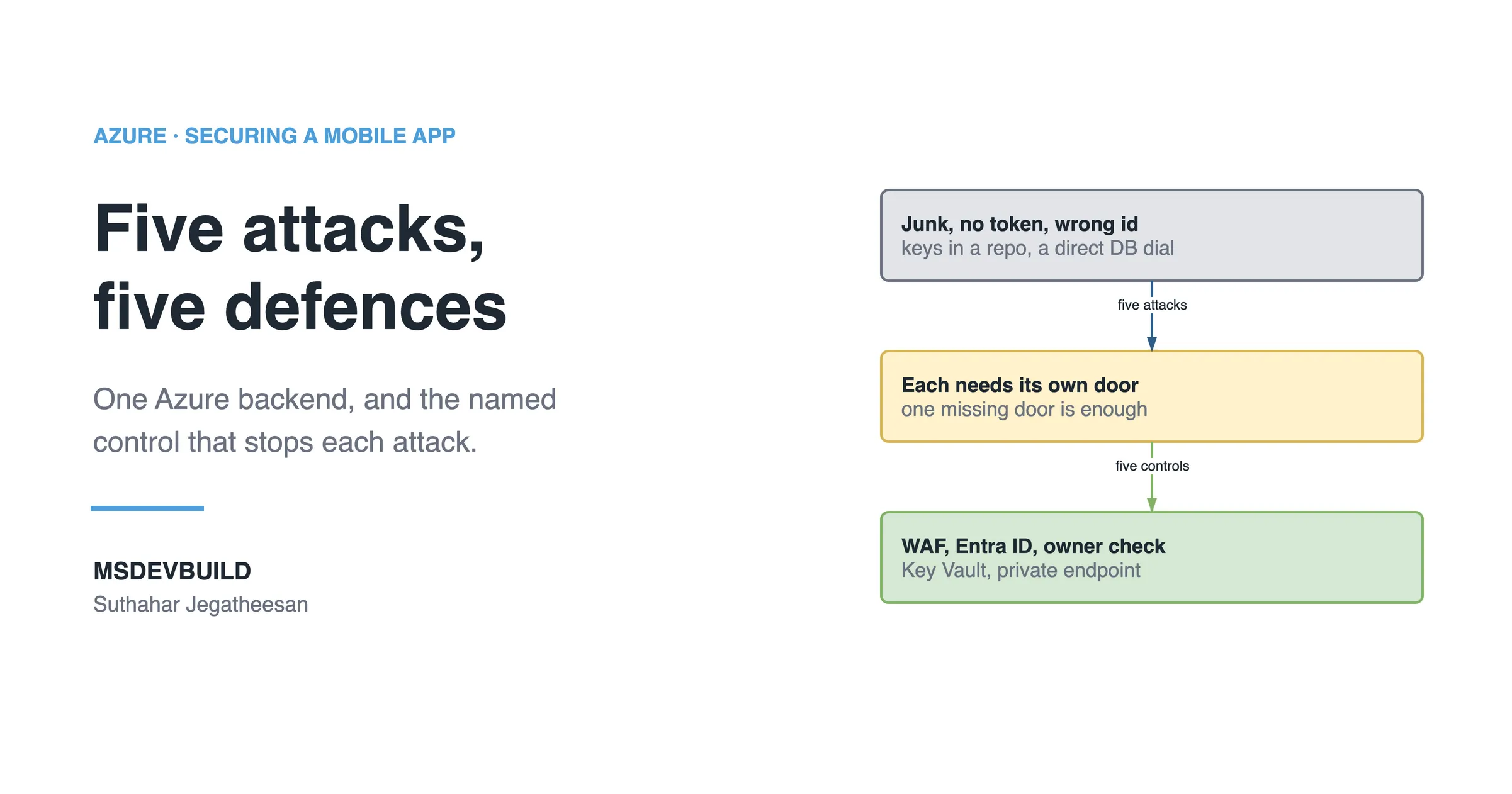
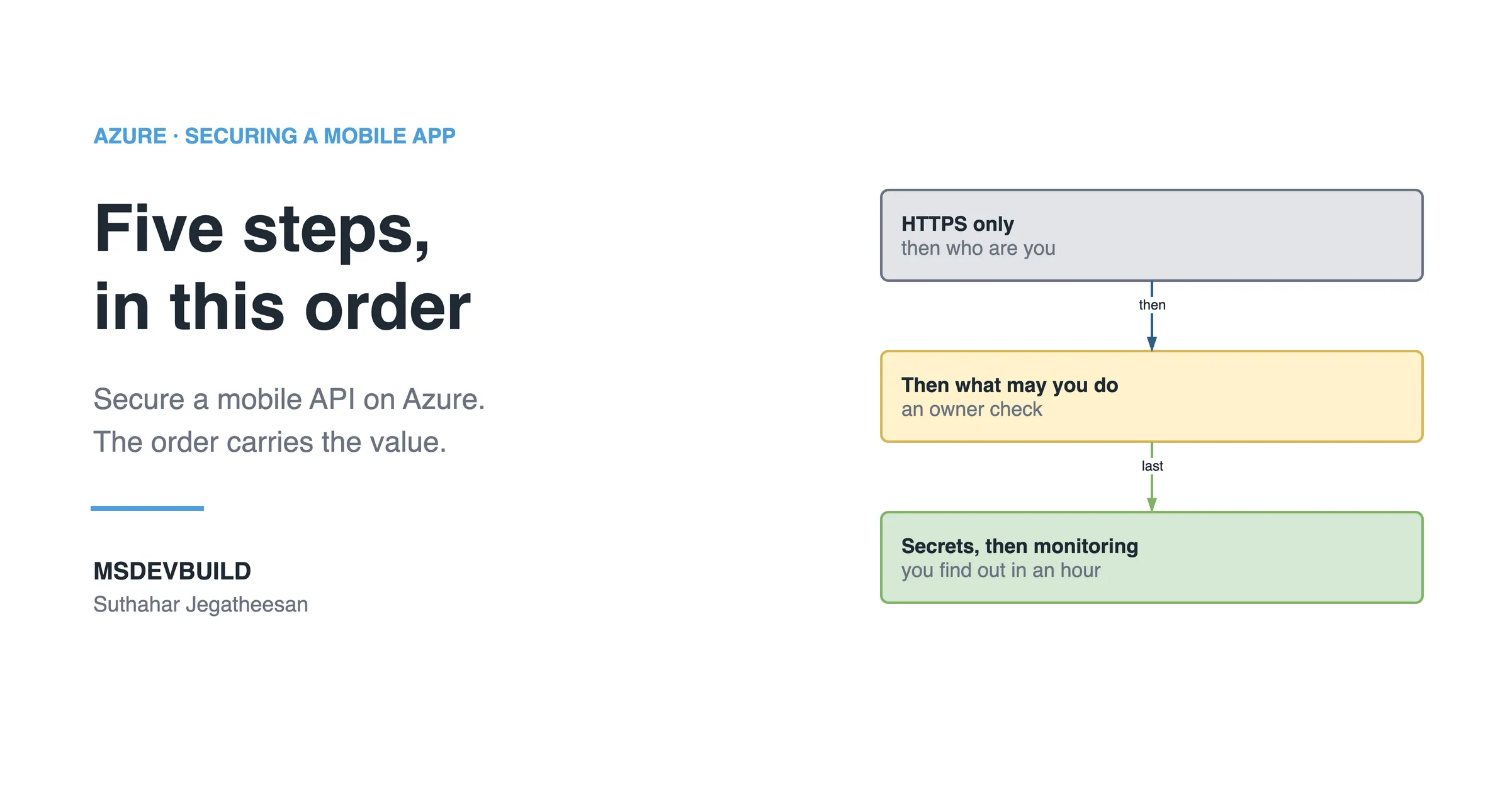
The shape that actually holds up on Azure has five layers, and each one answers a single question that the others do not cover for:
| Layer | Question it answers |
|---|---|
| Azure Front Door + WAF | Is this traffic garbage? |
| Your API | (the only public address you own) |
| Microsoft Entra ID | Who are you? |
| Authorization in your API | What may you see? |
| Private endpoint on Azure SQL | Can you even reach me? |
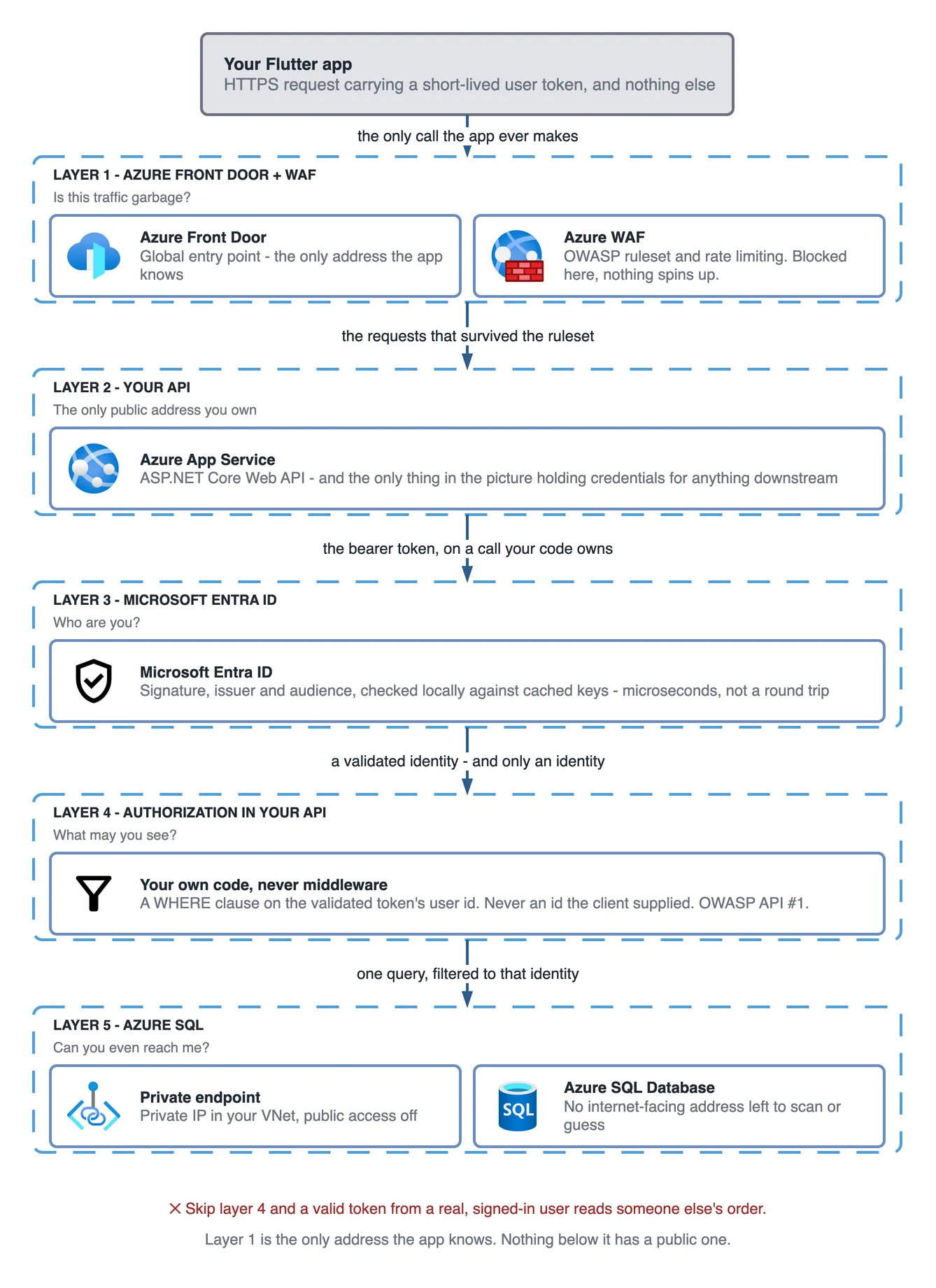
Miss one, and the others do not cover for it.
1. Azure Front Door — blocks junk at the edge
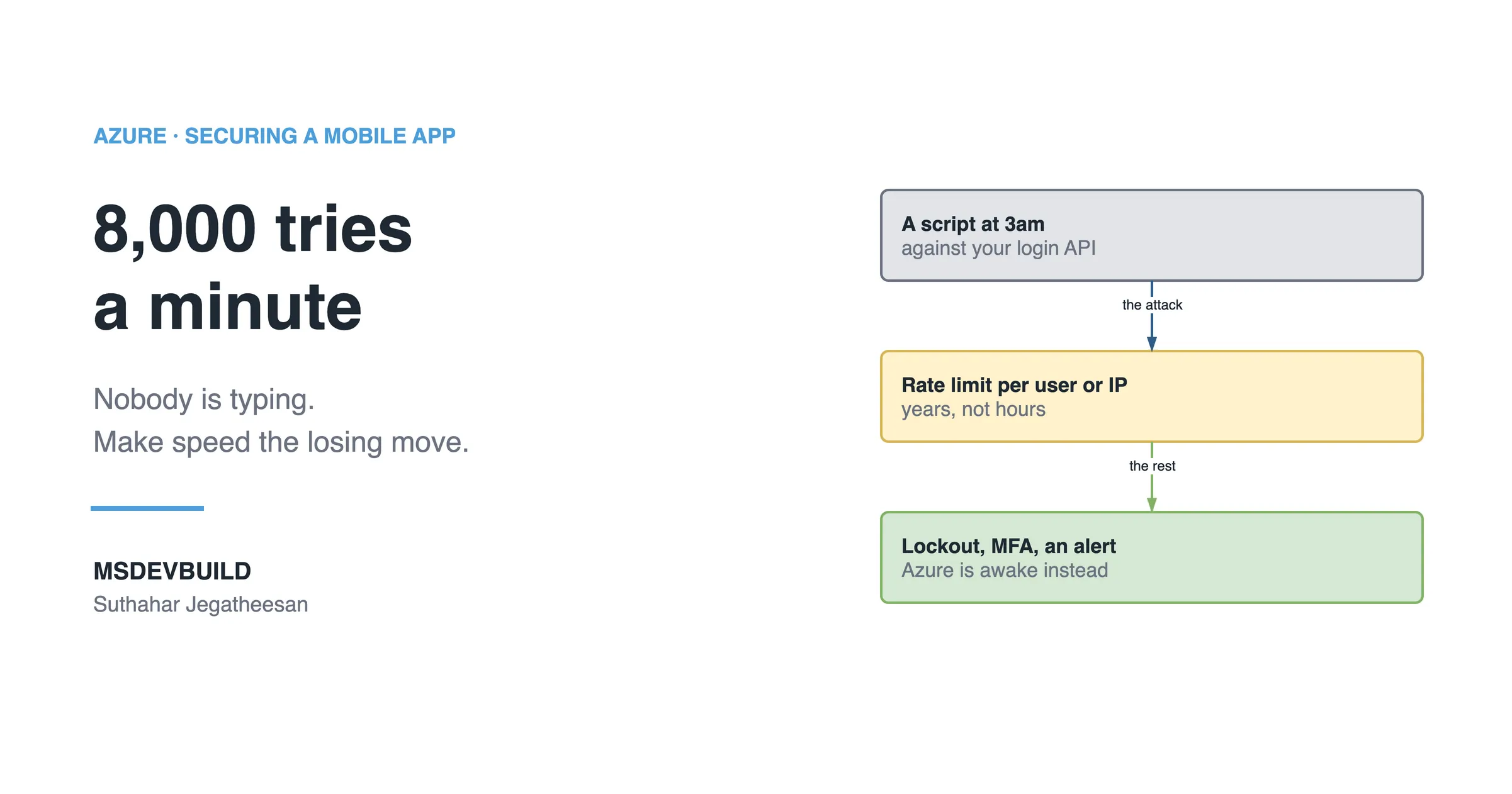
The Web Application Firewall runs the OWASP managed ruleset and drops SQL injection, path traversal and known bad bots before the request reaches your compute. Traffic blocked here costs you nothing. No container spins up. No database connection opens. Rate limiting belongs at this layer too, for the same reason: the cheapest request is the one your compute never has to look at.
2. Your API — the only public thing you own
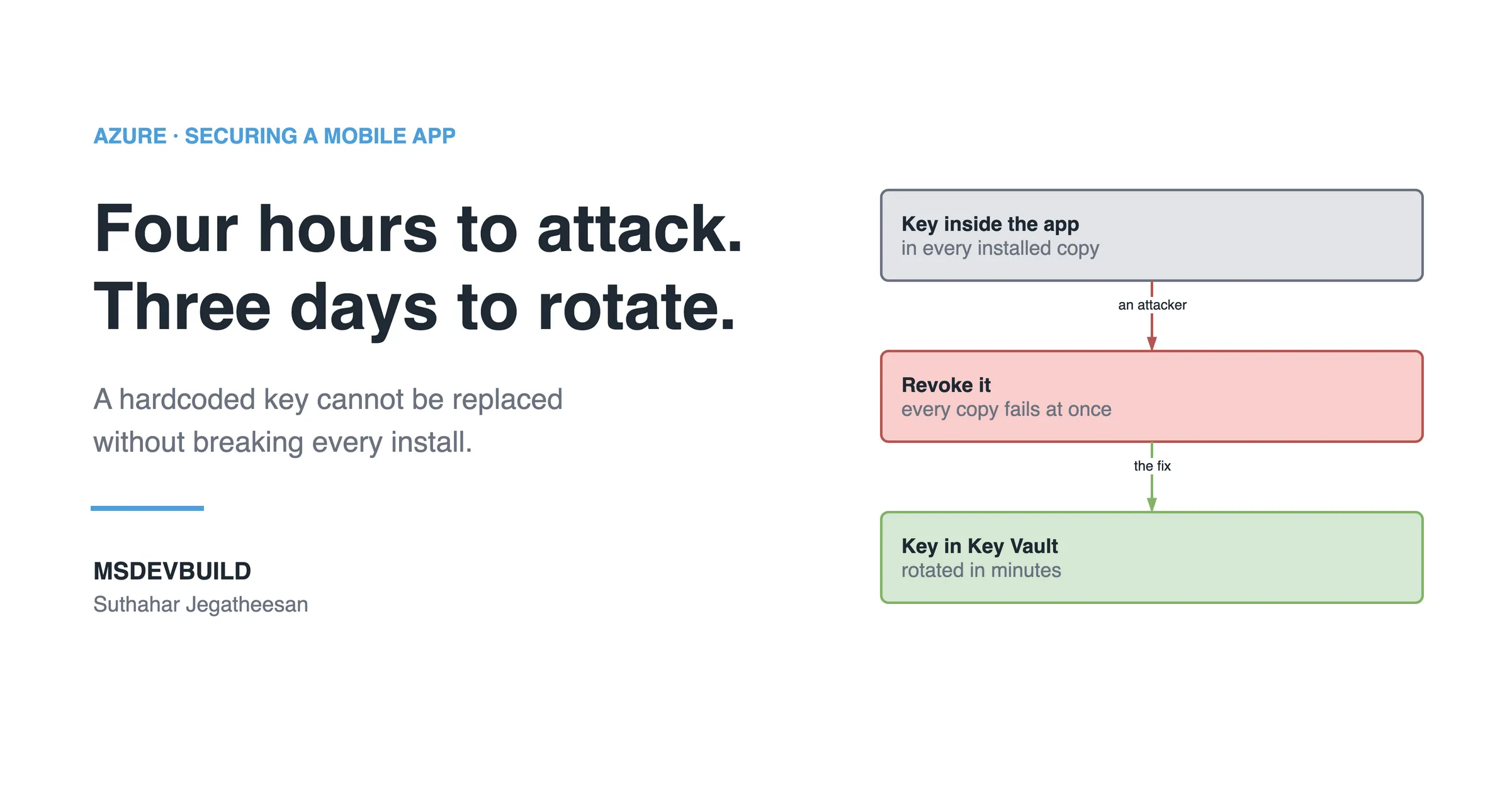
Everything else sits behind it. It is also the only place that holds credentials for anything downstream, which is the whole reason a service key must never ship inside the app.
3. Microsoft Entra ID — proves who is calling
Your API validates the token’s signature, issuer and audience against Microsoft’s published keys. This is a local check against cached signing keys, not a network round trip, so it costs microseconds per request.
4. Authorization — decides what they may see
This is the question people skip. Entra ID says she is Priya. That is all it says. Your API still has to decide that Priya gets Priya’s rows and nobody else’s, and that decision belongs on the server, nowhere near the client that asked for them.
The bug this layer prevents, in one line: GET /orders/1043 returning someone else’s order. It is called broken object level authorization, and it is number one on the OWASP API Security Top 10. Authentication does not prevent it — a perfectly valid token from a real, signed-in user is exactly what exploits it.
The fix is a WHERE clause, not middleware:
app.MapGet("/orders", (ClaimsPrincipal me, AppDb db) =>
    db.Orders.Where(o => o.UserId == me.GetObjectId()))
   .RequireAuthorization();
Never take the user id from the request body, the query string or a header. Take it from the validated token. Always. The moment the client gets to tell you who it is, the check stopped being a check and became decoration.
5. Azure SQL — no public address
Private endpoint on. Public network access off. The database gets a private IP inside your virtual network, and there is no internet-facing address left for anyone to scan, guess or misconfigure, which is a category of mistake you have now made impossible rather than merely unlikely.
Which settings ship insecure by default?
- WAF ships in Detection mode. Detection only logs; it does not block. Switch it to Prevention.
- Set public network access to
Disabledon SQL, Storage and Key Vault — not “allow Azure services”, which permits every Azure tenant in the world, not just yours. - Validate the
audclaim, not just the signature. A valid token issued for a different app is still a valid token. - Lock the API to Front Door only, or people will find the origin and skip the WAF entirely. Check the
X-Azure-FDIDheader and restrict inbound traffic to theAzureFrontDoor.Backendservice tag.
How does managed identity fit in?
Your API reaches SQL with a managed identity. No password exists anywhere in the chain, so there is nothing to leak and nothing to rotate. Turn on Microsoft Entra authentication for the Azure SQL server, then:
CREATE USER [my-app] FROM EXTERNAL PROVIDER;and grant it a database role. Note that private endpoint needs private DNS: without the privatelink.database.windows.net zone linked to your VNet, the name still resolves to the public IP and the connection fails in a confusing way.
Check your own app in five minutes
- Take a valid token from your app. Call your API asking for an id belonging to a different user. If you get data back, you have the bug.
- Remove the token entirely and call again. If you still get data, you have a bigger one.
- From your laptop, try to open a connection straight to the database server name. If it connects, the private endpoint is not doing its job.
Step 2 has one legitimate exception: endpoints that are public by design, like browsing a catalogue before anyone signs in. Those still need a caller identity, which turns out to be a different problem with a different fix, and I take it apart in securing a public API with no login on Azure.
Key takeaways
- A mobile app should never connect to a database directly — every network permission the app has, an attacker who obtains the app also has.
- Authentication and authorization are separate checks; Entra ID answers the first, your API’s own code must answer the second.
- Broken object level authorization is OWASP API #1, and a valid token does nothing to stop it — only a server-side ownership check does.
- WAF, “allow Azure services”, and audience validation are three settings that ship insecure by default and need to be changed explicitly.
- A private endpoint plus private DNS removes the database’s public address entirely — you cannot attack what you cannot reach.