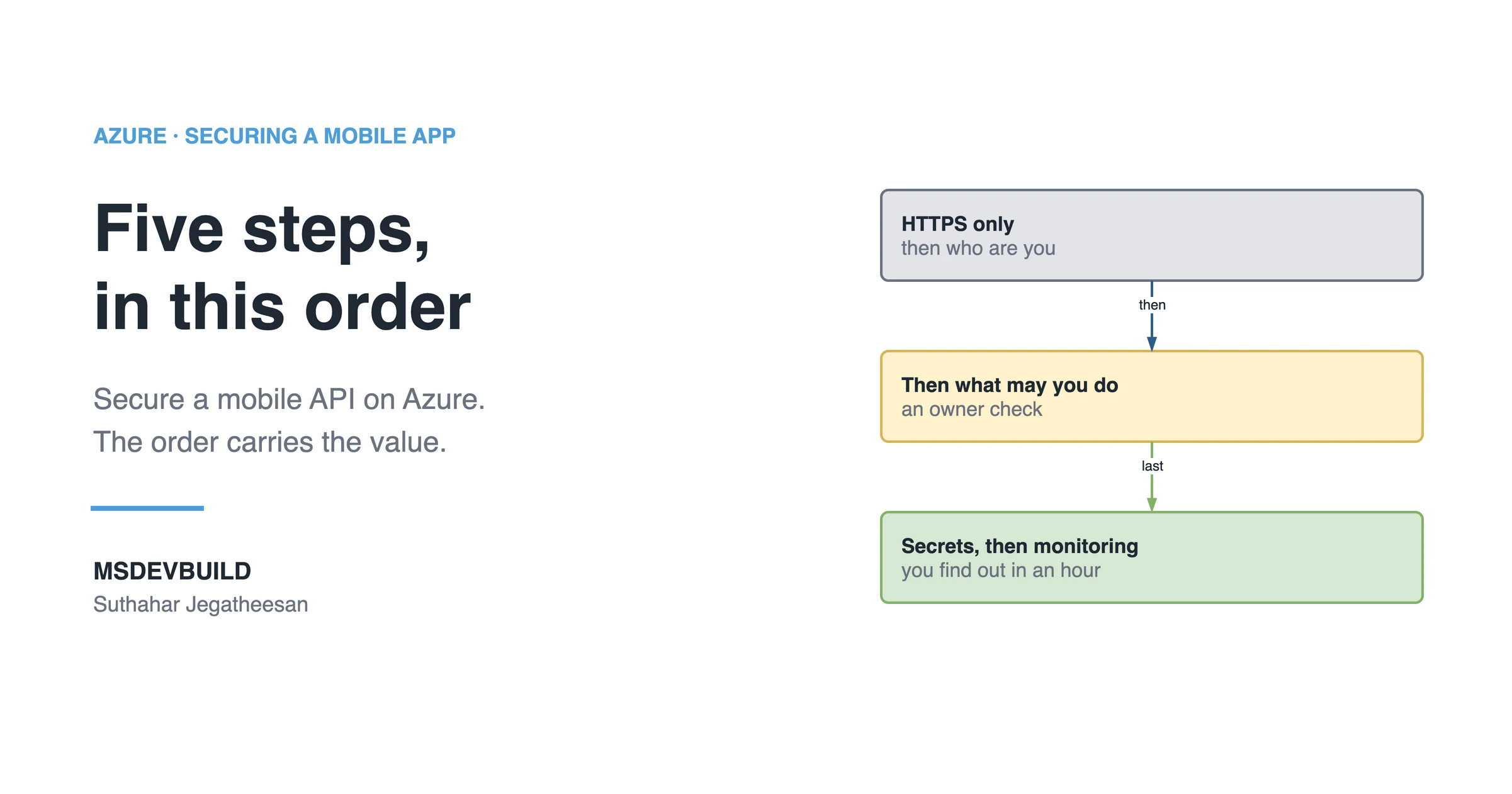
Secure a mobile API on Azure in five steps, in this order: HTTPS only, authentication, authorization, secrets, monitoring. The first three are what an attacker has to walk through to reach any data. The last two decide how bad the day gets and how fast you find out. The order carries most of the value.
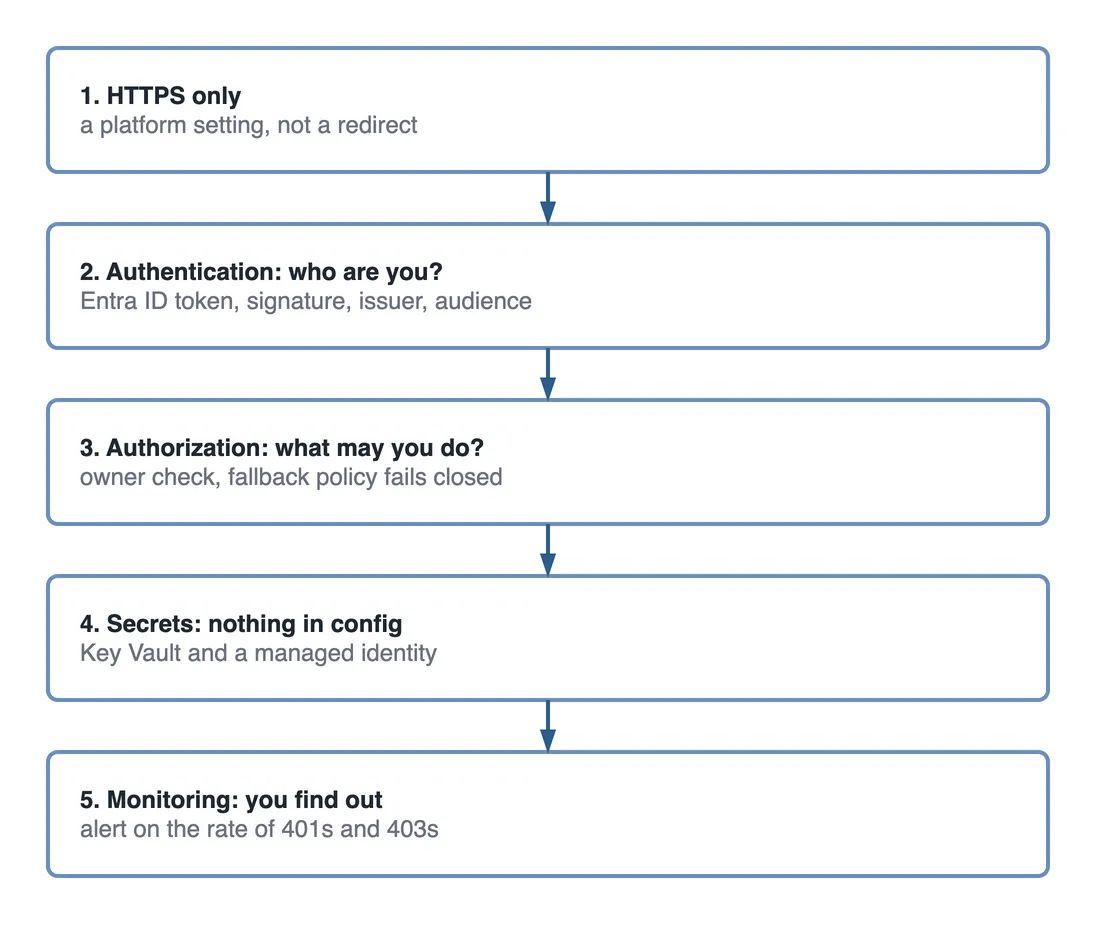
Step 1: HTTPS only
Not a redirect from HTTP. Off. On App Service, set HTTPS Only = On and a minimum TLS version of 1.2, then add HSTS, because a redirect still lets the first request go out in the clear, and on a mobile app that first request is very often the one carrying the user’s token to an API that has not yet had the chance to refuse it.
app.UseHsts();
app.UseHttpsRedirection();
Step 2, authentication: who are you?
Microsoft Entra ID issues the token; your API validates the signature, issuer and audience. It is a local check against cached signing keys, so it costs microseconds. Validate the audience, not only the signature. A valid token for a different app is still a valid token.
Step 3, authorization: what may you do?
A different question, and the one people skip. Entra ID can tell your API exactly who is calling, with a signed token to prove it, but it has no idea which orders, addresses or payment records belong to that person, so the decision about which rows the caller may see has to be made in your own code. Every time.
db.Orders.Where(o => o.UserId == me.GetObjectId())Make it fail closed, so an endpoint you forget about is protected by default:
builder.Services.AddAuthorizationBuilder()
    .SetFallbackPolicy(new AuthorizationPolicyBuilder()
        .RequireAuthenticatedUser().Build());
Step 4: secrets, with nothing in config
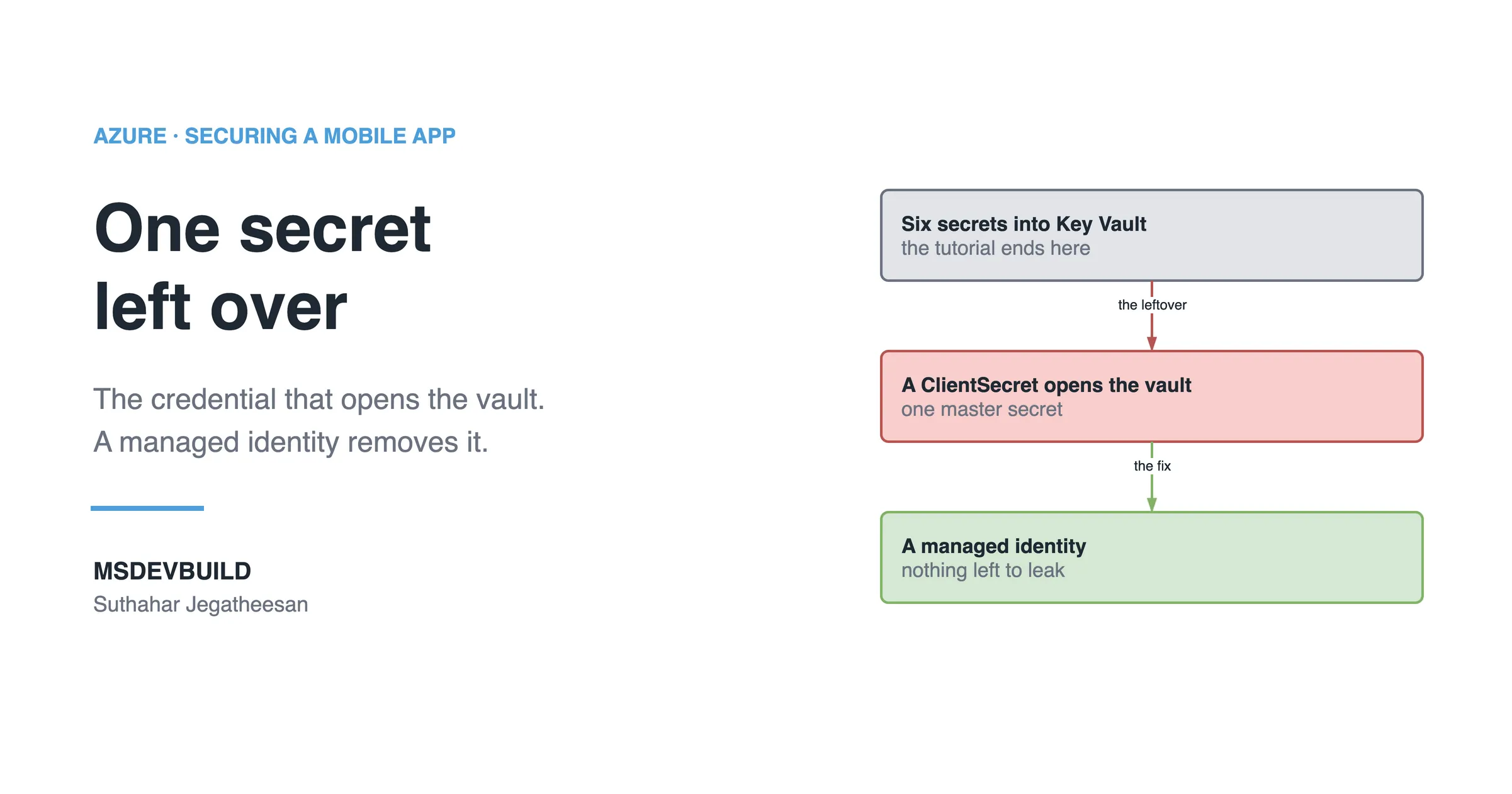
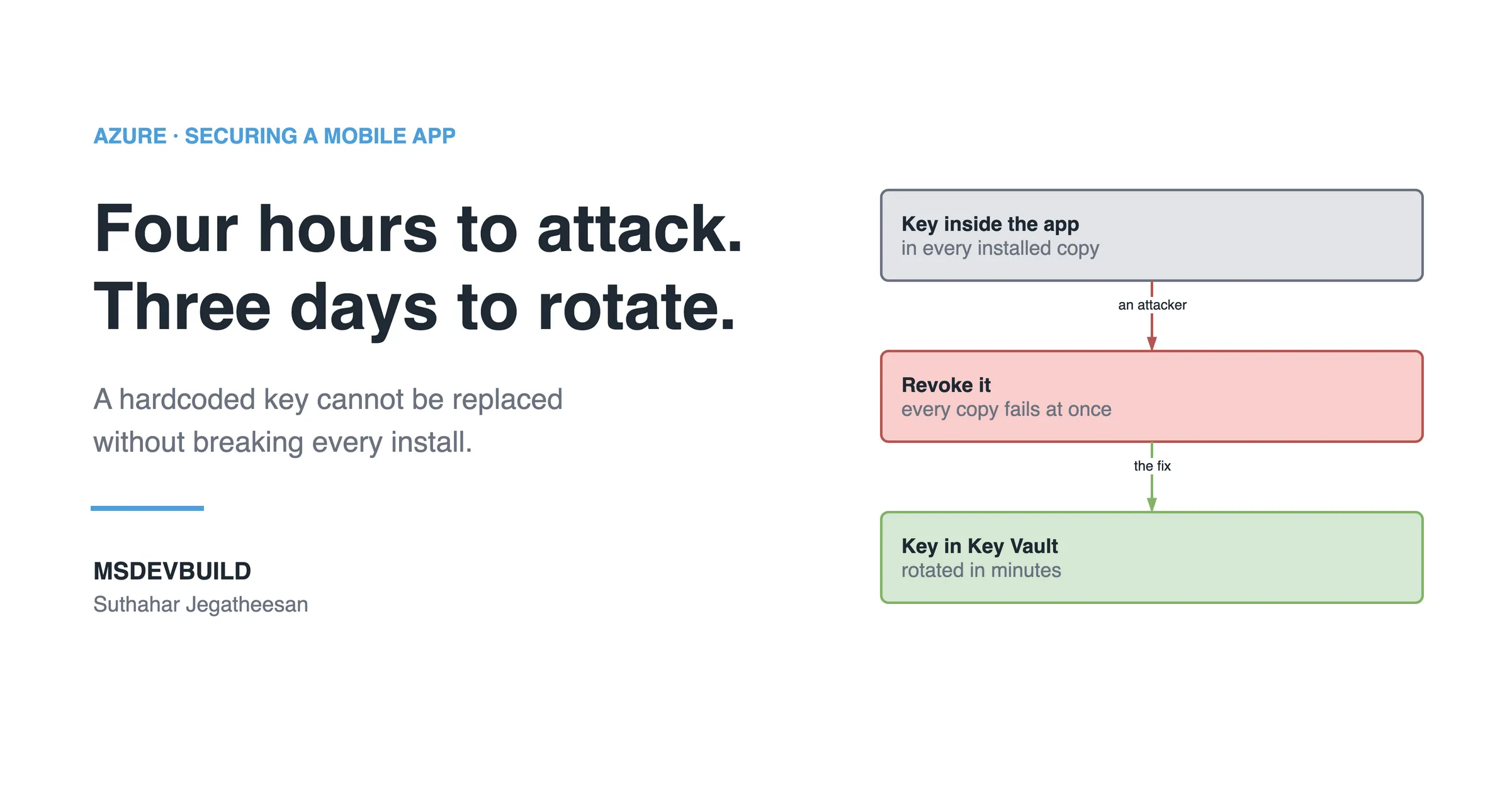
Azure Key Vault holds them, a managed identity fetches them, and appsettings.json holds a vault URI at most. For Azure-to-Azure calls, skip keys entirely: SQL, Storage, Service Bus, Cosmos DB and Azure OpenAI all accept managed identity. A key you never created cannot leak. The blast-radius article shows what the alternative costs on the day a key leaks.
Step 5: monitoring, so you find out
Application Insights covers what your API sees, and Microsoft Defender for Cloud covers what Azure sees around it, from unusual sign-in patterns to a storage account that suddenly allows public access. Alert on the rate of 401s and 403s, not only on errors. A spike in 401s is somebody trying keys. It is the earliest signal you will get.
Why the order matters when you secure a mobile API
Steps 1 to 3 are the ones an attacker has to walk through, one after another, before reaching a single row of data. Step 4 decides how bad the day is when something else goes wrong. Step 5 decides whether you find out in an hour or on the invoice.
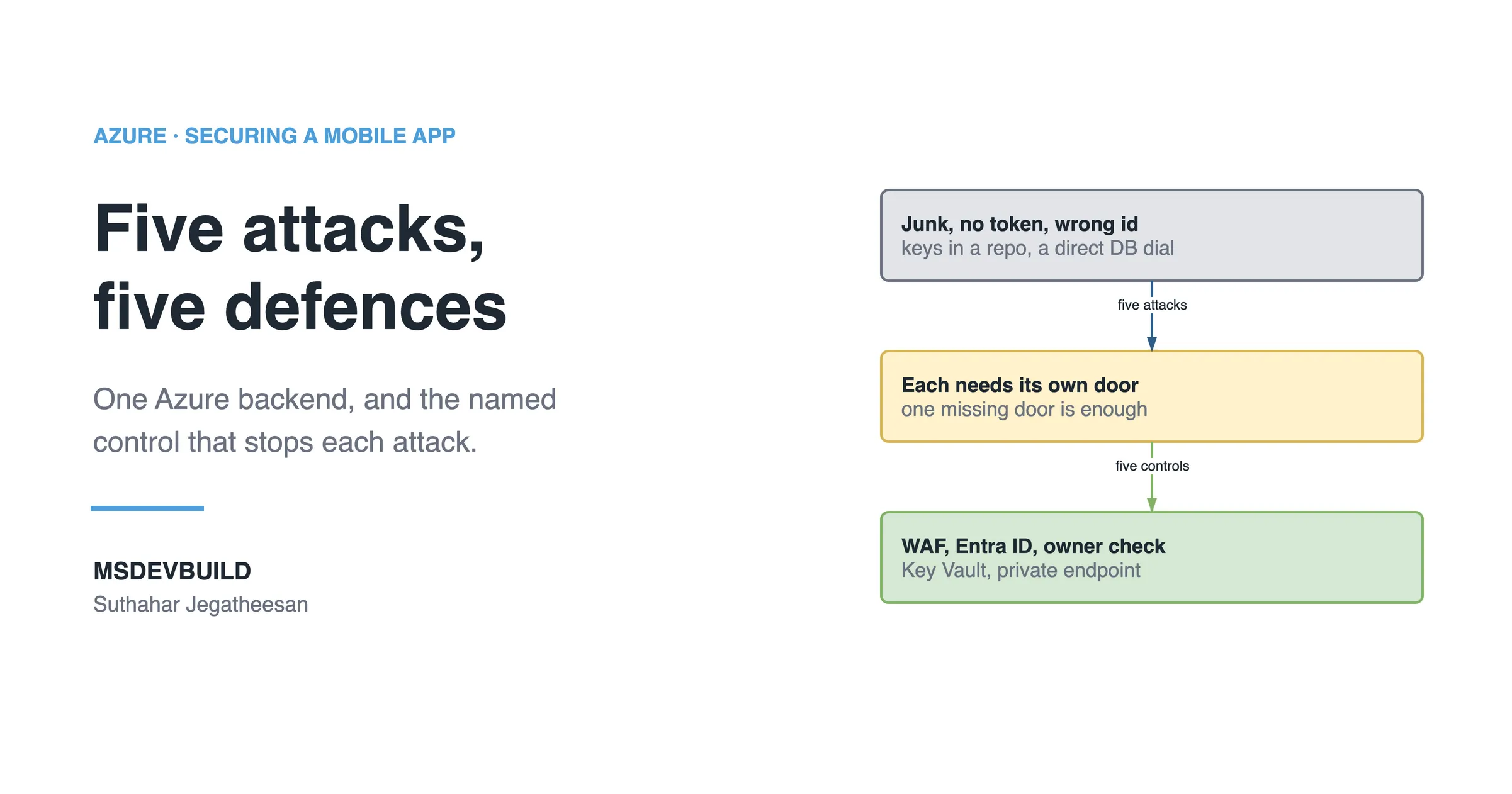
You can do step 5 last. You cannot do step 1 last, because everything you added in the meantime travelled in the clear while you waited. The five-attacks article maps the same controls onto the attacks they stop.
Add rate limiting too
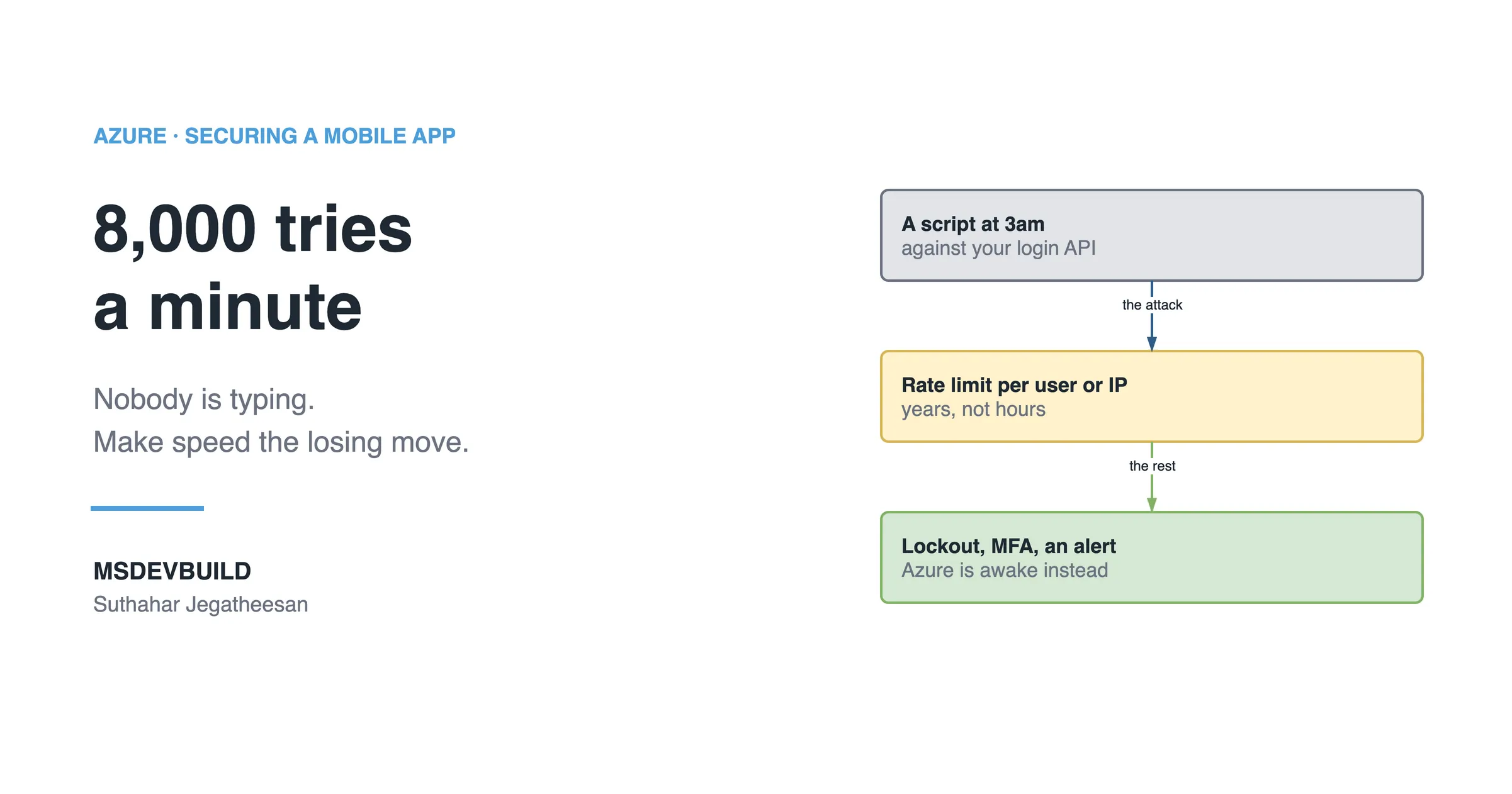
Not one of the five, because it is not a security boundary on its own. But ASP.NET Core has a rate limiter built in, and it turns a credential-stuffing script from a real threat into a nuisance:
builder.Services.AddRateLimiter(o =>
    o.AddFixedWindowLimiter("login", w => {
        w.PermitLimit = 10; w.Window = TimeSpan.FromMinutes(1);
    }));
Partition by user or IP, never globally, or one attacker rate-limits your real customers.
Key takeaways
- Five steps, in order: HTTPS only, authentication, authorization, secrets, monitoring.
- HTTPS Only has to be a platform setting, not just an application redirect, or the first request still leaks.
- Authentication and authorization are separate steps enforced in different places. A valid token says nothing about which rows the caller may see.
- Secrets belong in Key Vault, fetched at runtime by a managed identity, never in
appsettings.json. - Alert on the rate of 401 and 403 responses; it is the earliest signal of an attack in progress.