Azure Key Vault Explained: The One Secret Tutorials Never Remove

Moving every secret into Key Vault leaves exactly one behind: the credential that opens the vault. A managed identity is what removes it.

By Suthahar Jegatheesan Updated October 1, 20265 min read —views
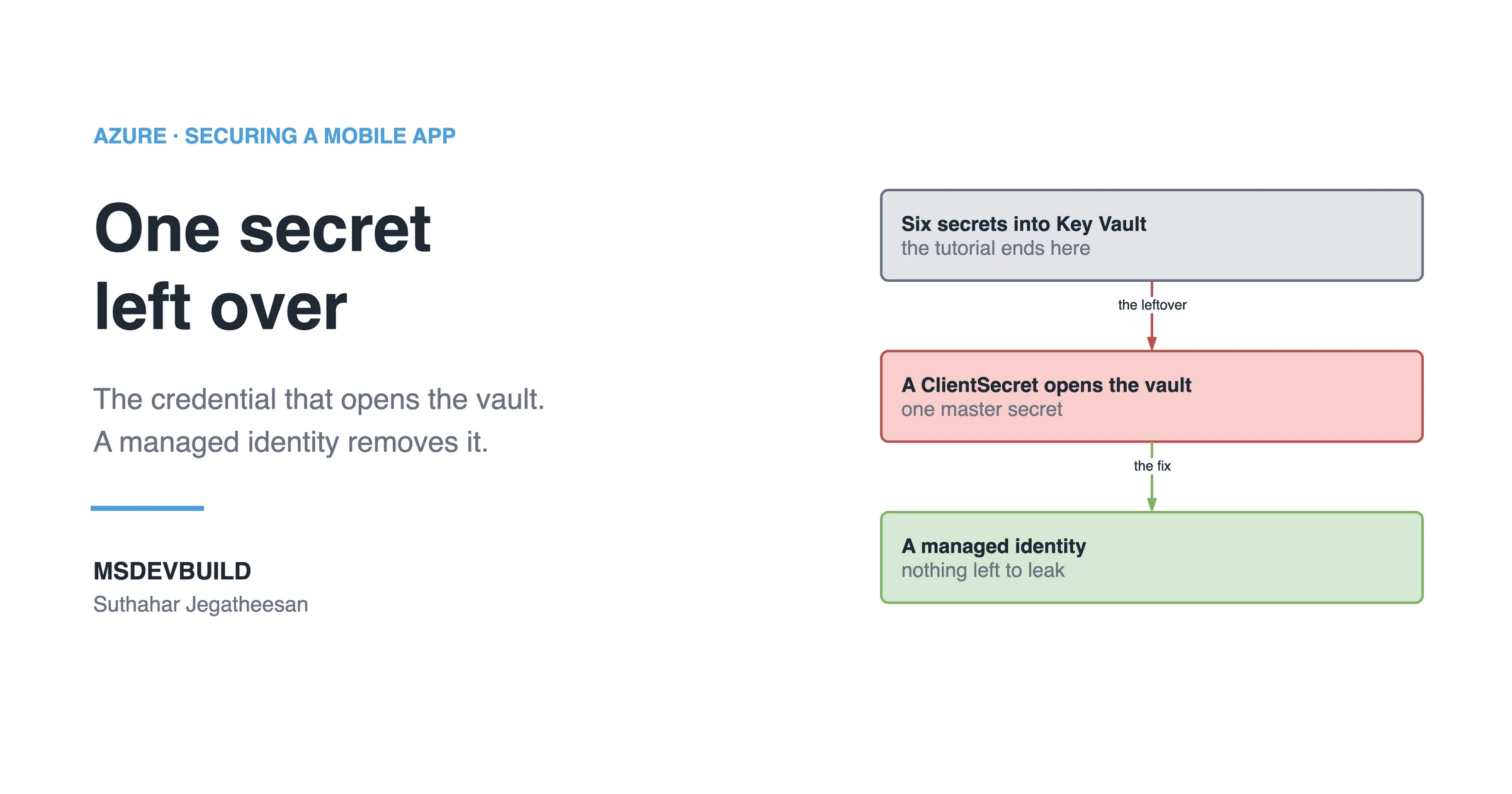
Article banner. On the left, the eyebrow "Azure, Securing a Mobile App" above the title "One secret left over" and the line "The credential that opens the vault. A managed identity removes it.", with the MSDEVBUILD wordmark and the author name below. On the right, three stacked boxes joined by arrows: a grey box reading "Six secrets into Key Vault, the tutorial ends here", an arrow labelled "the leftover" to a red box reading "A ClientSecret opens the vault, one master secret", and an arrow labelled "the fix" to a green box reading "A managed identity, nothing left to leak".

Azure Key Vault holds your secrets, keys and certificates. But moving secrets into it leaves exactly one behind: the credential your app uses to open the vault. A managed identity removes that last one. Then grant read-only access through RBAC, and turn on purge protection, audit logging and a reload interval before you need them.

You moved every secret into Key Vault. Congratulations: you now have exactly one secret left, and it is the worst one.

What the Key Vault tutorials skip

Every tutorial ends at “and now your secrets are in the vault”. Then you open appsettings.json and it still holds a ClientId and a ClientSecret, the credential your app uses to open the vault.

You did not remove a secret. You replaced six secrets with one master secret, in the same file, in the same repo, and that one expires, usually at 2am, usually 24 months after the person who created it has moved on to another team and taken the memory of where it is used with them.
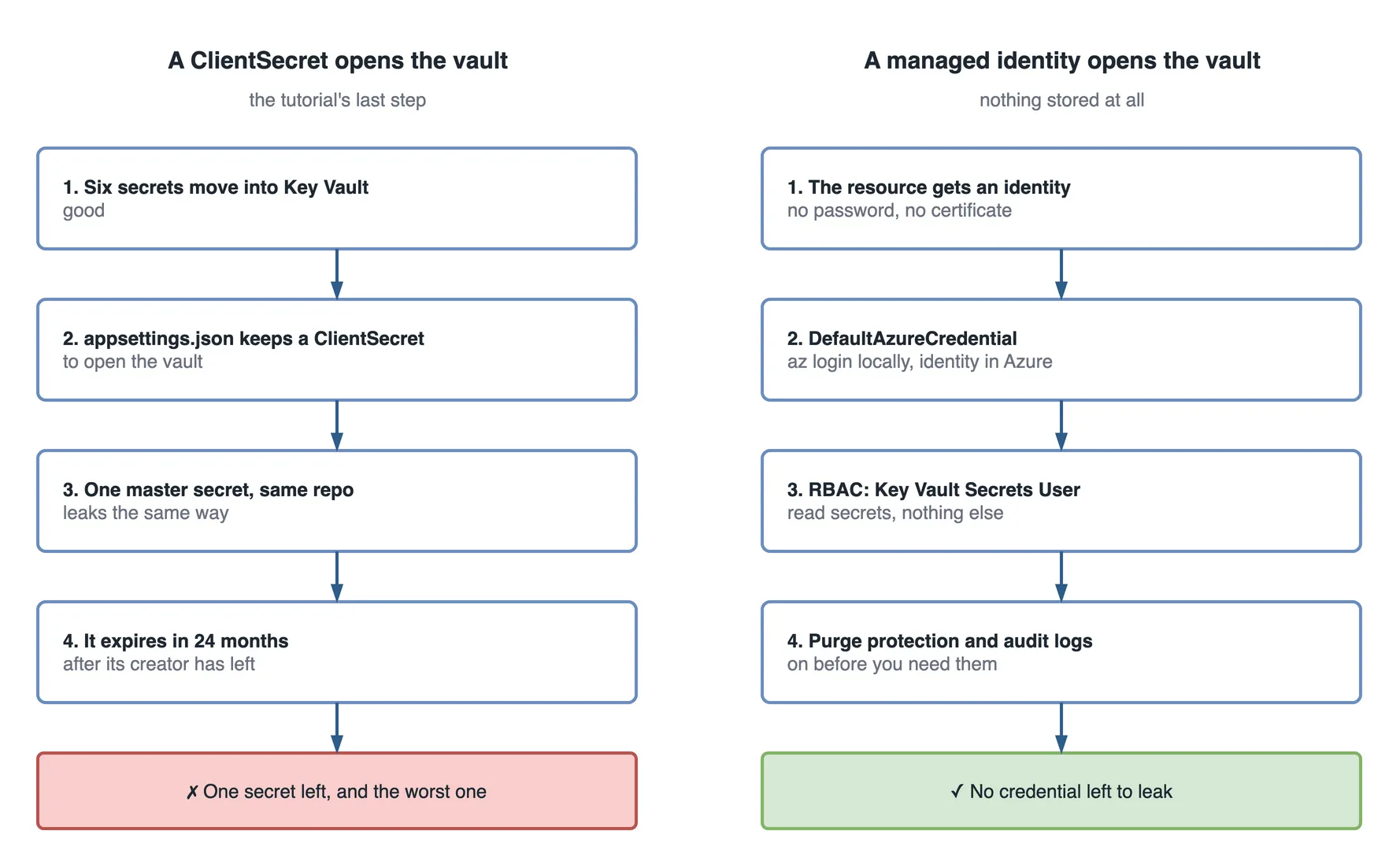
Two step flows side by side. On the left, a ClientSecret opens the vault, the tutorial's last step: six secrets move into Key Vault; appsettings.json keeps a ClientSecret to open the vault; one master secret sits in the same repo and leaks the same way; it expires in 24 months, after its creator has left. The red outcome: one secret left, and the worst one. On the right, a managed identity opens the vault, with nothing stored at all: the resource gets an identity with no password and no certificate; DefaultAzureCredential uses az login locally and the identity in Azure; RBAC grants Key Vault Secrets User to read secrets and nothing else; purge protection and audit logs are on before you need them. The green outcome: no credential left to leak.

Figure 1 — the same vault, opened with a stored secret and with a managed identity.

The fix: a managed identity

Azure gives the resource itself an identity. No password, no certificate, nothing on disk. The platform issues short-lived tokens to the resource and rotates them for you.

builder.Configuration.AddAzureKeyVault(
    new Uri("https://msdev-kv.vault.azure.net/"),
    new DefaultAzureCredential());

That is the whole thing. DefaultAzureCredential uses your az login on your laptop and the managed identity once deployed, so the same line works in both places with no #if DEBUG. The Key Vault overview on Microsoft Learn covers the service in full.

What does Azure Key Vault actually hold?

  • Secrets: connection strings, API keys, anything that is just a string.
  • Keys: cryptographic keys that never leave the vault. You send data to be signed or wrapped; the key itself cannot be retrieved.
  • Certificates: TLS certificates, with auto-renewal from an integrated CA.

RBAC, not access policies

Key Vault has two permission models. Access policies are the older one, all-or-nothing per operation. Use Azure RBAC and grant Key Vault Secrets User: read only, secrets only. Your app should not be able to write, delete or list keys.

The settings to turn on before you need them

  1. Soft delete, on by default now, and purge protection, which is not. Purge protection is what stops a compromised identity permanently destroying your secrets.
  2. Diagnostic logging to Log Analytics. The audit log tells you who read which secret and when, which is the whole reason to use a vault instead of an environment variable.
  3. A firewall or private endpoint, so the vault is not reachable from the internet.
  4. Expiry dates on secrets, plus the Event Grid near-expiry event wired to something that pages a person.

How do you rotate a Key Vault secret without a redeploy?

AddAzureKeyVault reads at startup and caches. Rotate a secret, and the running app keeps the old value until it restarts, unless you pass a ReloadInterval. Set one. Otherwise your “no redeploy” rotation quietly needs a redeploy, the exact situation the blast-radius article warns about.

Best of all: no secret to store

For Azure-to-Azure calls, skip the vault too. SQL, Storage, Service Bus, Cosmos DB and Azure OpenAI all accept managed identity directly, which is the same principle the five-step API article builds on. A secret you never created cannot leak. It cannot expire. It cannot be rotated wrong.

Key takeaways

  • Moving secrets into Key Vault while opening it with a ClientId and ClientSecret only relocates the problem to one master secret.
  • A managed identity plus DefaultAzureCredential removes the last stored credential and works the same in local development and in Azure.
  • Grant Key Vault Secrets User through RBAC, so the app can read secrets and nothing else.
  • Turn on purge protection and diagnostic logging before an incident, not during one.
  • AddAzureKeyVault caches at startup. Set a ReloadInterval, or rotation silently needs a redeploy.
Was this useful?

Share

Found a mistake or an outdated step? Edit this page on GitHub

Frequently asked questions

Why is a ClientSecret used to open Key Vault still a problem?
It replaces several secrets with one master secret, stored in the same config file and the same repository. It leaks the same way any hardcoded secret does, and it expires, typically two years later, often after whoever created it has left.
How does DefaultAzureCredential work in local development and in Azure?
It tries credential sources in order and uses the first one available: your az login session on a laptop, and the resource's managed identity once deployed. The same line of code authenticates in both places, with no #if DEBUG branch.
Should Key Vault use access policies or Azure RBAC?
Azure RBAC. Access policies are the older, coarser model. RBAC lets you grant a narrow role like Key Vault Secrets User, read-only and secrets-only, so a compromised app identity cannot write, delete or list keys.
Why does a rotated Key Vault secret not reach a running app?
AddAzureKeyVault reads secrets at startup and caches them. A running app keeps the old value until it restarts, unless you set a ReloadInterval. Without one, a rotation that was meant to need no redeploy quietly needs one.
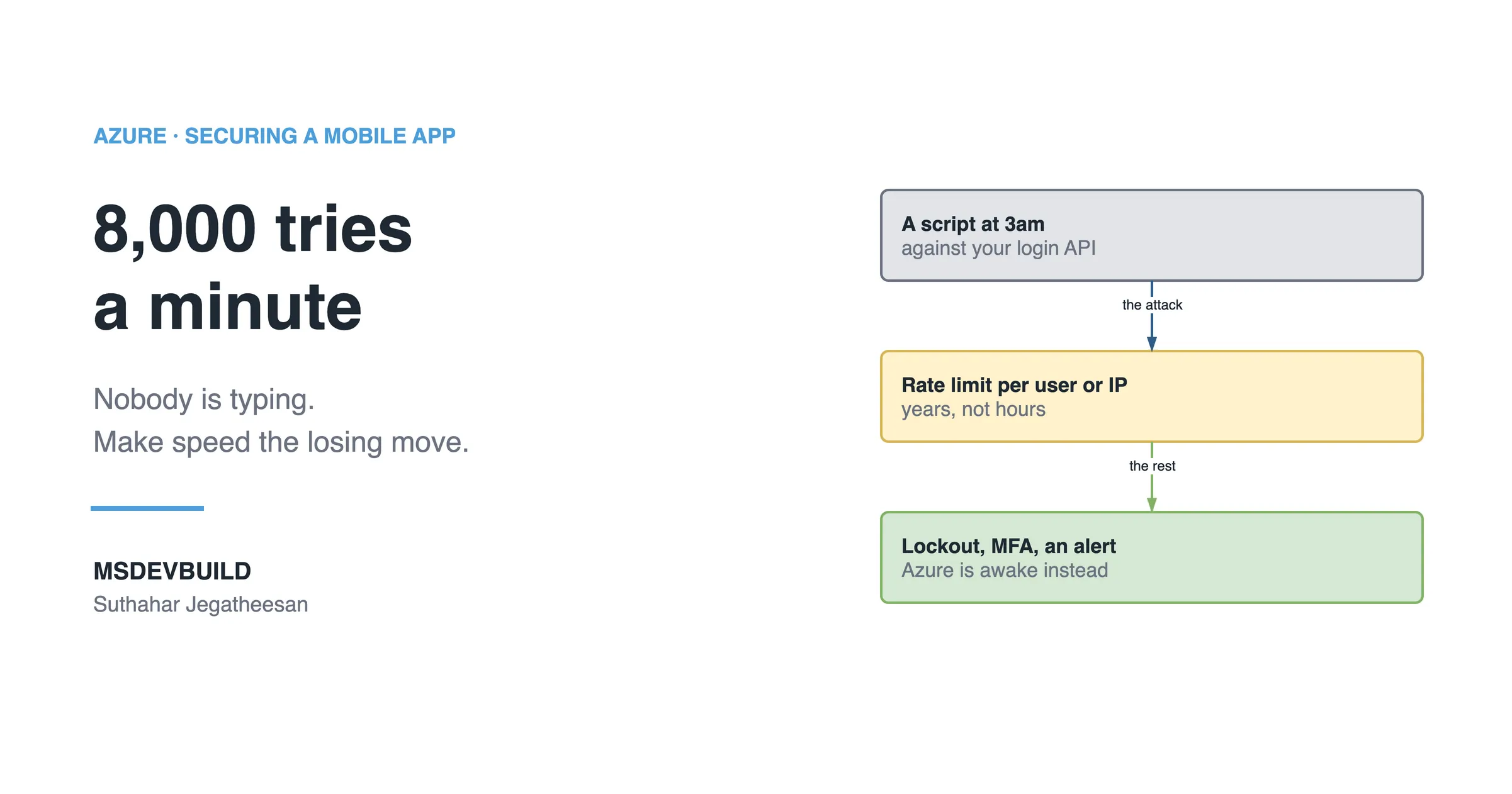
Article banner. On the left, the eyebrow "Azure, Securing a Mobile App" above the title "8,000 tries a minute" and the line "Nobody is typing. Make speed the losing move.", with the MSDEVBUILD wordmark and the author name below. On the right, three stacked boxes joined by arrows: a grey box reading "A script at 3am, against your login API", an arrow labelled "the attack" to an amber box reading "Rate limit per user or IP, years, not hours", and an arrow labelled "the rest" to a green box reading "Lockout, MFA, an alert, Azure is awake instead".

Next in this series · Part 8 of 8

4 min

AI Bot Attacks on a Mobile App Login, and How Azure Stops Them

A script tries 8,000 passwords a minute against your login API at 3am. Rate limiting, smart lockout and Defender for Cloud make speed the losing move.

Continue the series
Part 6 of 8How to Secure a Mobile API on Azure in Five Steps, in the Right Order

Get new posts by email

New technical articles, Azure AI and GitHub Copilot updates, and upcoming events. No spam, unsubscribe anytime.

Comments

Your turn

How did Suthahar's articles help you?

If something here saved you time or unblocked a real project, I'd love to hear about it. Submissions are reviewed before they appear on the site.

0/1500 · minimum 10 characters

Never published — used only to verify your feedback.

Your name, company, and role appear publicly if published. Nothing else is collected.

↑↓ navigate ↵ open