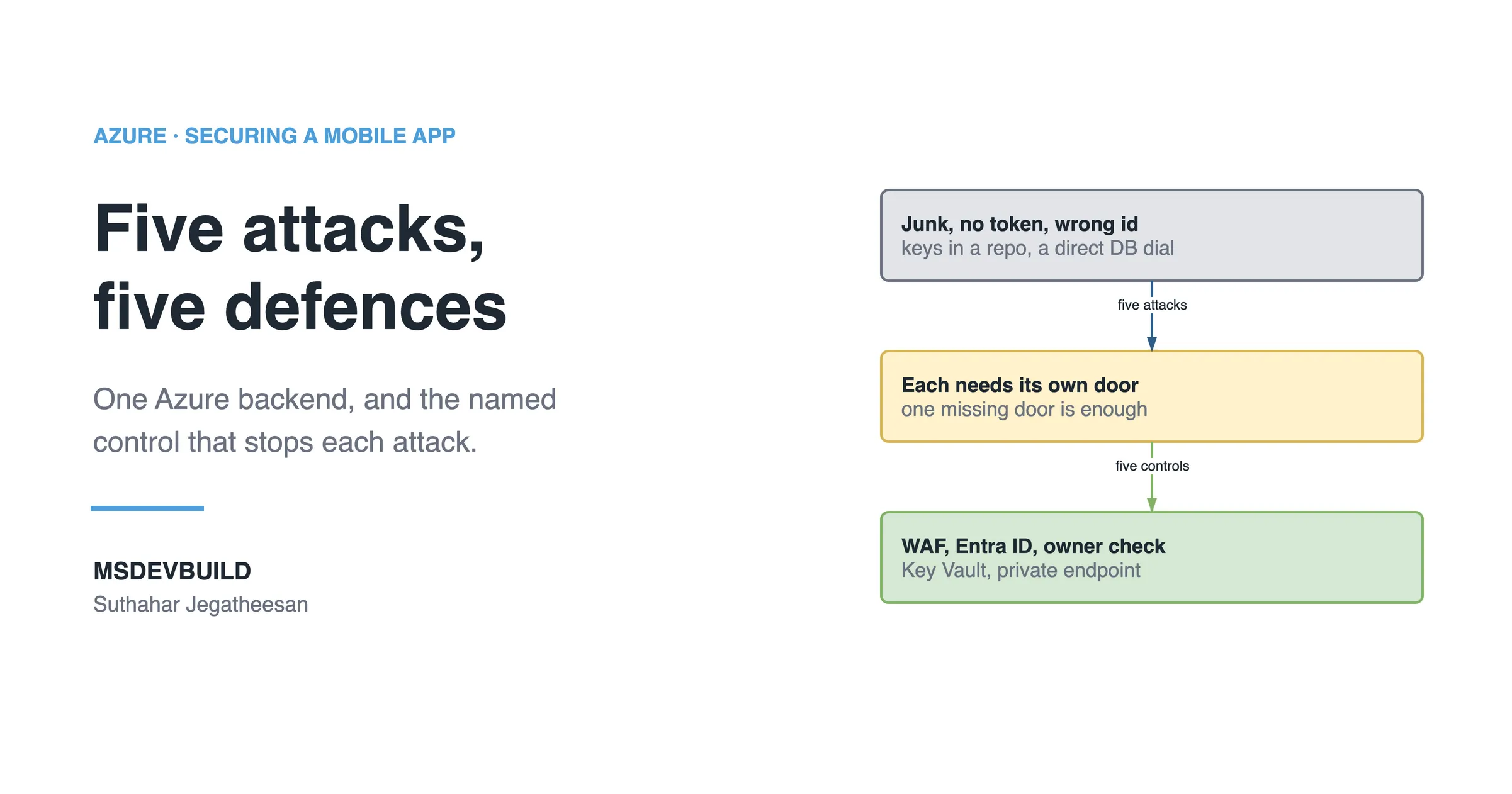
Five Mobile App Security Vulnerabilities a Scan Finds, and Which to Fix First

Five findings on a working mobile app, none deliberate: a secret in the package, a token in plain storage, an open endpoint, TLS off, extra permissions.

By Suthahar Jegatheesan Updated October 1, 20264 min read —views
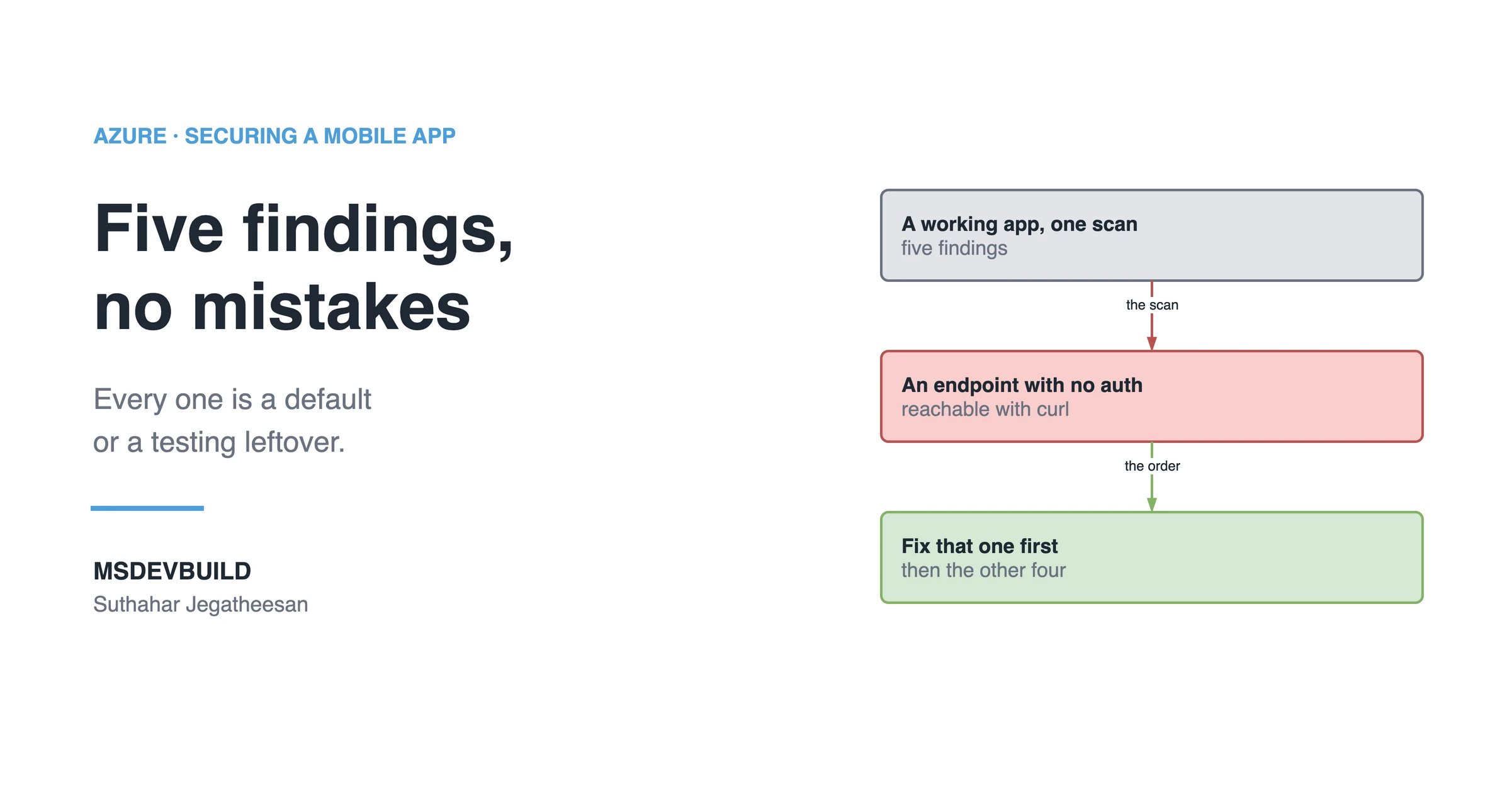
Article banner. On the left, the eyebrow "Azure, Securing a Mobile App" above the title "Five findings, no mistakes" and the line "Every one is a default or a testing leftover.", with the MSDEVBUILD wordmark and the author name below. On the right, three stacked boxes joined by arrows: a grey box reading "A working app, one scan, five findings", an arrow labelled "the scan" to a red box reading "An endpoint with no auth, reachable with curl", and an arrow labelled "the order" to a green box reading "Fix that one first, then the other four".

Five mobile app security vulnerabilities show up in almost every scan, and none of them is a deliberate mistake. Each is a default, a leftover from testing, or something copied from a sample. Fix the unauthenticated endpoint first: it is the only one an attacker can reach without your app, your phone or your network.

A security scan on a perfectly working mobile app. Five findings. Nobody made a mistake.

That is the uncomfortable part, because a finding nobody wrote on purpose is a finding no code review was ever looking for, and it sails through every check that only reads the lines someone chose to add.

1. A secret in the app package: High

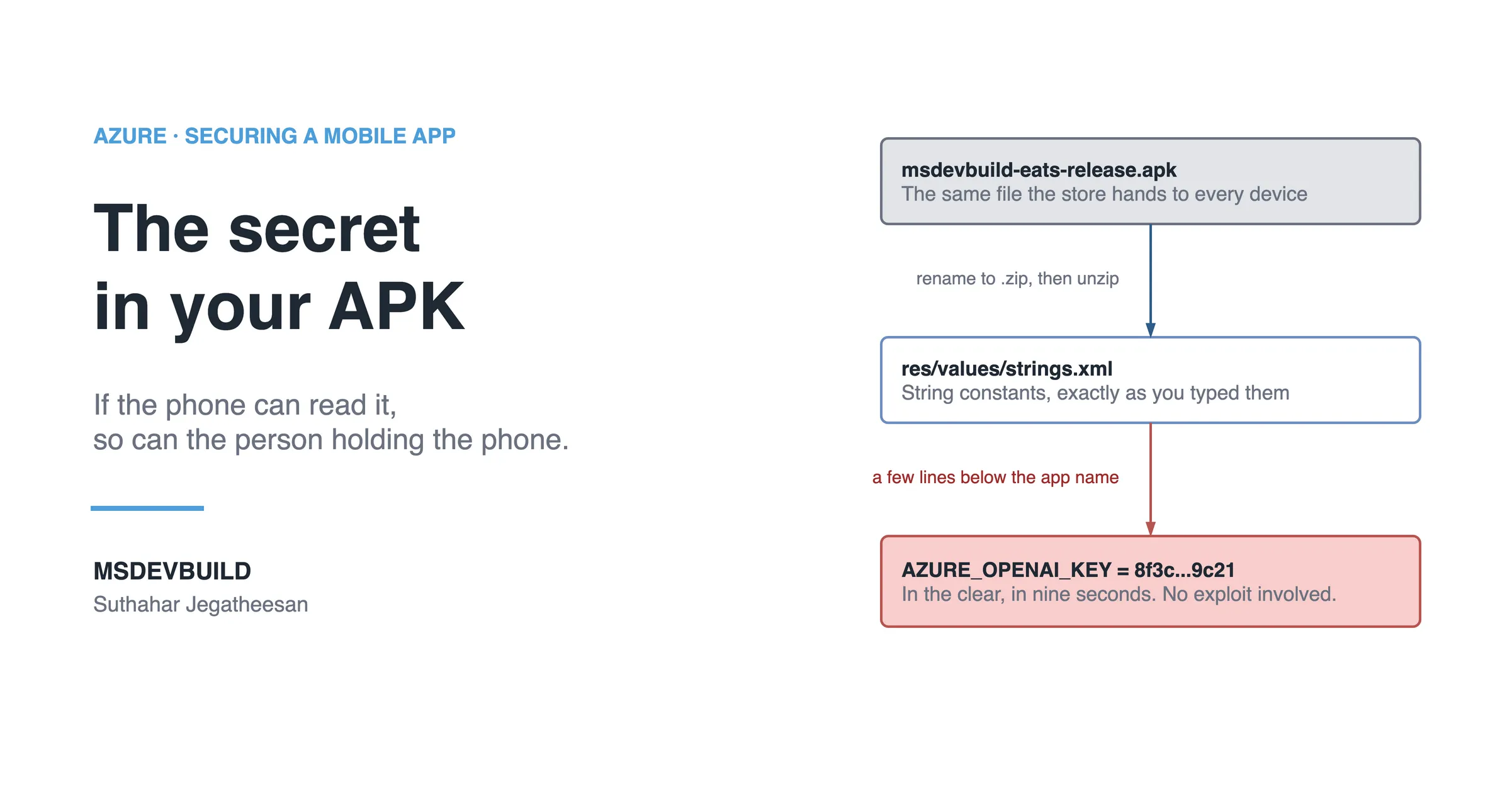
An API key in strings.xml, Info.plist, a .env bundled into assets, or a constant in your code. The package is a zip file; anything inside it is public. Fix: the app holds a short-lived token, your API holds the keys, and Key Vault holds them at rest. The first article in this series covers it in depth, and the blast-radius article covers what rotating one costs.

2. The session token in plain storage: High

SharedPreferences and UserDefaults are plain files. On a rooted or jailbroken device, or from a device backup, they are readable. Fix: Android Keystore or EncryptedSharedPreferences, the iOS Keychain. In .NET MAUI, use SecureStorage, not Preferences. One word apart. Completely different.

3. An endpoint with no auth: Critical

Usually /admin, a /health route returning config, /debug, or an internal route someone added to test and never protected. Fix: make authorization the default and opt out explicitly, not the reverse.

builder.Services.AddAuthorizationBuilder()
    .SetFallbackPolicy(new AuthorizationPolicyBuilder()
        .RequireAuthenticatedUser().Build());

Now a route you forget about fails closed instead of open.

4. TLS certificate checking disabled: High

Somebody turned it off to test against a local server with a self-signed certificate, forgot about it during the rush before the release, and now every request the app makes is readable by anyone sitting on the same coffee-shop wifi with a proxy and ten minutes of patience. Fix: remove the override, and wrap any dev-only handler in #if DEBUG so it cannot ship in release.

5. Permissions the app never uses: Medium

Contacts, location, camera and storage, copied in from a tutorial that needed them and kept long after the feature that used them was gone, lowering install rates, failing store review more often, and widening what an attacker gets if the app is ever compromised. Fix: delete every permission, then add back only the ones that break.

Which mobile vulnerability should you fix first?

Number 3, and it is not close.
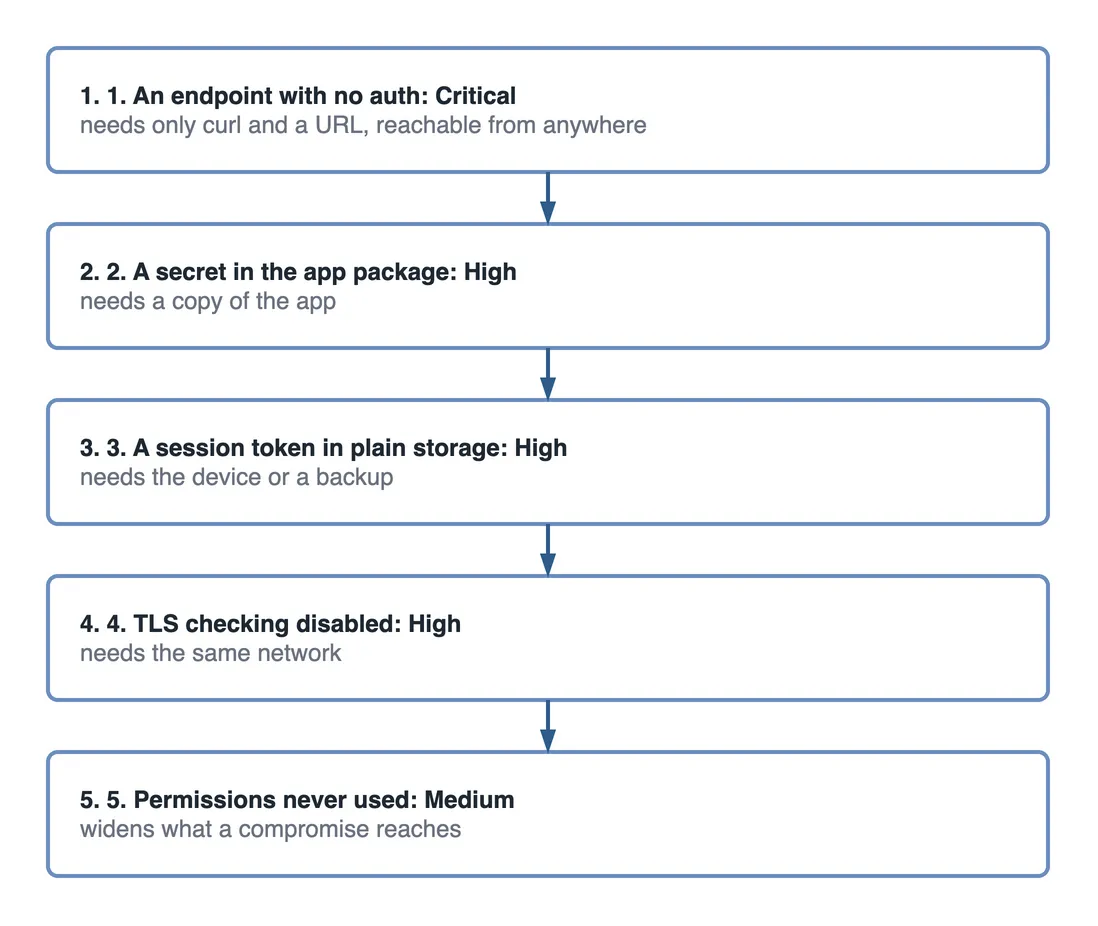
Step flow ranking five findings in the order to fix them. One, an endpoint with no auth, Critical: it needs only curl and a URL and is reachable from anywhere. Two, a secret in the app package, High: it needs a copy of the app. Three, a session token in plain storage, High: it needs the device or a backup. Four, TLS checking disabled, High: it needs the same network. Five, permissions never used, Medium: they widen what a compromise reaches.

Figure 1 — the five findings ranked by what an attacker needs to exploit each one.

Findings 1, 2 and 4 all need someone to have something first, whether that is a copy of your app, physical access to a phone, or a seat on the same network as your user. An endpoint with no auth needs curl and a URL. It is reachable from anywhere on earth right now, and automated scanners are already looking for it.

How do you scan your own app for these today?

  • Unzip your APK and search it for key, secret, password, Bearer and http://.
  • Check what your app writes to disk after login.
  • List your routes and mark which ones require a token.
  • Diff your manifest permissions against the ones you actually call.

Key takeaways

  • All five common findings are defaults or testing leftovers, which is exactly why they survive to production.
  • An unauthenticated endpoint is the highest-priority fix, because it needs no access to the device or network.
  • SharedPreferences and UserDefaults are not secure storage. Use the platform keystore or keychain, or SecureStorage in .NET MAUI.
  • A fallback authorization policy makes a forgotten route fail closed instead of open.
  • Audit manifest permissions against what the app actually calls, and remove the rest.
Was this useful?

Share

Found a mistake or an outdated step? Edit this page on GitHub

Frequently asked questions

What is the difference between SharedPreferences or UserDefaults and secure storage?
SharedPreferences on Android and UserDefaults on iOS are plain files, readable on a rooted or jailbroken device and from a backup. Android Keystore, the iOS Keychain and .NET MAUI SecureStorage store values encrypted and tied to the device. In MAUI, Preferences is the plain one.
Which mobile app security finding should be fixed first?
An endpoint with no authentication. The other common findings need someone to have the app, the device or the network. An open endpoint is reachable from anywhere with curl and a URL, and automated scanners are already looking for it.
Why does an app end up with permissions it never uses?
They are usually copied from a starter template or tutorial and never removed. Unused permissions lower install rates, fail store review more often, and widen what an attacker gains if the app is compromised. Delete them all, then add back only what breaks.
How do you check a mobile app package for a leaked secret?
Rename the APK to .zip, extract it, and search the contents for words like key, secret, password, Bearer and http://. Anything you find there is public, because the package is downloadable by anyone with the app.
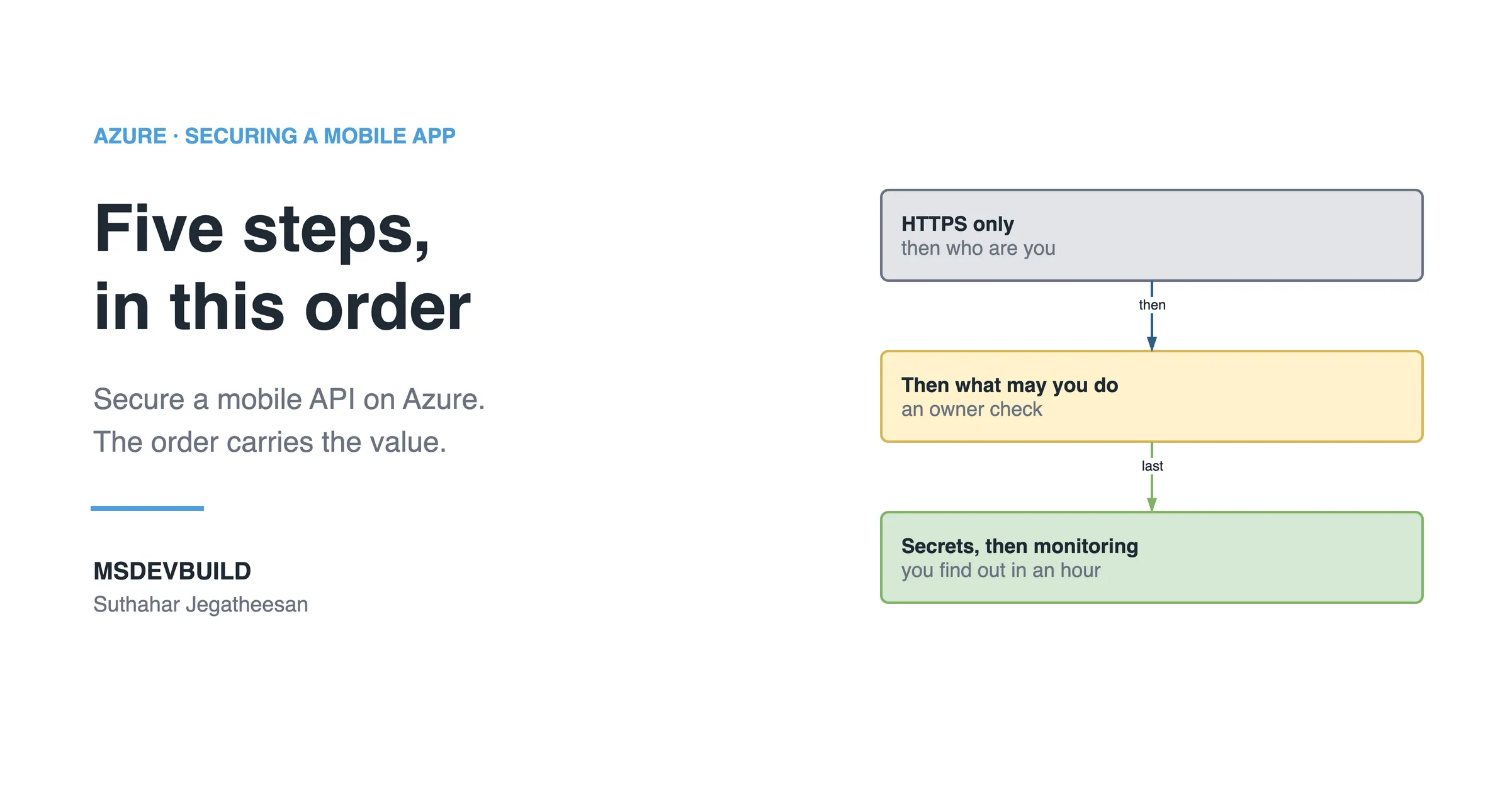
Article banner. On the left, the eyebrow "Azure, Securing a Mobile App" above the title "Five steps, in this order" and the line "Secure a mobile API on Azure. The order carries the value.", with the MSDEVBUILD wordmark and the author name below. On the right, three stacked boxes joined by arrows: a grey box reading "HTTPS only, then who are you", an arrow labelled "then" to an amber box reading "Then what may you do, an owner check", and an arrow labelled "last" to a green box reading "Secrets, then monitoring, you find out in an hour".

Next in this series · Part 6 of 8

4 min

How to Secure a Mobile API on Azure in Five Steps, in the Right Order

HTTPS only, authentication, authorization, secrets and monitoring: five steps to secure a mobile API on Azure, and why the order carries most of the value.

Continue the series
Part 4 of 8Hacker vs Azure Defences: Five Attacks on a Mobile Backend, Five Controls

Get new posts by email

New technical articles, Azure AI and GitHub Copilot updates, and upcoming events. No spam, unsubscribe anytime.

Comments

Your turn

How did Suthahar's articles help you?

If something here saved you time or unblocked a real project, I'd love to hear about it. Submissions are reviewed before they appear on the site.

0/1500 · minimum 10 characters

Never published — used only to verify your feedback.

Your name, company, and role appear publicly if published. Nothing else is collected.

↑↓ navigate ↵ open