Insecure vs Secure: The Same Mobile App, Two Azure Architectures

Both architectures work perfectly for a real customer. They only differ at six moments — and one of the two designs cannot be patched, only rebuilt.

Suthahar Jegatheesan By Suthahar Jegatheesan Published

Azure 5 min read —views
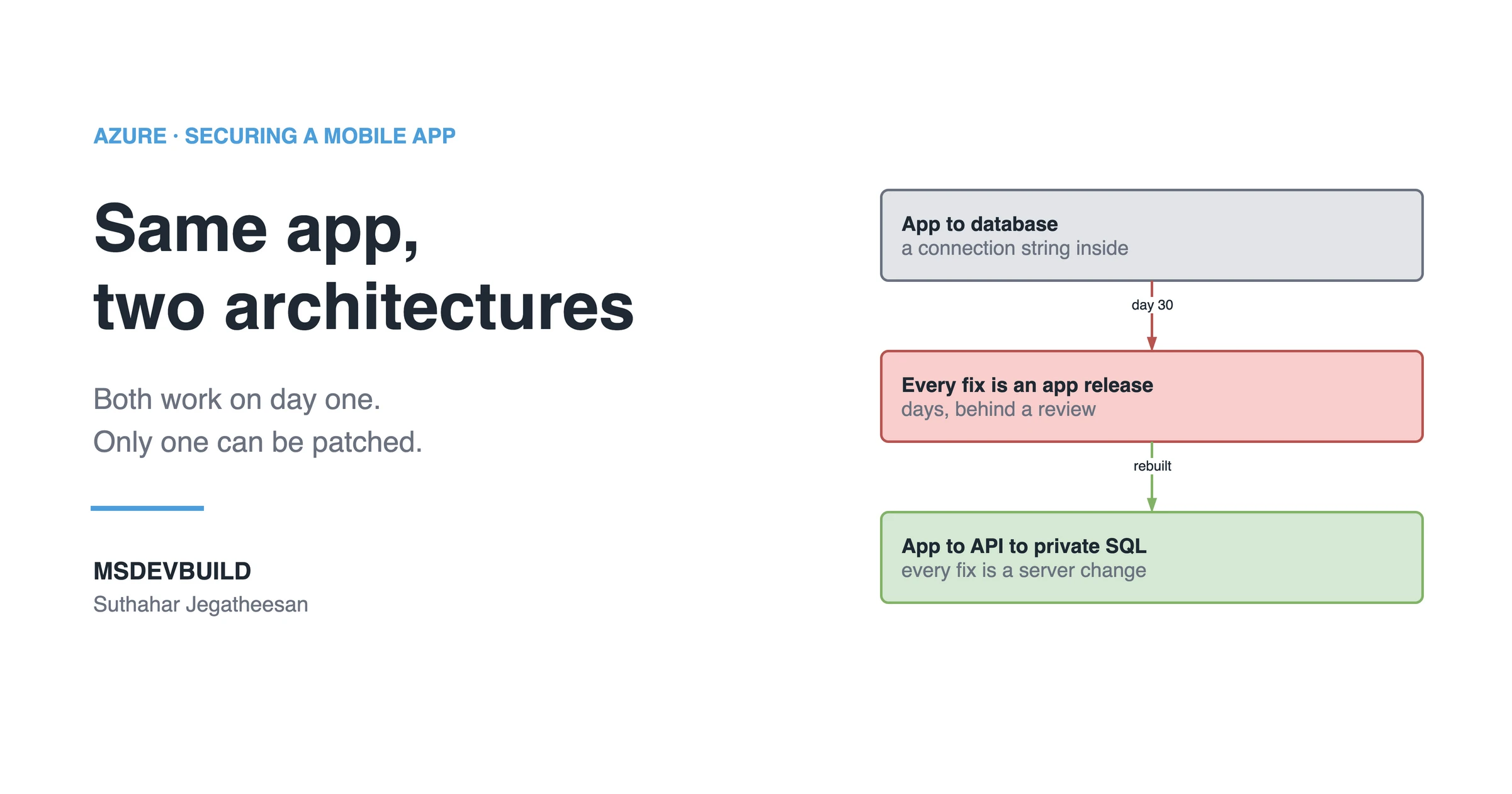
Article banner. On the left, the eyebrow "Azure, Securing a Mobile App" above the title "Same app, two architectures" and the line "Both work on day one. Only one can be patched.", with the MSDEVBUILD wordmark and the author name below. On the right, three stacked boxes joined by arrows: a grey box reading "App to database, a connection string inside", an arrow labelled "day 30" to a red box reading "Every fix is an app release, days, behind a review", and an arrow labelled "rebuilt" to a green box reading "App to API to private SQL, every fix is a server change".

Same food delivery app. Same customers. Same Azure SQL database. Built two ways: an insecure architecture and a secure one.

On launch day, both versions work perfectly. That’s the whole problem — nothing tells you which one you built until something goes wrong.

What do the two architectures look like?

Before — the app talks straight to the database. It carries a connection string and queries Azure SQL itself. It’s fast, it’s simple, and it works, which is exactly why it ships.

After — the app goes through Azure Front Door to your own API, and your API talks to a database that has no public address at all.
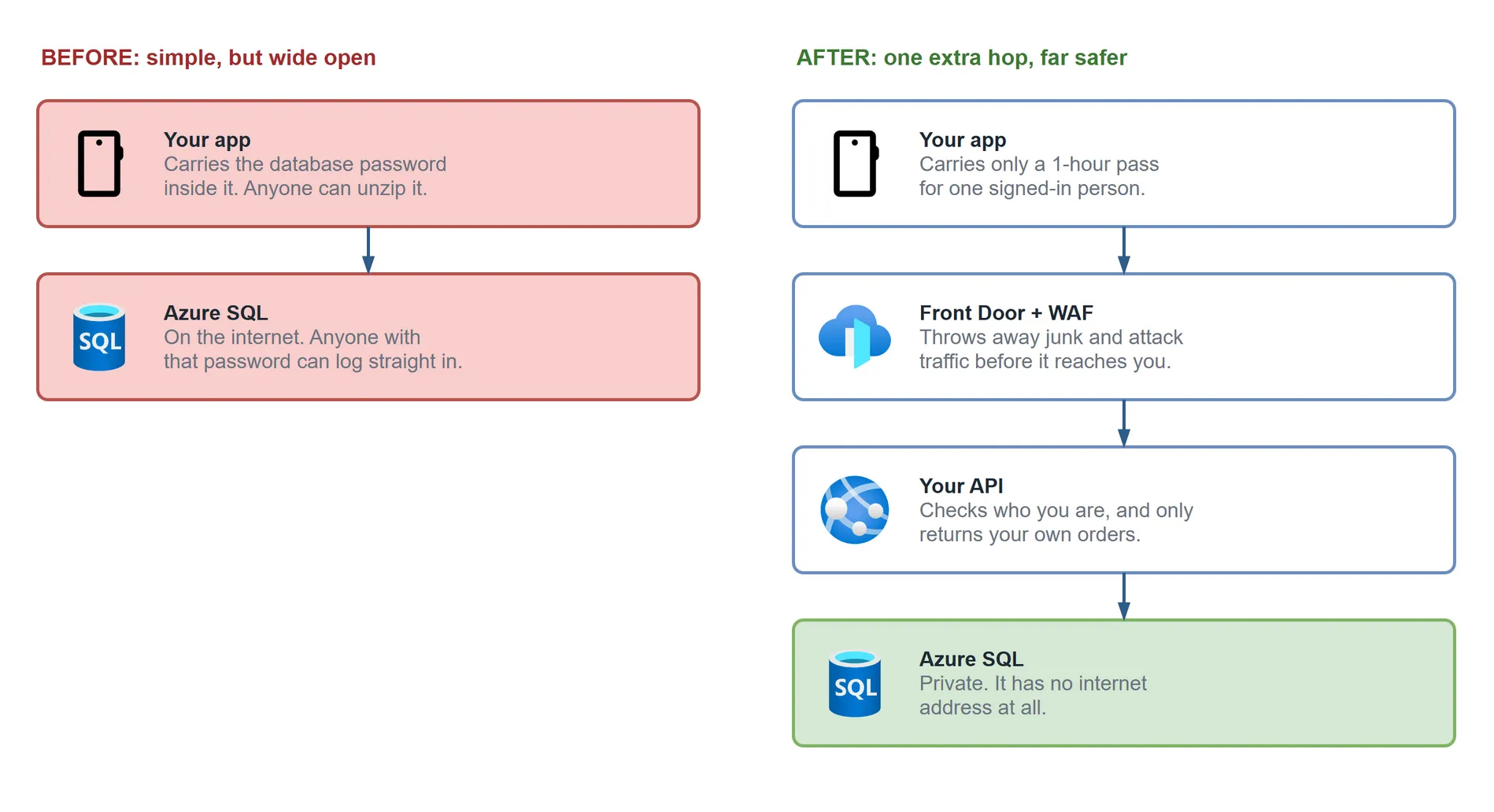
Two columns. Left, in red, "Before: simple, but wide open": your app carries the database password inside it, and Azure SQL sits on the internet, so anyone with that password can log straight in. Right, "After: one extra hop, far safer": your app carries only a one-hour pass, Front Door with WAF throws away junk and attack traffic, your API checks who you are and only returns your own orders, and Azure SQL, in green, is private with no internet address.

Figure 1 — the same app built two ways. The left is shorter, which is exactly why it ships.

Where the two designs differ

At six moments. For the first, you genuinely can’t tell them apart. By the sixth, one of them can’t be fixed without rebuilding it.

MomentBefore (app → database)After (app → API → private SQL)
1. A real customer orders40ms52ms — nobody notices
2. Someone unzips the appFinds a connection string with a passwordFinds a token that expires in an hour, for one user
3. He connects to the database directlyIt answers — he has valid credentialsNo address to connect to
4. He asks for someone else’s orderNowhere to put an owner checkAPI filters by the user id in the token
5. You rotate the secretNew build, store review, broken old installsOne command, nobody notices
6. You need to change anythingAn app release, measured in daysA server change, measured in minutes

Moment 3 is the one that surprises people. From the database’s point of view, the attacker’s login is completely legitimate — he’s using the same credentials as every installed copy. In the “after” design, publicNetworkAccess is Disabled and the server isn’t on the internet at all.

Moment 4 is the bug that sits at number one on the OWASP API Security Top 10. The fix is a WHERE clause in your API, covered in the full request-flow post. In the “before” design there’s no API, so there’s nowhere to write it.

Moment 5 gets its own post: what really happens when you hardcode a key.

The real cost of the insecure design

Response time. In the “before” design, every security fix is an app release, so your response to any incident is measured in days and gated by a store reviewer you don’t control. In the “after” design, every fix is a server-side change you can ship before lunch.

Why the first design is so common

It isn’t laziness. Direct database access is honestly the fastest path to a working prototype, mobile SDKs make it easy, and nothing about it feels wrong while you’re building. The bill arrives later, and it arrives as an architecture change instead of a bug fix.

How do you migrate without a big-bang rewrite?

You don’t have to do it in one go:

  1. Stand up an API in front, even if at first it only proxies the same queries.
  2. Ship an app version that calls the API. Leave the old path working.
  3. Add authentication, then owner checks.
  4. When enough users have updated, turn off public network access on the database.

Key takeaways

  • Both architectures behave the same for a legitimate request; they only diverge at failure and change moments.
  • Direct database access is a reasonable prototype — the mistake is launching with it.
  • Migrate in stages: proxy first, add auth and owner checks, close the database’s public access last.
  • The ongoing cost of the insecure design is response time: every fix waits on an app store review.
  • The secure design costs more up front; the insecure one costs more later, repeatedly, at the worst possible moment.

Official documentation

Official documentation: Azure API Management key concepts and managed identities.
Was this useful?

Share

Found a mistake or an outdated step? Edit this page on GitHub

Frequently asked questions

Is it safe for a mobile app to connect directly to Azure SQL?
No. To connect directly, the app has to carry a connection string with credentials, and the database has to be reachable from the internet. Anyone who unzips the app gets both. The app should call your own API, and the database should have public network access disabled.
Why does an insecure app-to-database architecture ship in the first place?
It is not laziness — it is genuinely the fastest way to a working prototype. Mobile SDKs make direct database access easy, there are fewer moving parts, and nothing feels wrong while you are building. The cost shows up later, as an architecture change rather than a bug fix.
How do you migrate from direct database access to an API-fronted architecture without downtime?
Stand up an API that initially just proxies the same queries, ship an app version that uses it while leaving the old path working, add authentication and then owner checks, and only once enough users have updated, turn off public network access on the database. That last step is what actually closes the hole.
What is the real cost difference between an insecure and a secure mobile architecture?
Not performance — a real customer request is within a few milliseconds in both. The real cost is how fast you can respond: in the insecure design every security fix needs an app store release gated by a reviewer, while in the secure design every fix is a server-side change under your control.
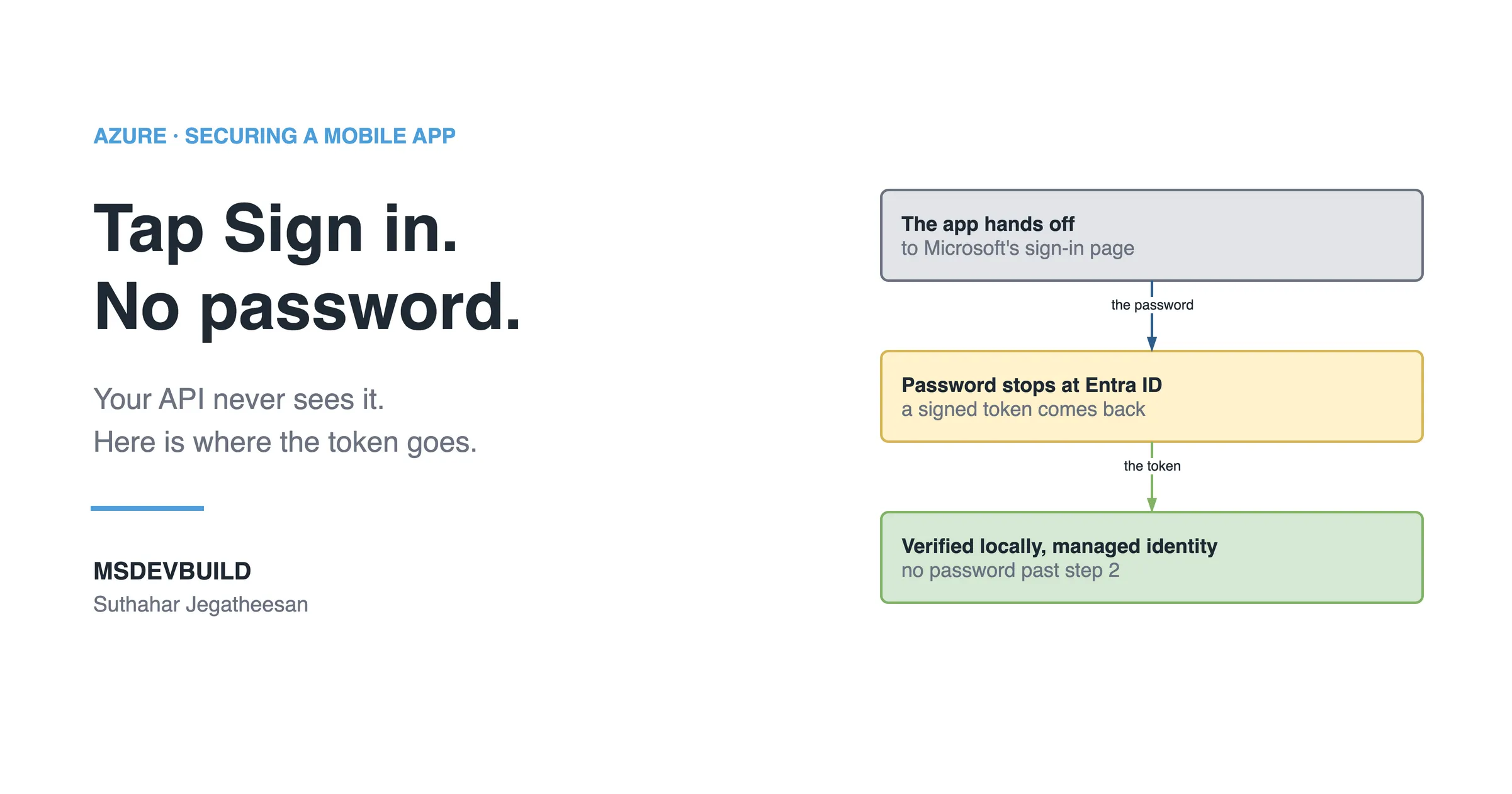
Article banner. On the left, the eyebrow "Azure, Securing a Mobile App" above the title "Tap Sign in. No password." and the line "Your API never sees it. Here is where the token goes.", with the MSDEVBUILD wordmark and the author name below. On the right, three stacked boxes joined by arrows: a grey box reading "The app hands off to Microsoft's sign-in page", an arrow labelled "the password" to an amber box reading "Password stops at Entra ID, a signed token comes back", and an arrow labelled "the token" to a green box reading "Verified locally, managed identity, no password past step 2".

Next in this series · Part 10 of 10

6 min

The Secure Login Journey: What Happens When You Tap Sign In

A secure app never touches your password. It hands you to Microsoft Entra ID, gets back a signed token, and that token is all your API ever sees.

Continue the series
Part 8 of 10Bot Attacks on a Mobile App: A Script Is Hitting Your Login Endpoint

Get new posts by email

New technical articles, Azure AI and GitHub Copilot updates, and upcoming events. No spam, unsubscribe anytime.

Comments

Your turn

How did Suthahar's articles help you?

If something here saved you time or unblocked a real project, I'd love to hear about it. Submissions are reviewed before they appear on the site.

0/1500 · minimum 10 characters

Never published — used only to verify your feedback.

Your name, company, and role appear publicly if published. Nothing else is collected.

↑↓ navigate ↵ open